FordParts
My Garage
My Account
Cart
Heated Seats
2003 Lincoln Aviator Seat Cushion, Seat Switch
Currently shopping for
2003 Lincoln Aviator
Change VehicleVehicle Options
Base; 8 Cyl 4.6 L GASVehicle Options
Base; 8 Cyl 4.6 L GASCategories Close X
Currently selected
Electrical
Other Categories
A/C & Heating
Air & Fuel Delivery
Belts & Cooling
Body & Hardware
Brakes
Charging & Starting
Driveline & Axles
Emission Control & Exhaust
Engine
Headlights & Lighting
Interior & Exterior Trim
Maintenance & Lubrication
Steering
Suspension
Transmission
How to use OE catalog
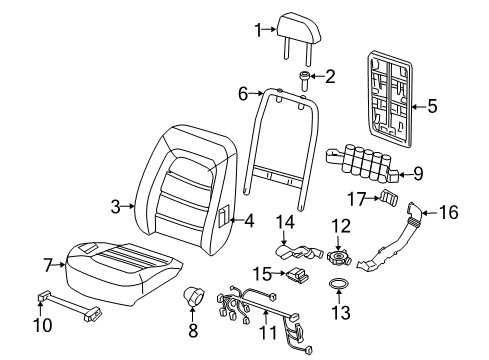
Diagram (1 of 1): Seats & Tracks - Front Seat Components
Sort by:
Ref No.
Ref No.
Part No. & Part Description
Price & Qty.
Part No. &
Part Description
Part Description
- 1
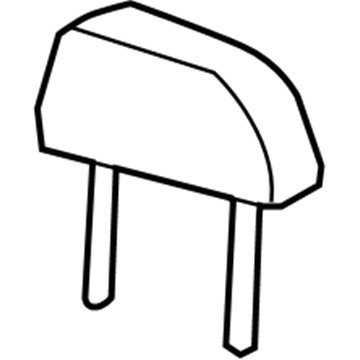 2C5Z-78611A08-AAA
Head Rest AssemblyHeadrest- Part Notes: Bucket Seats, Parchment
- Location: Driver Side;Passenger Side
- 12C5Z-78611A08-AAC
Head Rest AssemblyHeadrest- Part Notes: Bucket Seats, Medium Ash
- Location: Driver Side;Passenger Side
- 2
 1L2Z-78610A16-AAE
Sleeve - GuideHeadrest Guide- Part Notes: Bucket Seats, Parchment
- Location: Driver Side;Passenger Side
- 3
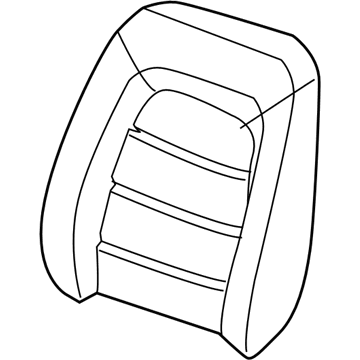 2C5Z-7864416-BAA
Cover Assembly - Seat BackSeat Back Cover- Part Notes: Bucket Seats, With Heated/Cool Seat, Parchment
- Location: Driver Side;Passenger Side
- 4
 2C5Z-78632A22-AA
PadSeat Back Pad- Part Notes: Bucket Seats, Without Heated/Cool Seat
- Location: Driver Side;Passenger Side
- 42C5Z-78632A22-BA
PadSeat Back Pad- Part Notes: Bucket Seats, With Heated/Cool Seat
- Location: Driver Side;Passenger Side
- 5
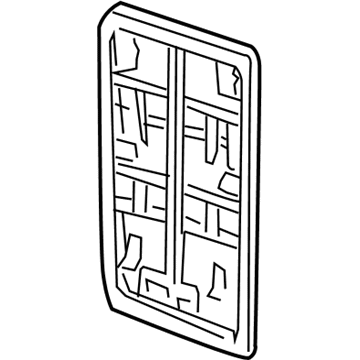 2C5Z-14B721-AAA
PadSeat Back Panel- Part Notes: Bucket Seats, Parchment
- Location: Driver Side;Passenger Side
- 52C5Z-14B721-AAB
PadSeat Back Panel- Part Notes: Bucket Seats, Medium Ash
- Location: Driver Side;Passenger Side
- 6
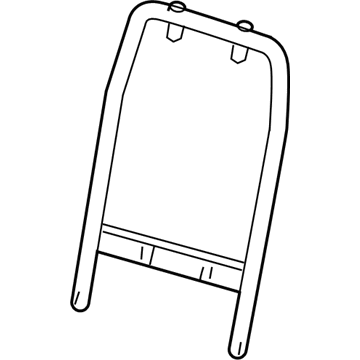 2C5Z-7861018-AA
Frame AssemblySeat Back Frame- Part Notes: Bucket Seats
- Location: Driver Side;Passenger Side
- 7
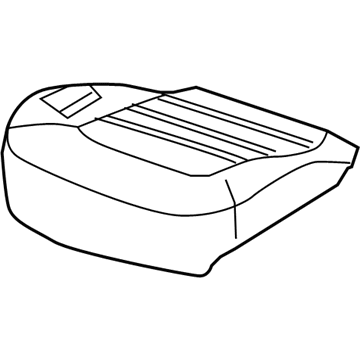 2C5Z-7865500-AA
AdjusterSeatSeat Adjuster- Part Notes: Bucket Seats
- Location: Driver Side;Passenger Side
- 8

- 9
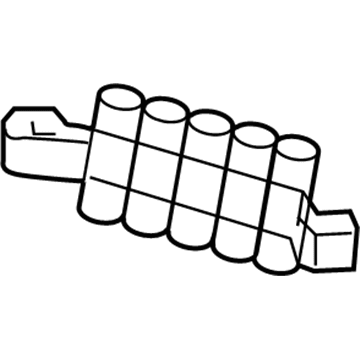
- 9
- 10
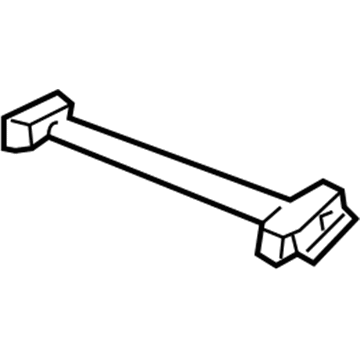
- 102C5Z14C719BA
Wire Assembly - Motor Seat AdjusterWire Harness- Part Notes: Bucket Seats, Without Heated Seat
- Location: Passenger Side
- 11
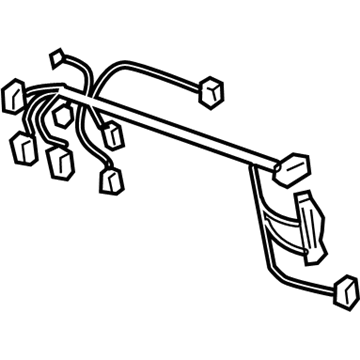 2C5Z-14C719-CA
Wire Assembly - Motor SeatWire Harness- Part Notes: Bucket Seats, With Heated Seat
- Location: Driver Side
- 112C5Z14C719DA
Wire Assembly - Motor Seat AdjusterWire Harness- Part Notes: Bucket Seats, With Heated Seat
- Location: Passenger Side
- 12
- 13
- 14
- 15
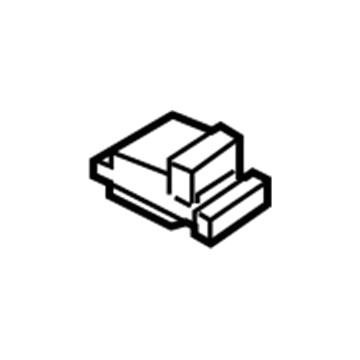 2C5Z-18D508-AA
Thermal Electric DeviceDuct Outlet- Part Notes: Bucket Seats
- Location: Driver Side;Passenger Side
- 16
- 17
 4C5Z-18D508-BA
Thermal Electric DeviceUpper Duct Outlet- Part Notes: Bucket Seats
- Location: Driver Side;Passenger Side
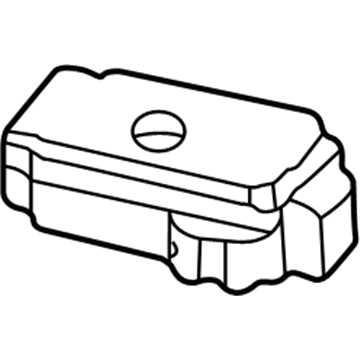
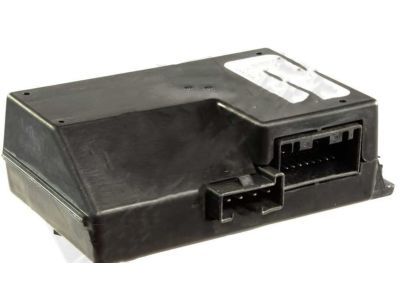
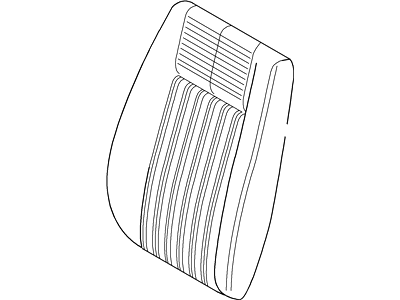
OEM 2003 Lincoln Aviator Parts for Heated Seats
Genuine OEM 2003 Lincoln Aviator parts are made using the original design, the high standards, in the Lincoln official factories, and all of these ensure that they always fit perfectly and easily. FordPartsDeal.com is a trusted source for finding these authentic OEM Heated Seats parts at very competitive prices. Our professional team is here to help you choose the right 2003 Lincoln Aviator Seat Cushion, Seat Switch, and our fast delivery options ensure that your parts are always delivered quickly.
Seat Cushion, Seat Switch Installation and Repair Tips for 2003 Lincoln Aviator
- Q:How to service the third row rear seat cushion on 2003 Lincoln Aviator?A:The third row rear seat cushion can be serviced by first removing the cushion. Assemble the parts indicated by the illustration. Ensure that when taking off the cushion trim cover, caution is taken not to tear off the hook and loop strip. Install the parts by following the reverse process of disassembling.
- Q:How to service and repair the power seat switch on 2003 Lincoln Aviator?A:The power seat switch can be serviced and repaired by removing the driver door panel first. Next, extract the parts in the order of the example in the illustration and table. Installation is as easy as reversing the steps used to remove the installation.