FordParts
My Garage
My Account
Cart
Battery
2000 Mercury Mountaineer Battery Cable, Relay Block
Currently shopping for
2000 Mercury Mountaineer
Change VehicleVehicle Options
BaseVehicle Options
BaseCategories Close X
How to use OE catalog
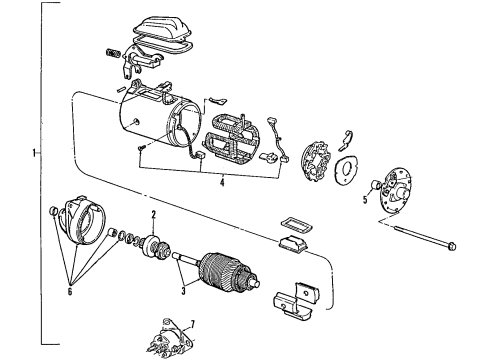
Diagram (1 of 1): Starter - Starter
Sort by:
Ref No.
Ref No.
Part No. & Part Description
Price & Qty.
Part No. &
Part Description
Part Description
- 1
- 1
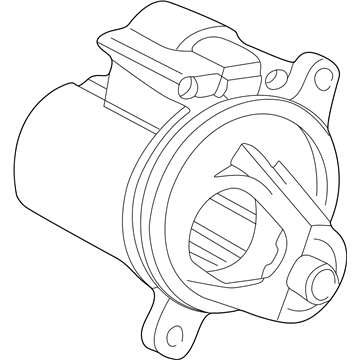
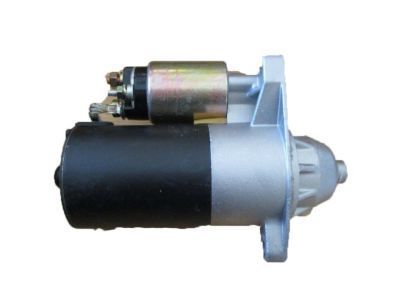
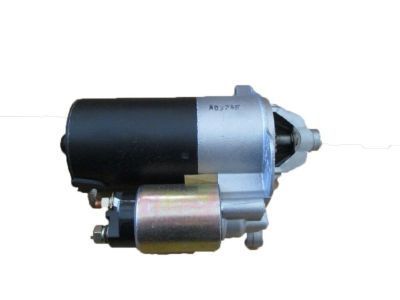
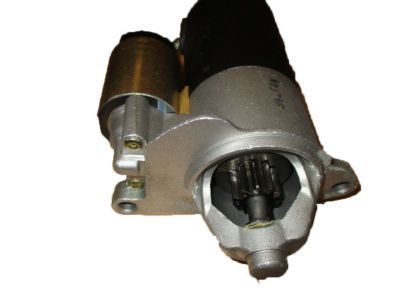
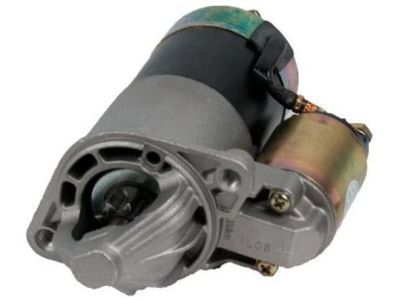 F89Z-11002-BARM
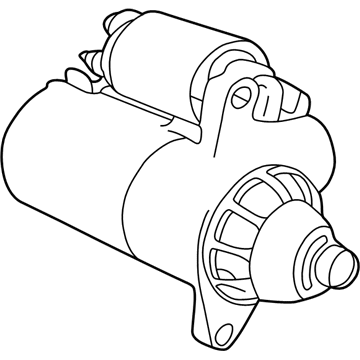
Remanufactured Starter Motor AssemblyStarter- Part Notes: Explorer, Mountaineer; 4.0L; Auto Transmission; To 7/2/04
MSRP: $262.22 Your Price: $159.571 - 1FOTZ-11002-ARM
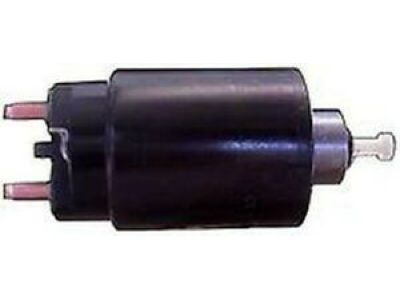
Remanufactured Starter Motor AssemblyStarter- Part Notes: Explorer, Mountaineer; 4.0L; Manual Transmission
- 7
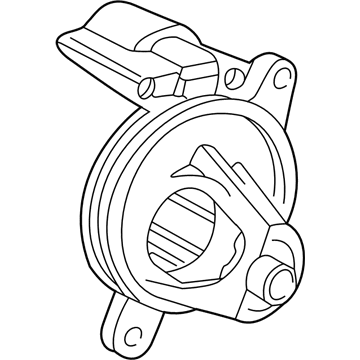
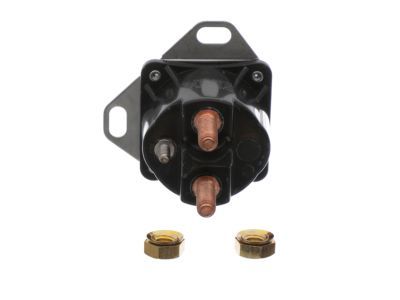
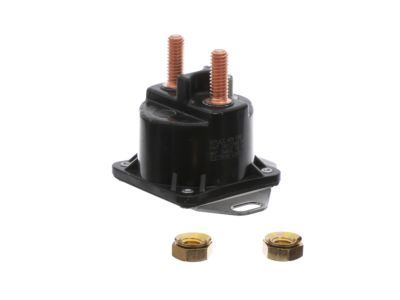
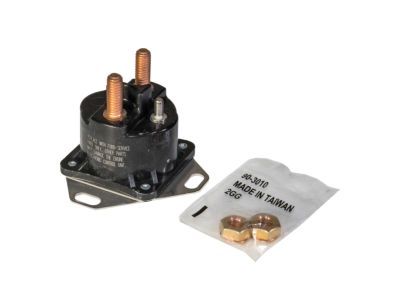
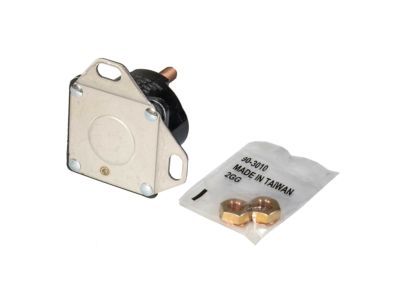
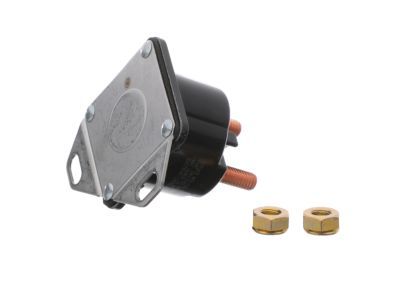 MSRP: $38.55 Your Price: $24.271
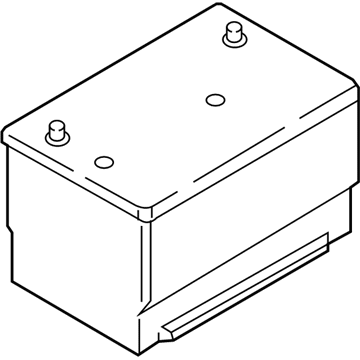
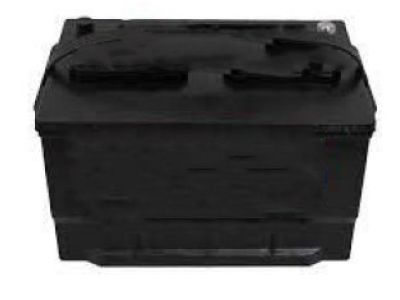 MSRP: $199.95 Your Price: $183.53
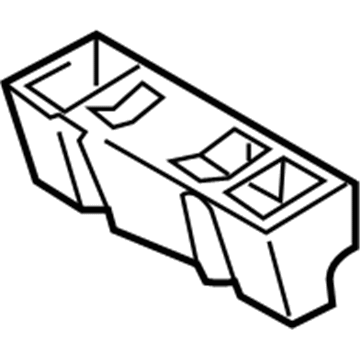
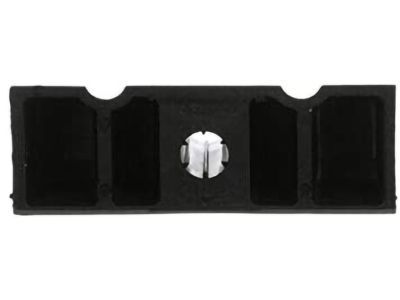
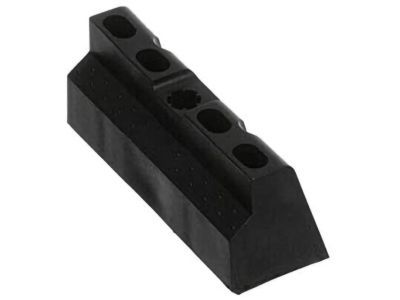
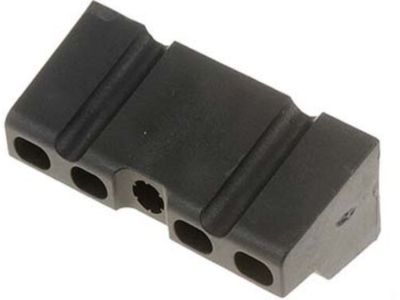 MSRP: $7.09 Your Price: $4.992
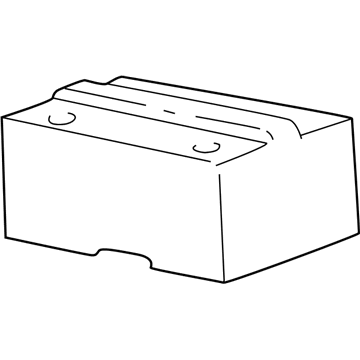 MSRP: $29.17 Your Price: $20.56
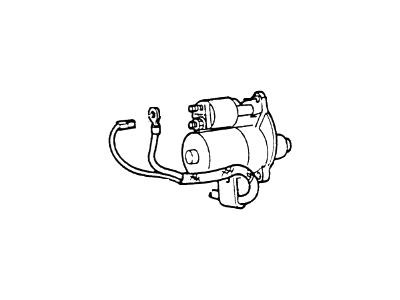 XL2Z-14300-BA
Cable AssemblyPositive Cable- Part Notes: 4.0L, Without Message Center;Explorer, Mountaineer; 4.0L; SOHC; Without Message Center
 MSRP: $4.00 Your Price: $2.35
 MSRP: $4.00 Your Price: $2.35
 XL2Z-10A682-AA
Heat Shield- Part Notes: Wrap around design, BEFORE 7/24/00
- Callout Name: 10A682
- Replaced By: YL2Z-10A682-AA
MSRP: $29.17 Your Price: $20.56
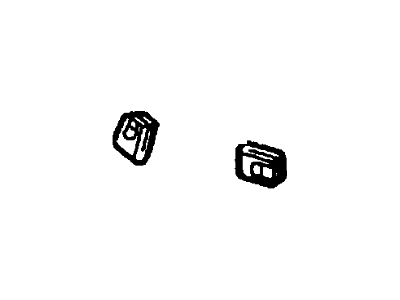
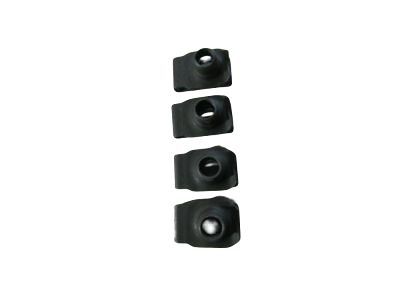
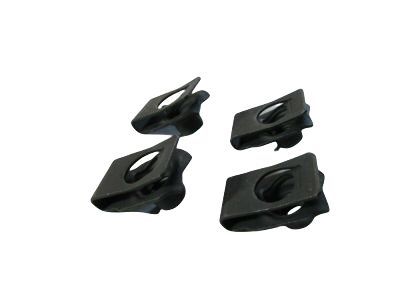 MSRP: $18.75 Your Price: $13.78

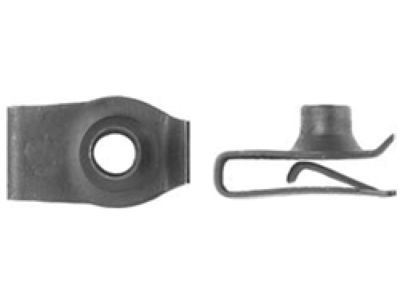 MSRP: $4.00 Your Price: $2.35
 MSRP: $4.00 Your Price: $2.35
 MSRP: $4.00 Your Price: $2.35
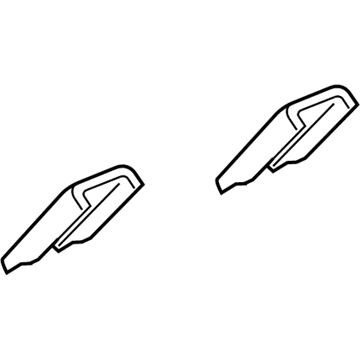 F57Z-14277-BA
Cover- Part Notes: Negative battery end cover
- Callout Name: 14277
- Replaced By: F75Z-14277-BA
MSRP: $6.42 Your Price: $4.52

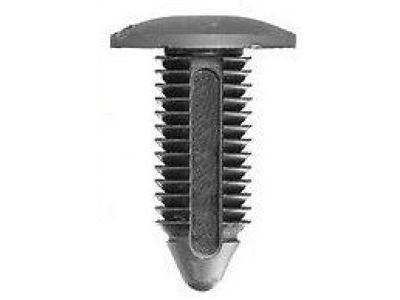 MSRP: $2.50 Your Price: $1.47
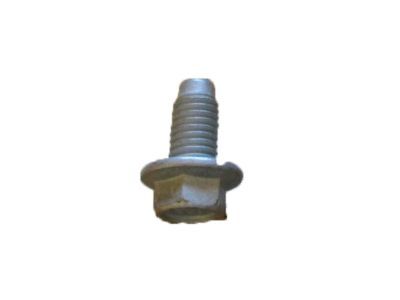
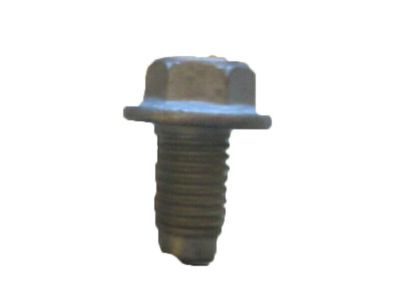 MSRP: $6.75 Your Price: $3.97
OEM 2000 Mercury Mountaineer Parts for Battery
Genuine OEM 2000 Mercury Mountaineer parts are made using the original design, the high standards, in the Mercury official factories, and all of these ensure that they always fit perfectly and easily. FordPartsDeal.com is a trusted source for finding these authentic OEM Battery parts at very competitive prices. Our professional team is here to help you choose the right 2000 Mercury Mountaineer Battery Cable, Relay Block, and our fast delivery options ensure that your parts are always delivered quickly.
Battery Cable Installation and Repair Tips for 2000 Mercury Mountaineer
- Q:How to service and repair the battery cable on 2000 Mercury Mountaineer?A:To fix the battery cable, unplug battery cables, remove pushpins and pull off ground cables. Upon supporting the vehicle, remove needed bolts and cables. Installation is in reverse order and connections are fastened. Remark that disconnection of the battery can lead to temporary driving problems when the vehicle resets its adaptive approach.