FordParts
My Garage
My Account
Cart
Switches
2000 Mercury Mystique Door Jamb Switch, Turn Signal Switch
Currently shopping for
2000 Mercury Mystique
Change VehicleCategories Close X
Currently selected
Electrical
Other Categories
A/C & Heating
Air & Fuel Delivery
Belts & Cooling
Body & Hardware
Brakes
Charging & Starting
Emission Control & Exhaust
Engine
Headlights & Lighting
Interior & Exterior Trim
Maintenance & Lubrication
Steering
Suspension
Transmission
Categories Close X
How to use OE catalog
3 diagrams found for the vehicle you selected.Select your vehicle options to narrow down results.
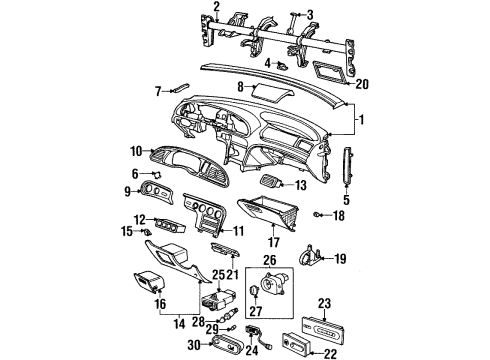
- 1.Instrument Panel - Instrument Panel
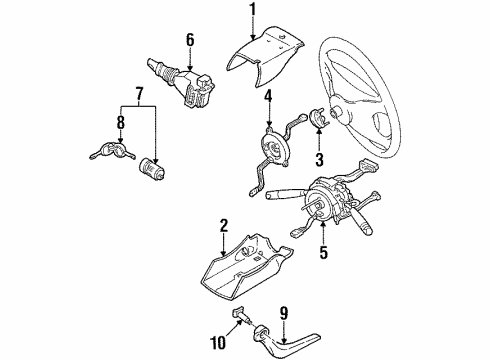
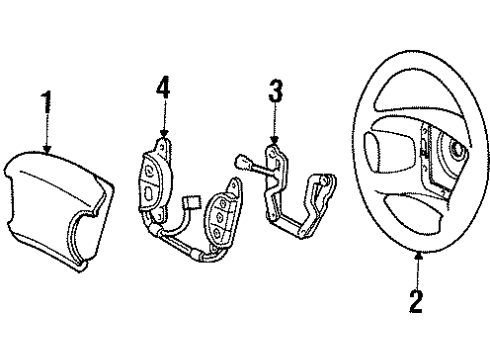
- 2.Steering Column - Shroud, Switches & Levers
- 3.Steering Wheel - Steering Wheel & Trim
Sort by:
Ref No.
Ref No.
Part No. & Part Description
Price & Qty.
Part No. &
Part Description
Part Description
- 1
- 2
- 2
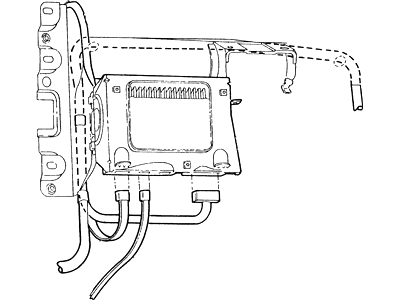
- 3
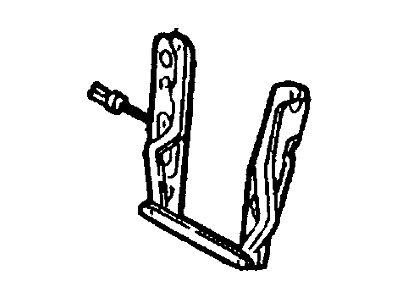
- 5
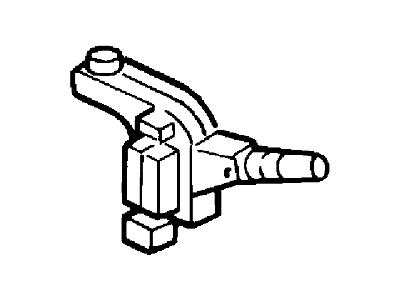
- 6
- 6
- 7
- 8
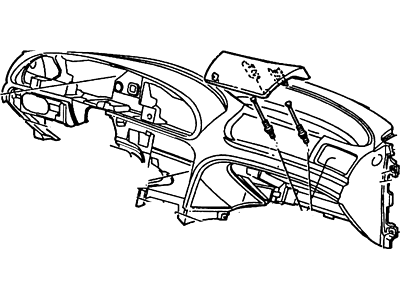
- 10XS2Z54044D70AAA
Cover - Instrument Panel - Co-DriverFinish Panel- Part Notes: Cluster, With Anti Theft, From 1/31/98
- 12
- 13
- 14
- 17
- 18
- 20
- 23
- 25
- 26
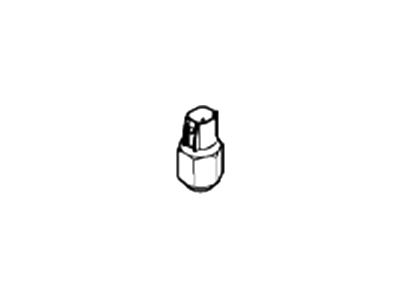 CM5Z-15520-B
Switch Assembly - Reversing LampBack-Up Switch- Part Notes: Contour, Mystique; Manual Transmission
MSRP: $45.45 Your Price: $28.631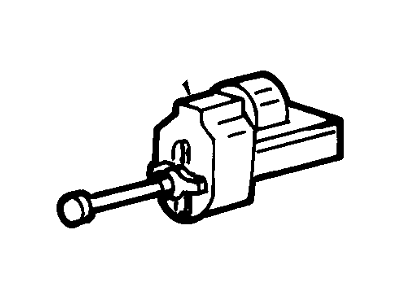
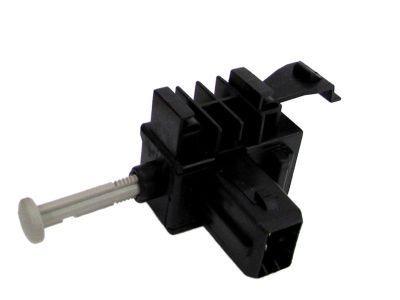 MSRP: $80.91 Your Price: $49.171
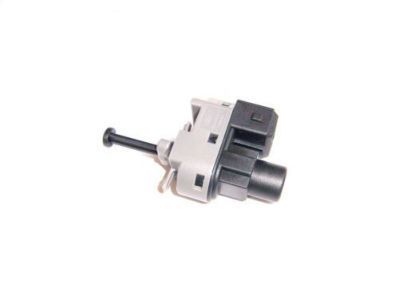
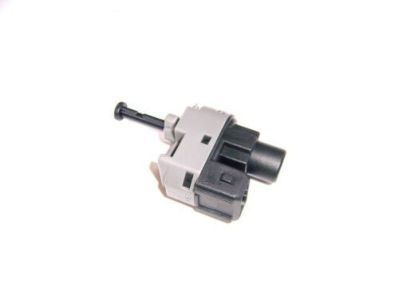 MSRP: $25.45 Your Price: $16.031
 MSRP: $4.00 Your Price: $2.35
 MSRP: $4.00 Your Price: $2.35
OEM 2000 Mercury Mystique Parts for Switches
Genuine OEM 2000 Mercury Mystique parts are made using the original design, the high standards, in the Mercury official factories, and all of these ensure that they always fit perfectly and easily. FordPartsDeal.com is a trusted source for finding these authentic OEM Switches parts at very competitive prices. Our professional team is here to help you choose the right 2000 Mercury Mystique Door Jamb Switch, Turn Signal Switch, and our fast delivery options ensure that your parts are always delivered quickly.
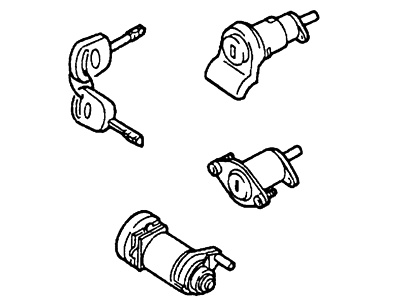
Ignition Lock Cylinder Installation and Repair Tips for 2000 Mercury Mystique
- Q:How to Service and Repair the Ignition Lock Cylinder on 2000 Mercury Mystique?A:Removing the steering column lower shroud and ordering the proper cylinder at Ford/Lincoln Mercury is required to service the ignition lock cylinder. Then take off the PATS transceiver. To remove the ignition lock cylinder, it is important to turn the key to position I then depress the retainer using a screwdriver and then remove. Installation is done in the reverse order.