FordParts
My Garage
My Account
Cart
Rear Door - Lock & Hardware
2003 Mercury Mountaineer Interior Door Handle, Door Latch Assembly, Exterior Door Handle, Door Lock Actuator Motor
Currently shopping for
2003 Mercury Mountaineer
Change VehicleVehicle Options
BaseVehicle Options
BaseCategories Close X
Currently selected
Body & Hardware
- Back Glass
- Bumper & Components - Front
- Bumper & Components - Rear
- Carrier & Components - Spare Tire
- Center Pillar
- Cluster & Switches
- Cowl
- Dash Panel Components
- Door & Components
- Ducts
- Fender & Components
- Floor & Rails
- Frame & Components
- Front Console
- Front Door
- Front Door - Lock & Hardware
- Front Seat Components
- Gate & Hardware
- Glass - Door
- Glass - Lift Gate
- Glass - Windshield
- Glove Box
- Grille & Components
- Hinge Pillar
- Hood & Components
- Information Labels
- Inner Components - Fender
- Inner Structure - Quarter Panel
- Instrument Panel
- Lift Gate
- Luggage Carrier
- Mirrors
- Outside Mirrors
- Overhead Console
- Quarter Panel & Components
- Radiator Support
- Rear Bench Seat
- Rear Body
- Rear Door
- Rear Door - Lock & Hardware
- Rear Seat Components
- Reveal Moldings
- Rocker Panel
- Roof & Components
- Running Board
- Seat Belt
- Sound System
- Sunroof
- Tracks & Components
- Uniside
- Wiper & Washer Components
Other Categories
A/C & Heating
Air & Fuel Delivery
Belts & Cooling
Brakes
Charging & Starting
Driveline & Axles
Electrical
Emission Control & Exhaust
Engine
Headlights & Lighting
Interior & Exterior Trim
Maintenance & Lubrication
Steering
Suspension
Transmission
How to use OE catalog
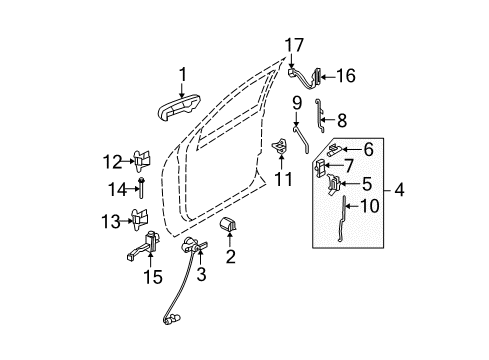
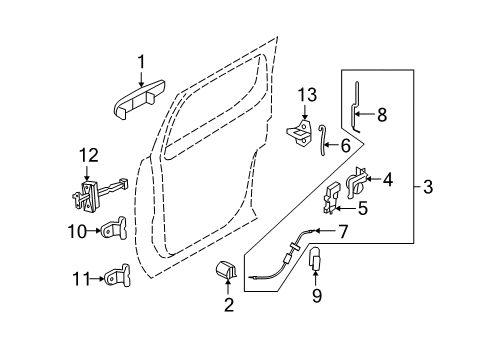
Diagram (1 of 1): Rear Door - Lock & Hardware
Sort by:
Ref No.
Ref No.
Part No. & Part Description
Price & Qty.
Part No. &
Part Description
Part Description
- 1
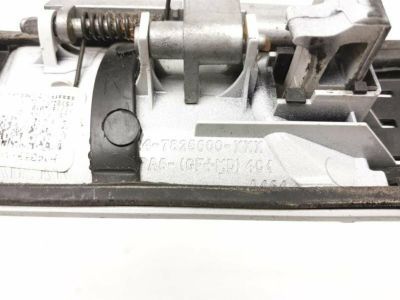
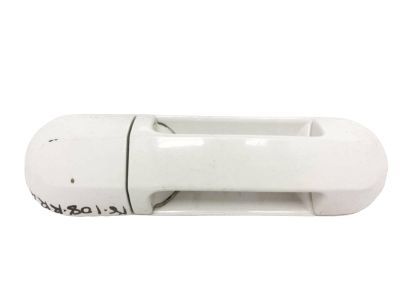 MSRP: $55.64 Your Price: $40.891
 - 1
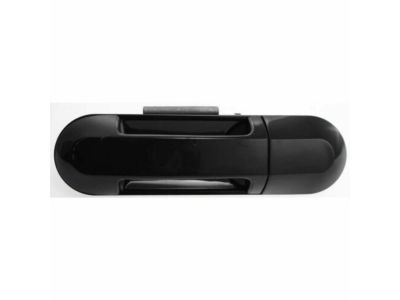
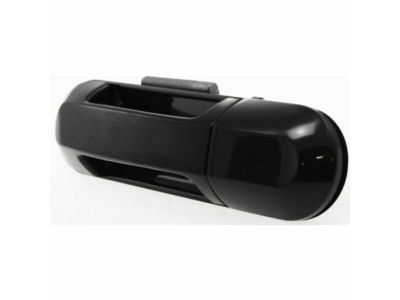
- 3
- 3
- 6
 MSRP: $18.75 Your Price: $13.781
 - 6MSRP: $18.75 Your Price: $13.781
- 7
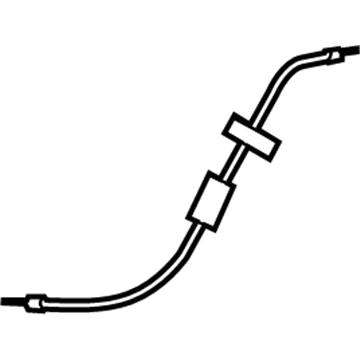
- 8
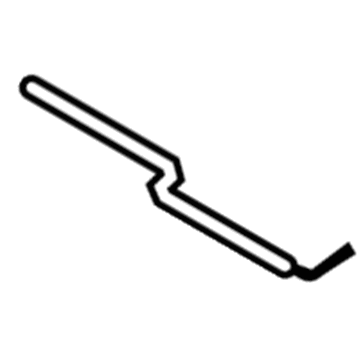
- 8
- 9
- 9
- 10
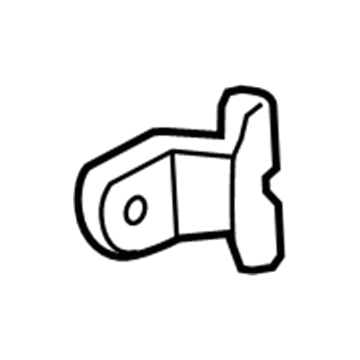 MSRP: $180.87 Your Price: $132.911
- 11
 MSRP: $180.87 Your Price: $132.911
- 12
- 13

 MSRP: $66.72 Your Price: $46.631
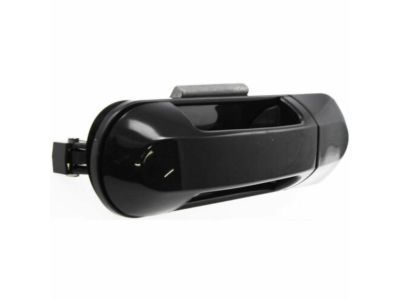
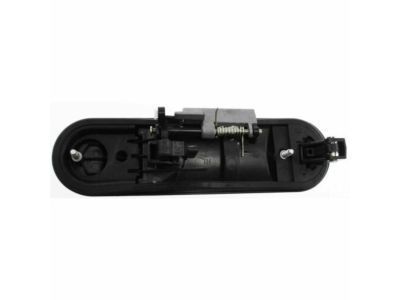
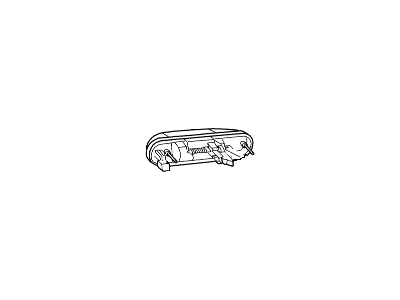 1L2Z-7826604-BAA
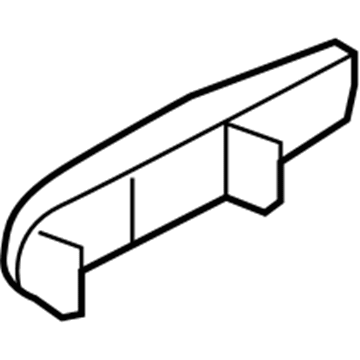
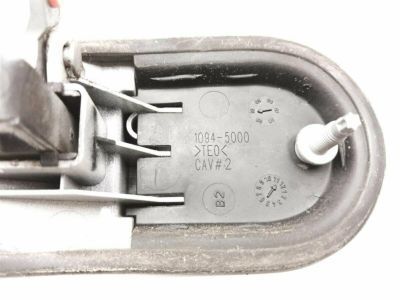
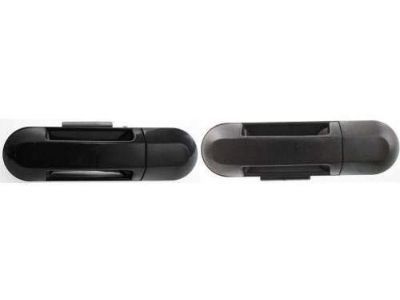
Handle Assy - Door - Outer- Part Notes: (B2)
- Location: Passenger Side
- Fit Note: Body Colored Exterior Door Handle, Harvest Gold
- Production Date: 11/2000-08/2003
- Callout Name: <26600
- Replaced By: 6L2Z-7826604-BBPTM
MSRP: $55.64 Your Price: $40.89
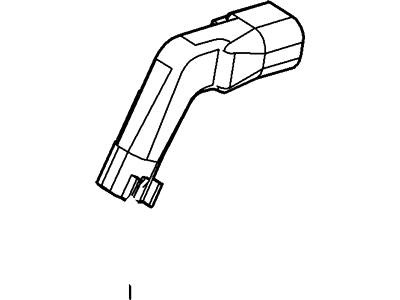
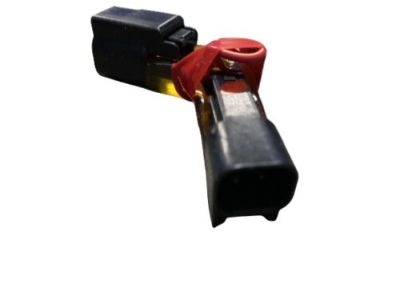
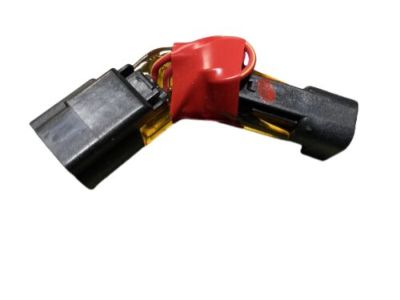
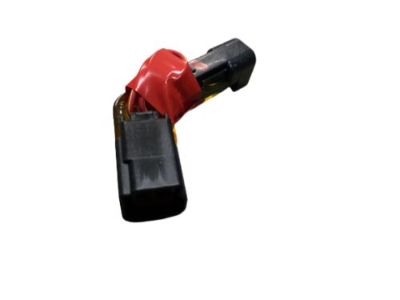
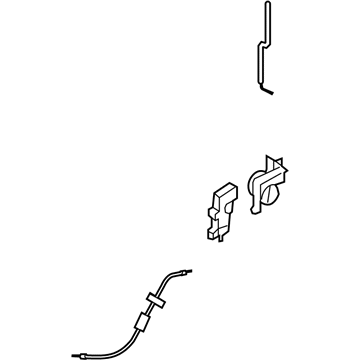
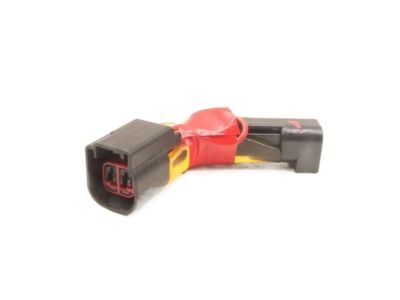 3L2Z-14A411-BA
Wire Assy - Jumper - Door Lamp- Part Notes: Wire Assy
- Location: Passenger Side
- Production Date: 03/2002-12/2002
- Callout Name: 14A411
MSRP: $36.54 Your Price: $26.85
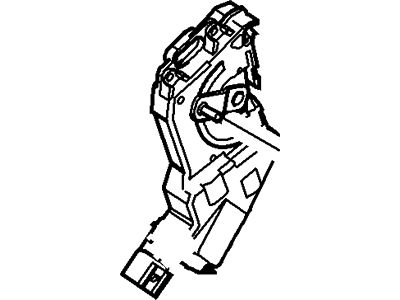 3L2Z-78218A42-AA
Actuator Assy- Part Notes: Actuator Assy
- Location: Passenger Side
- Production Date: 08/2002-04/2003
- Callout Name: <218A42
- Replaced By: 3L2Z-14A411-BA
MSRP: $36.54 Your Price: $26.85
- 3L2Z-14A411-CA
Jumper Wiring- Part Notes: Wire Assy
- Location: Driver Side
- Production Date: 03/2002-12/2002
- Callout Name: 14A411
- 3L2Z-78218A43-AA
Actuator Assy- Part Notes: Actuator Assy
- Location: Driver Side
- Production Date: 08/2002-04/2003
- Callout Name: <218A42
- Replaced By: 3L2Z-14A411-CA
- 4L2Z-7826604-BAF
Handle Assy - Door - Outer- Part Notes: (TK)
- Location: Passenger Side
- Fit Note: Body Colored Exterior Door Handle, Mineral Grey Metallic C/C
- Production Date: 03/2003-07/2005
- Callout Name: <26600
- Replaced By: 6L2Z-7826604-BBPTM
MSRP: $55.64 Your Price: $40.89
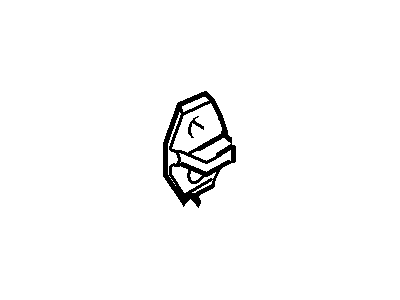
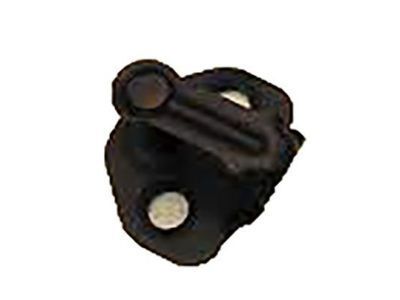 F75Z-7822008-AA
Striker - Door Locking Mechanism- Part Notes: RH/LH
- Location: Passenger Side/Driver Side
- Production Date: 11/2000-04/2004
- Require Quantity: 2
- Package Quantity: 1
- Callout Name: <22008
- Replaced By: 5F9Z-5422008-AA
MSRP: $42.90 Your Price: $30.24
OEM 2003 Mercury Mountaineer Parts for Rear Door - Lock & Hardware
Genuine OEM 2003 Mercury Mountaineer parts are made using the original design, the high standards, in the Mercury official factories, and all of these ensure that they always fit perfectly and easily. FordPartsDeal.com is a trusted source for finding these authentic OEM Rear Door - Lock & Hardware parts at very competitive prices. Our professional team is here to help you choose the right 2003 Mercury Mountaineer Interior Door Handle, Door Latch Assembly, Exterior Door Handle, Door Lock Actuator Motor, and our fast delivery options ensure that your parts are always delivered quickly.
Exterior Door Handle Installation and Repair Tips for 2003 Mercury Mountaineer
- Q:How to service and repair the rear exterior door handle on 2003 Mercury Mountaineer?A:To service the rear door exterior handle, remove the rear door trim panel and set the watershield aside. Follow the steps to remove components as indicated in the illustration. For installation, reverse the removal procedure. The right-hand side is shown, and the left side is similar.