FordParts
My Garage
My Account
Cart
Powertrain Control
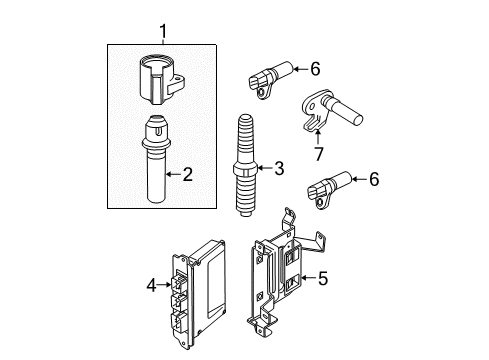
2004 Mercury Mountaineer Camshaft Position Sensor, Crankshaft Position Sensor, MAP Sensor, Engine Control Module
Currently shopping for
2004 Mercury Mountaineer
Change VehicleCategories Close X
Currently selected
Air & Fuel Delivery
Other Categories
A/C & Heating
Belts & Cooling
Body & Hardware
Brakes
Charging & Starting
Driveline & Axles
Electrical
Emission Control & Exhaust
Engine
Headlights & Lighting
Interior & Exterior Trim
Maintenance & Lubrication
Steering
Suspension
Transmission
Categories Close X
How to use OE catalog
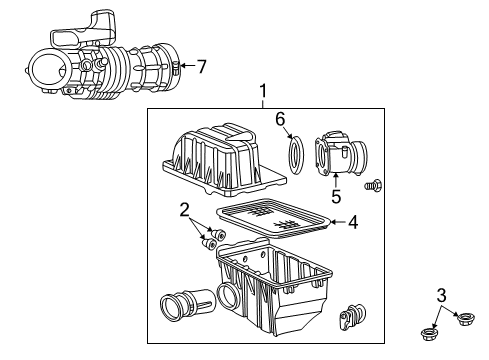
Diagram (1 of 1): Engine - Air Intake (8 Cyl 4.6 L)
Sort by:
Ref No.
Ref No.
Part No. & Part Description
Price & Qty.
Part No. &
Part Description
Part Description
- 1
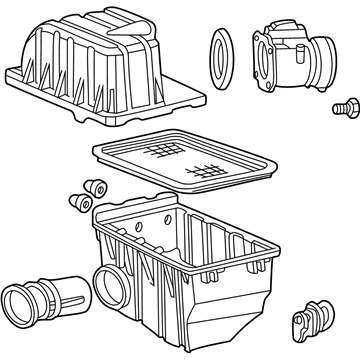
- 2
 MSRP: $6.10 Your Price: $4.30
- 3
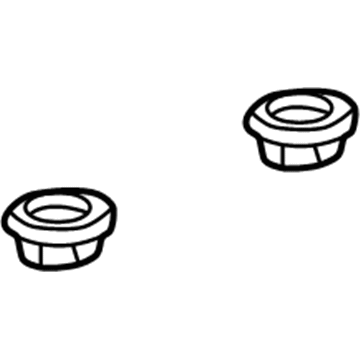 MSRP: $4.52 Your Price: $3.181
- 4
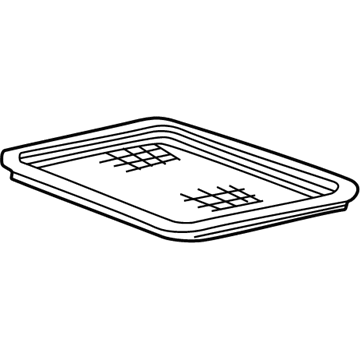
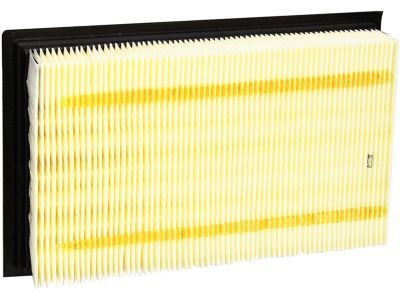
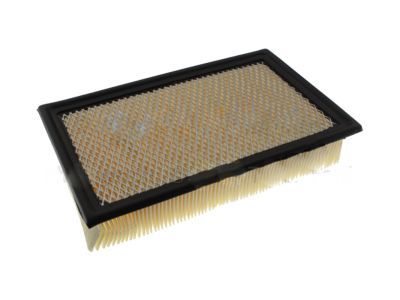
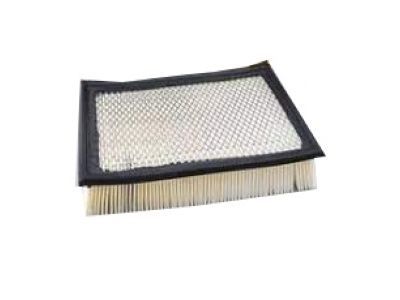
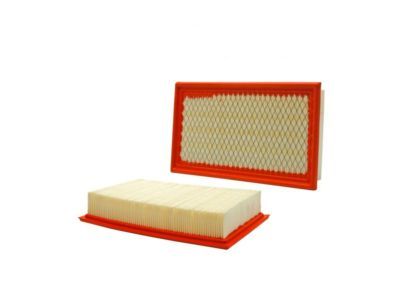 MSRP: $30.80 Your Price: $19.401
- 5
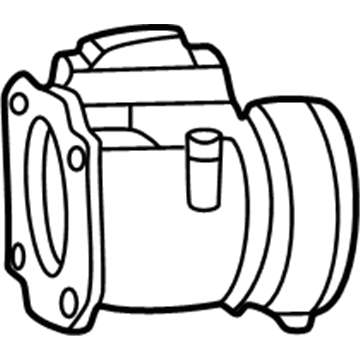 MSRP: $516.67 Your Price: $373.481
- 6
- 7
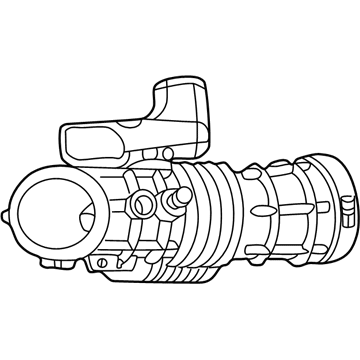
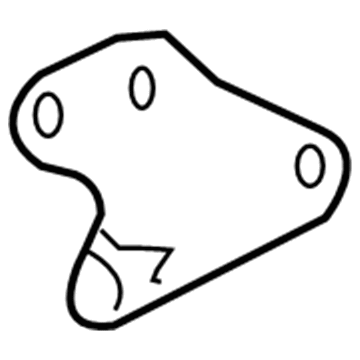
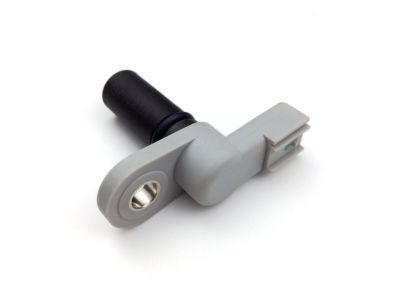
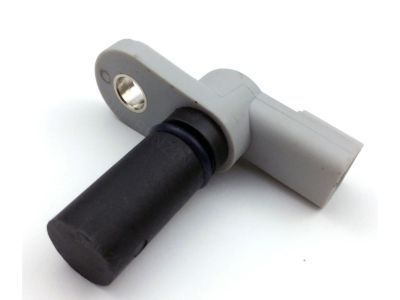
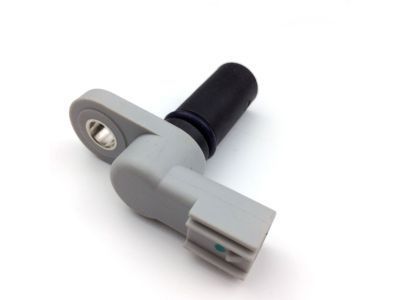
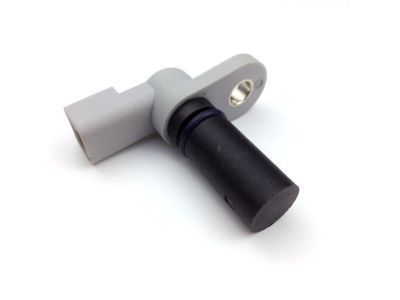 MSRP: $46.91 Your Price: $29.541
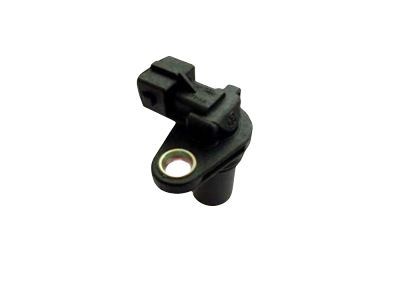 MSRP: $79.09 Your Price: $50.68
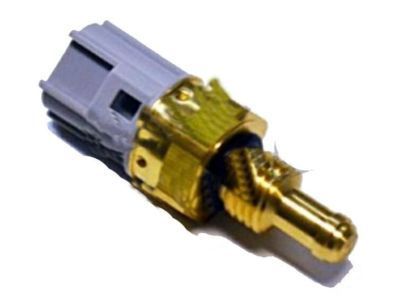 MSRP: $36.55 Your Price: $23.011
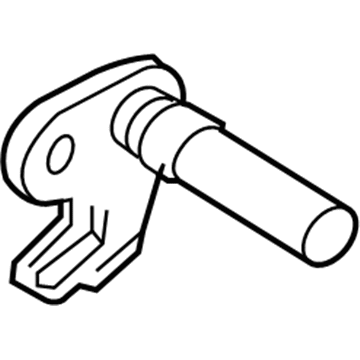
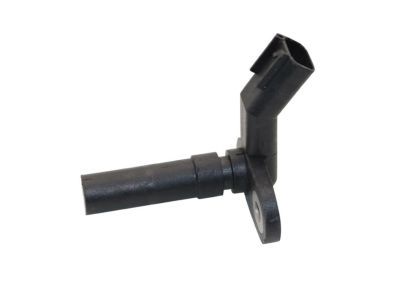
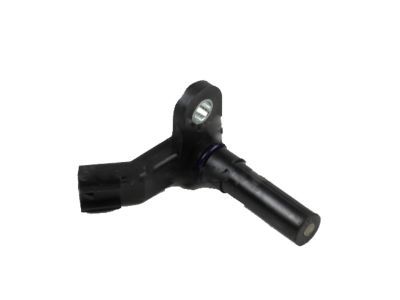
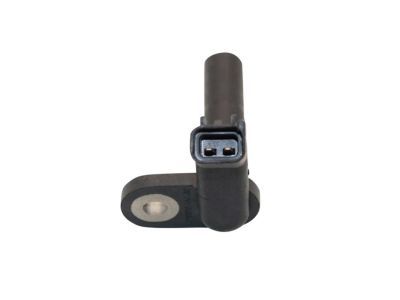
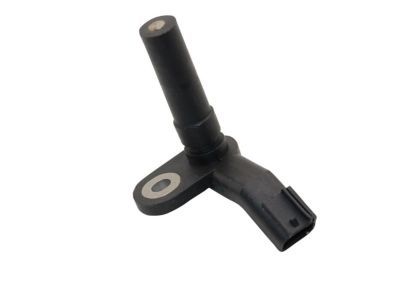
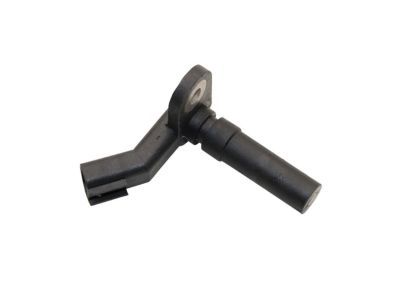
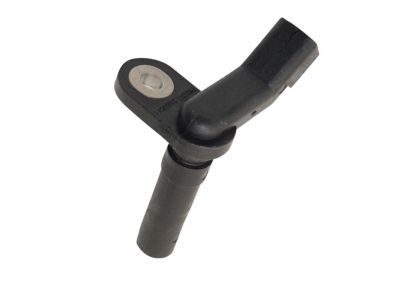
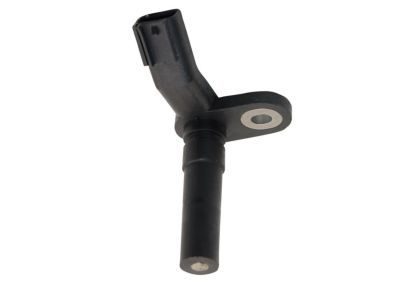
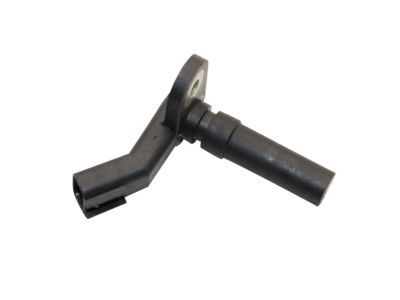
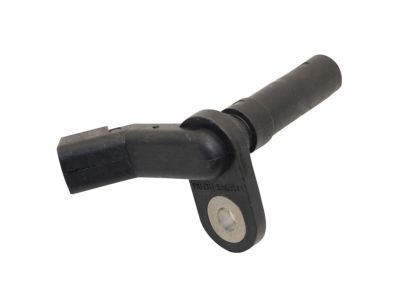 1W7Z-6C315-AB
Sensor - Crankshaft PositionCrankshaft Position Sensor- Part Notes: Explorer, Mountaineer; 4.6L
MSRP: $66.55 Your Price: $41.911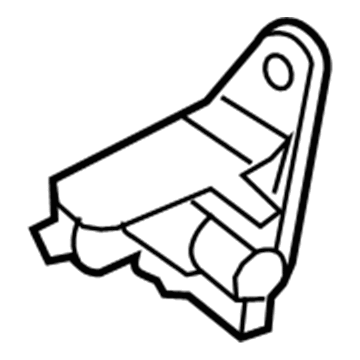
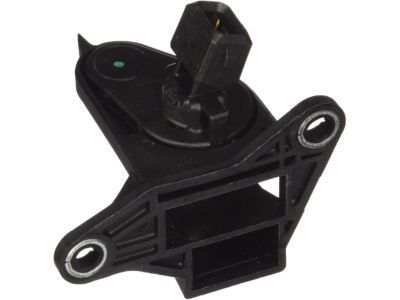
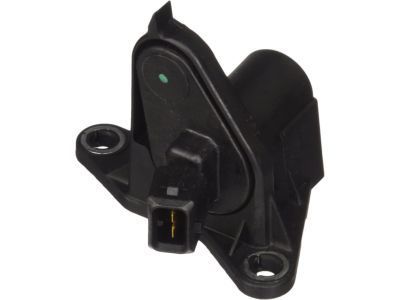 5L2Z-6C315-A
Sensor - Crankshaft PositionCrankshaft Position Sensor- Part Notes: Explorer, Mountaineer; 4.0L
MSRP: $39.45 Your Price: $24.851
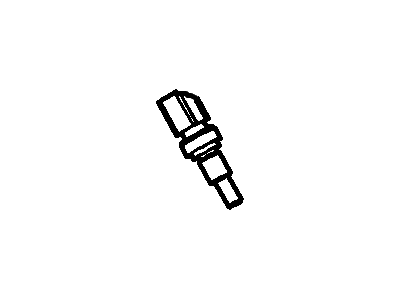
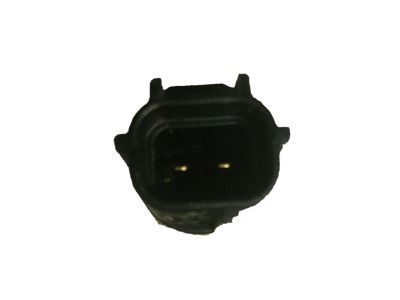 MSRP: $36.17 Your Price: $24.851
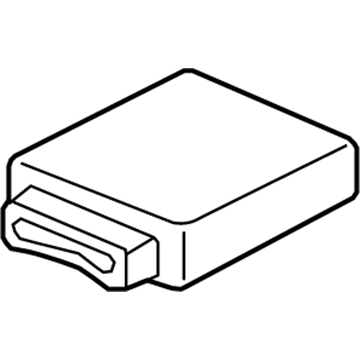 4U7Z-12A650-LFARM
Reman Module - Engine Control - EECECM- Part Notes: Explorer, Mountaineer; 4.0L; Auto Transmission; 2WD;Explorer, Mountaineer; 4.0L; Auto Transmission; 4WD
MSRP: $960.00 Your Price: $648.001
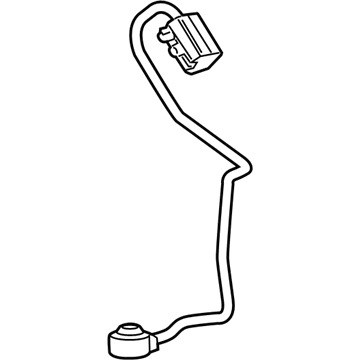
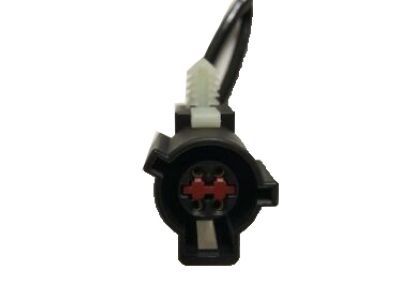
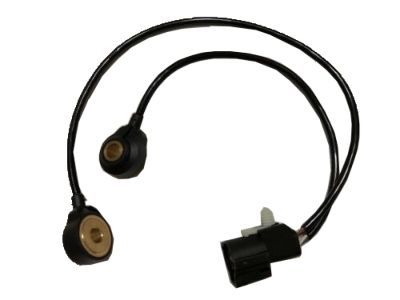
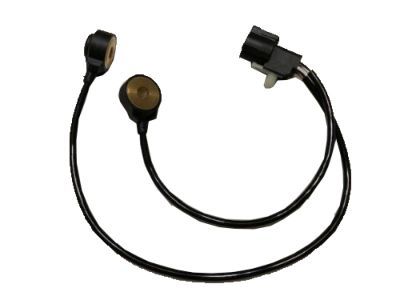
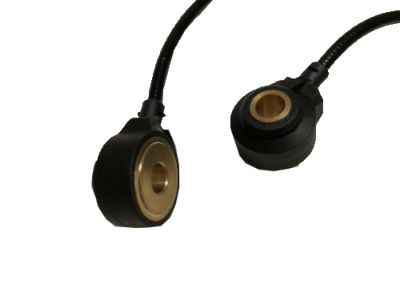
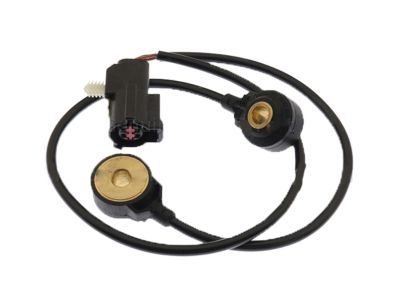 MSRP: $154.00 Your Price: $96.981
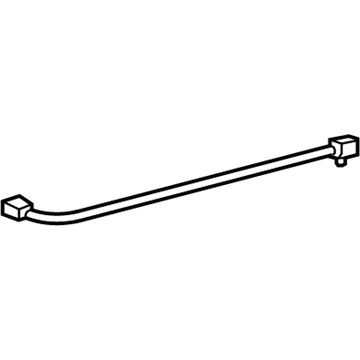 MSRP: $70.73 Your Price: $45.321
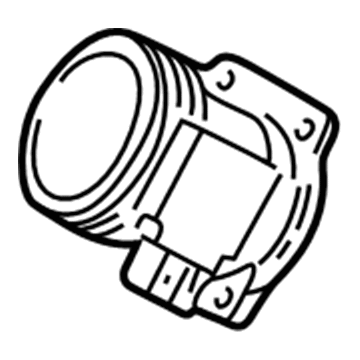
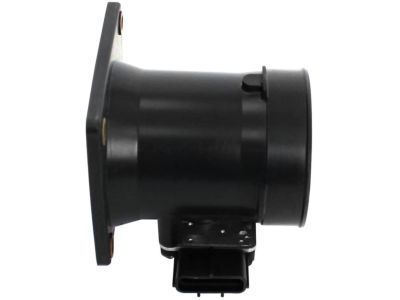
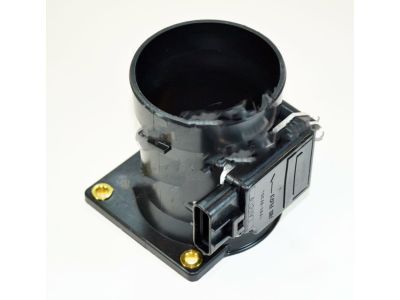 1L2Z-12B579-ARM
Remanufactured Sensor AssemblyMass Air Flow Sensor- Part Notes: Explorer, Mountaineer; 4.0L
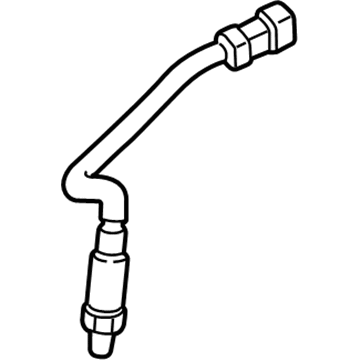
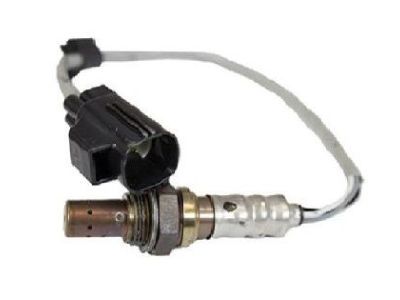
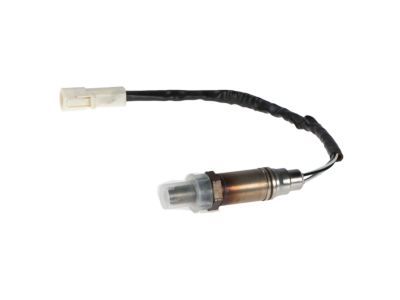
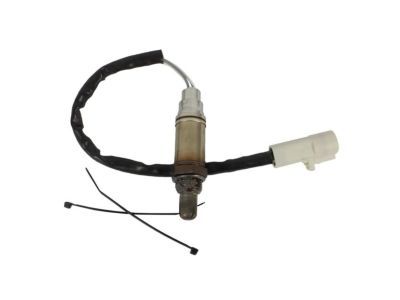
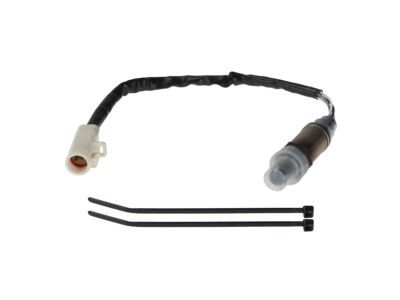
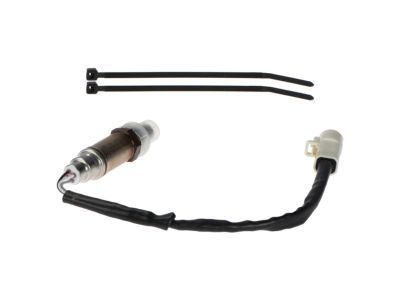
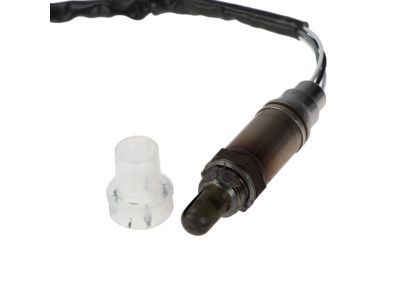
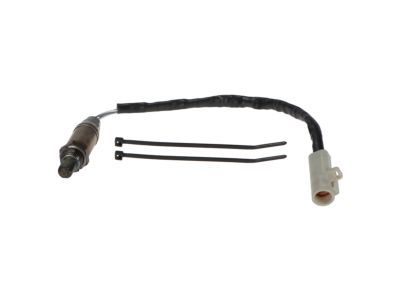
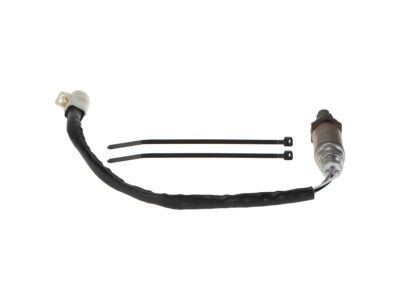
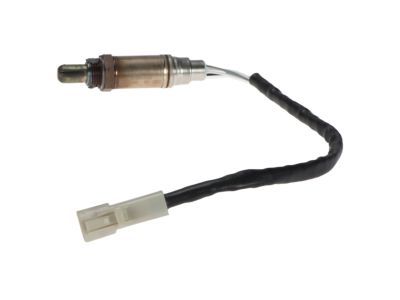
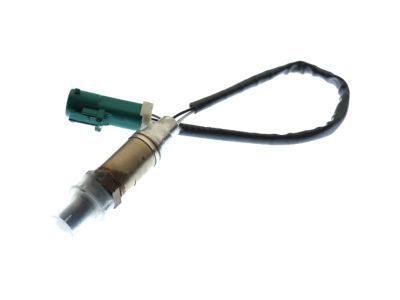 GU2Z-9G444-A
Sensor - Exhaust Gas - OxygenOxygen Sensor- Part Notes: Explorer, Mountaineer; Front;Explorer, Mountaineer; Rear; Left;Explorer, Mountaineer; Rear; Right
MSRP: $94.73 Your Price: $57.571
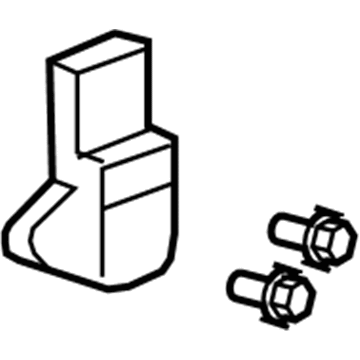
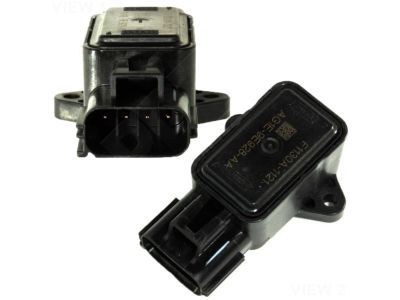
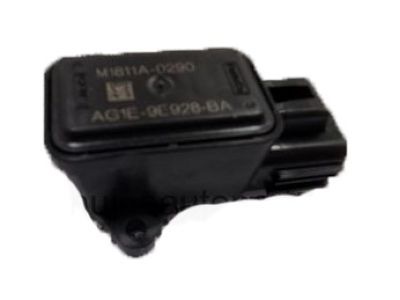
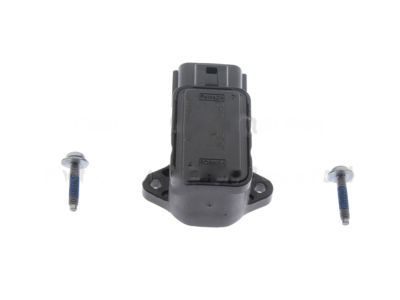 6L2Z-9B989-D
Potentiometer - Engine ThrottleThrottle Position Sensor- Part Notes: Explorer, Mountaineer
MSRP: $143.09 Your Price: $86.961
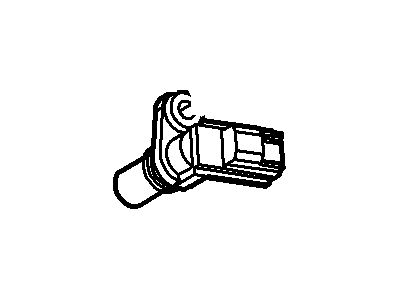
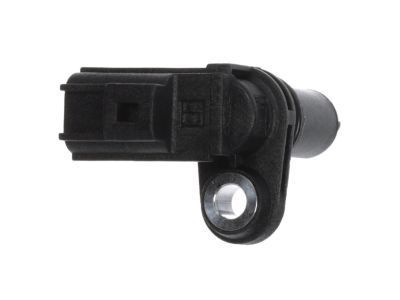
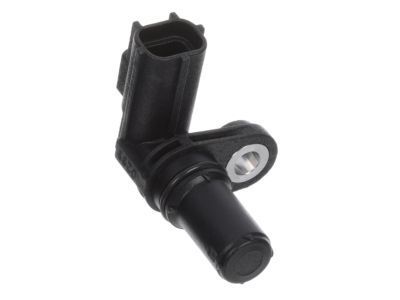
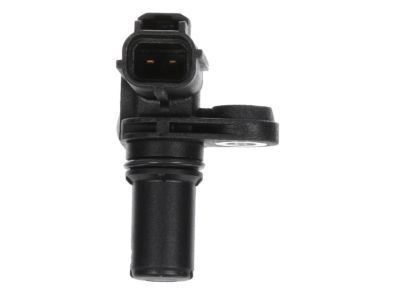 MSRP: $34.91 Your Price: $22.56
 -W709902-S300
Plug - Expansion- Part Notes: -38MM
- Production Date: From 11/2000
- Fitting Vehicle Options: 6 Cyl 4.0L SOHC EFI
- Callout Name: HP1
MSRP: $5.00 Your Price: $2.94
 -N808294-S2
Hardware - Miscellaneous- Part Notes: M8 X 1.25 X 53
- Production Date: 11/2000-12/2010
- Fitting Vehicle Options: 8 Cyl 4.6L Romeo SOHC EFI
- Callout Name: HM1
MSRP: $16.00 Your Price: $9.40
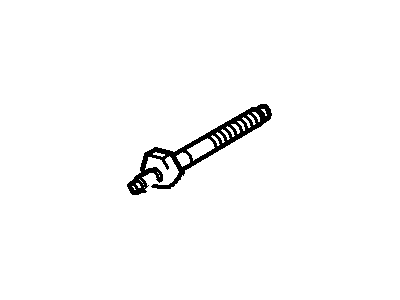 -W706508-S437
Stud- Part Notes: M6 X 25 Button Head Cap
- Production Date: 11/2000-12/2010
- Fitting Vehicle Options: 8 Cyl 4.6L Romeo SOHC EFI
- Callout Name: HT3
MSRP: $9.25 Your Price: $5.44
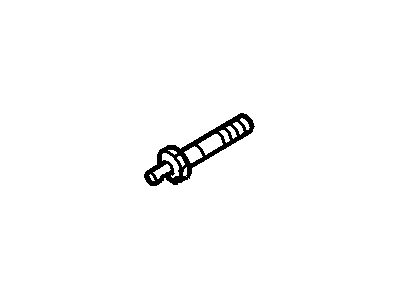
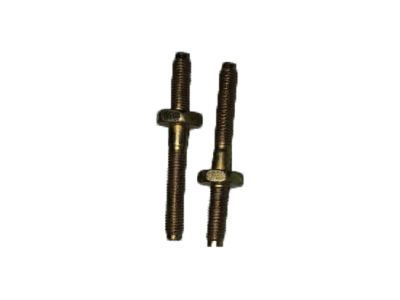 -N808586-S309
Stud- Part Notes: M8 X 1.25 , M8X1.25 ()
- Production Date: 11/2000-12/2010
- Fitting Vehicle Options: 8 Cyl 4.6L Romeo SOHC EFI
- Callout Name: HT1
MSRP: $15.00 Your Price: $8.81
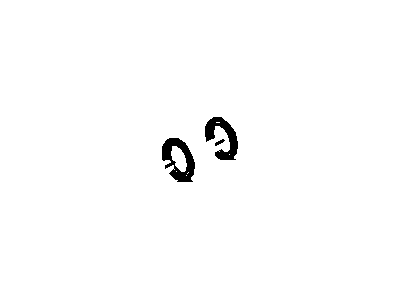
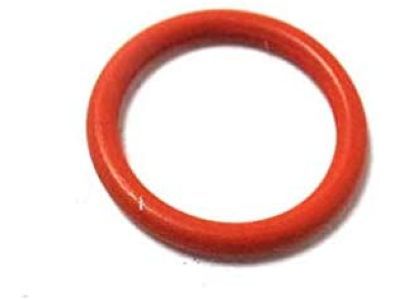 -W704593-S100
Seal- Part Notes: 12.42 X 1.8 , O-Ring
- Production Date: 11/2000-12/2010
- Fitting Vehicle Options: 8 Cyl 4.6L Romeo SOHC EFI
- Require Quantity: 2
- Package Quantity: 1
- Callout Name: HM1
MSRP: $20.00 Your Price: $11.75
 -W500015-S309
Screw- Part Notes: M6 x 25MM
- Production Date: 11/2000-12/2010
- Fitting Vehicle Options: 6 Cyl 4.0L SOHC EFI
- Callout Name: HB1
- Replaced By: -W500015-S437
MSRP: $4.00 Your Price: $2.35
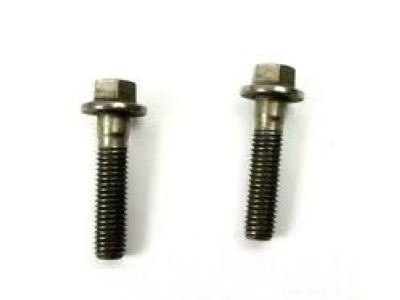 -W500011-S300
Bolt- Part Notes: M6 x 12MM
- Production Date: 11/2000-12/2010
- Fitting Vehicle Options: 6 Cyl 4.0L SOHC EFI
- Callout Name: HB1
MSRP: $10.00 Your Price: $5.88

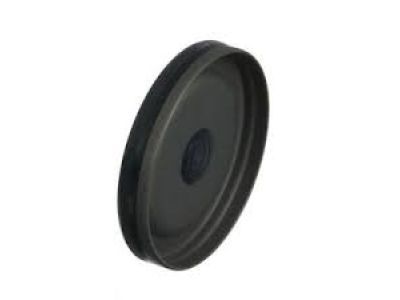 F77Z-6026-AA
Plug - Expansion- Part Notes: 38 X 8.4MM
- Production Date: 11/2000-12/2010
- Fitting Vehicle Options: 6 Cyl 4.0L SOHC EFI
- Require Quantity: 2
- Package Quantity: 2
- Callout Name: 6026B
- Replaced By: F6AZ-6026-BA
MSRP: $6.94 Your Price: $4.89
 F1AZ-6C360-A
Screw - Adjusting- Production Date: 11/2000-12/2010
- Fitting Vehicle Options: 8 Cyl 4.6L Romeo SOHC EFI
- Require Quantity: 10
- Package Quantity: 2
- Callout Name: 6C360
MSRP: $3.74 Your Price: $2.63
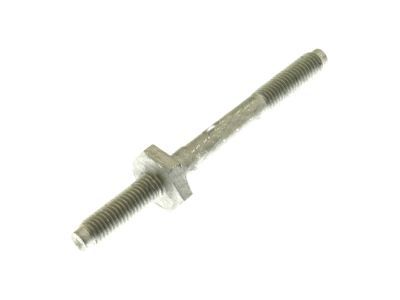 -N806300-S431
Stud- Part Notes: M8 X 1.25
- Production Date: 11/2000-12/2010
- Fitting Vehicle Options: 8 Cyl 4.6L Romeo SOHC EFI
- Require Quantity: 4
- Package Quantity: 4
- Callout Name: HT2
MSRP: $12.00 Your Price: $7.05
OEM 2004 Mercury Mountaineer Parts for Powertrain Control
Genuine OEM 2004 Mercury Mountaineer parts are made using the original design, the high standards, in the Mercury official factories, and all of these ensure that they always fit perfectly and easily. FordPartsDeal.com is a trusted source for finding these authentic OEM Powertrain Control parts at very competitive prices. Our professional team is here to help you choose the right 2004 Mercury Mountaineer Camshaft Position Sensor, Crankshaft Position Sensor, MAP Sensor, Engine Control Module, and our fast delivery options ensure that your parts are always delivered quickly.
Camshaft Position Sensor, Crankshaft Position Sensor Installation and Repair Tips for 2004 Mercury Mountaineer
- Q:How to Service the Crankshaft Position Sensor on 2004 Mercury Mountaineer?A:In order to service the crankshaft position (CKP) sensor, lift the car in neutral and remove the ground point of the battery. Eliminate as illustrated and during installation, run the sensor wiring off the battery cable. Lastly, undo the steps that were taken to remove it in order to install it.
- Q:How to service the Camshaft Position Sensor on 2004 Mercury Mountaineer?A:To service the Camshaft Position (CMP) Sensor, first disconnect the battery ground cable. Then, remove the components as shown in the accompanying illustration and table. For installation, reverse the removal procedure to complete the process.