FordParts
My Garage
My Account
Cart
Rear Propeller Shaft
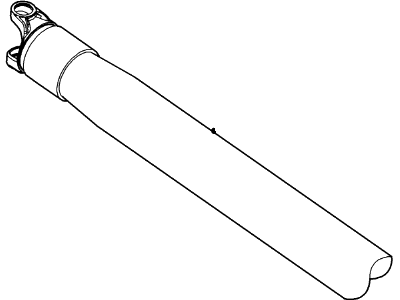
2005 Mercury Mountaineer Drive Shaft, Slip Yoke
Currently shopping for
2005 Mercury Mountaineer
Change VehicleCategories Close X
Currently selected
Driveline & Axles
Other Categories
A/C & Heating
Air & Fuel Delivery
Belts & Cooling
Body & Hardware
Brakes
Charging & Starting
Electrical
Emission Control & Exhaust
Engine
Headlights & Lighting
Interior & Exterior Trim
Maintenance & Lubrication
Steering
Suspension
Transmission
Categories Close X
How to use OE catalog
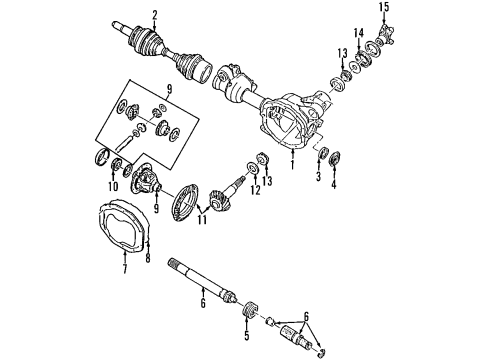
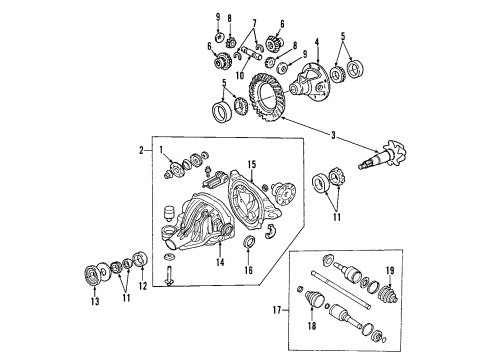
Diagram (1 of 1): Rear Axle - Propeller Shaft
Sort by:
Ref No.
Ref No.
Part No. & Part Description
Price & Qty.
Part No. &
Part Description
Part Description
- 1
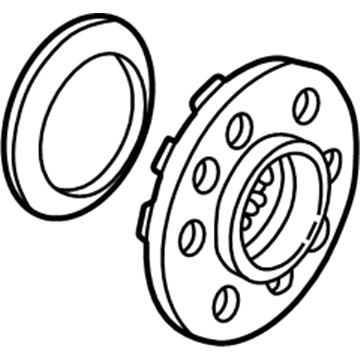
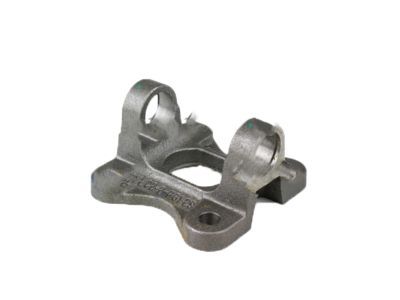 MSRP: $137.13 Your Price: $94.211
- 3
- 3
- 38R3Z-4209-K
Gear And Pinion Assembly - DrivingRing & Pinion- Part Notes: Explorer, Mountaineer; 3.55 Ratio
- 3
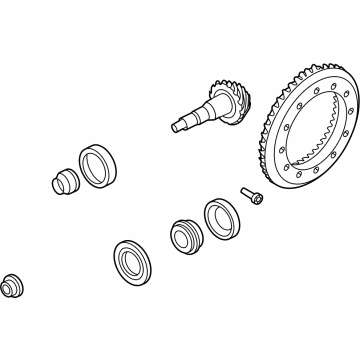
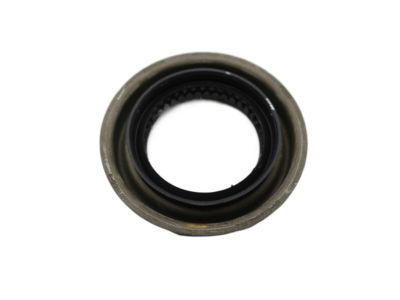
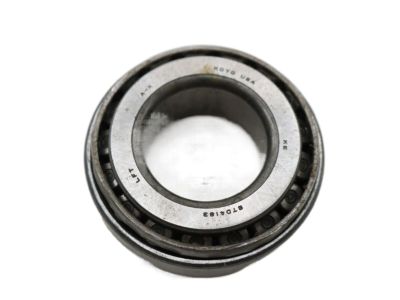
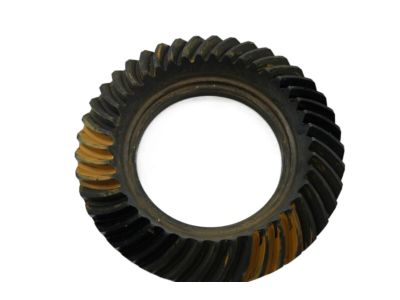
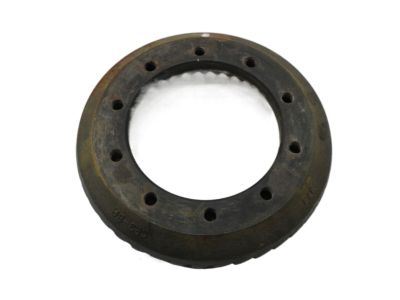 CL5Z-4209-B
Gear And Pinion Assembly - DrivingRing & Pinion- Part Notes: Explorer, Mountaineer; 3.73 Ratio
MSRP: $350.77 Your Price: $258.781
- 4
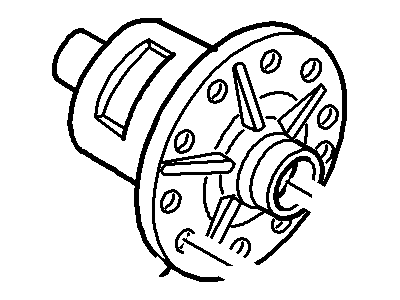
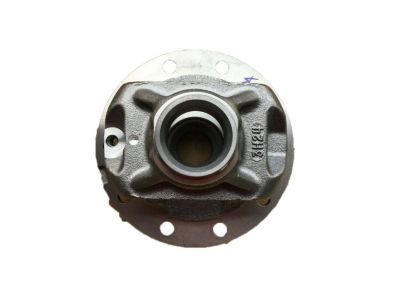
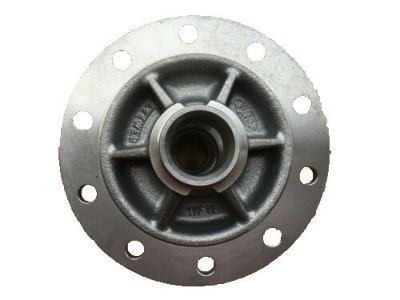
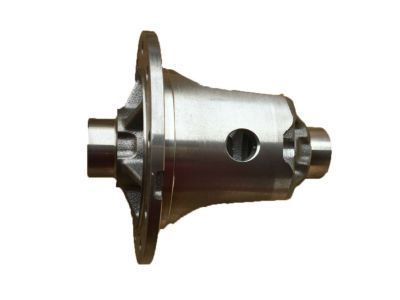 9L3Z-4204-A
Case - DifferentialDifferential Case- Part Notes: Aviator, Explorer; Mountaineer; Without Limited Slip
MSRP: $204.62 Your Price: $152.291 - 4
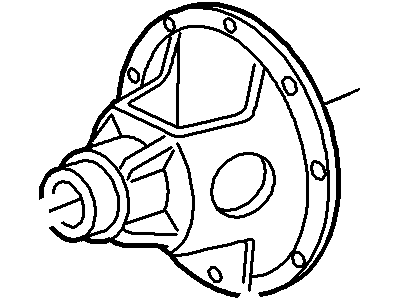
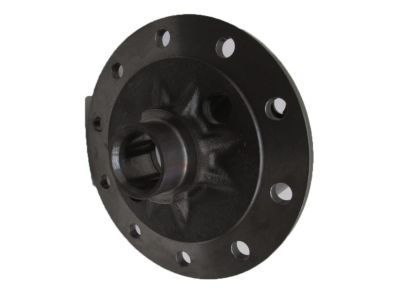
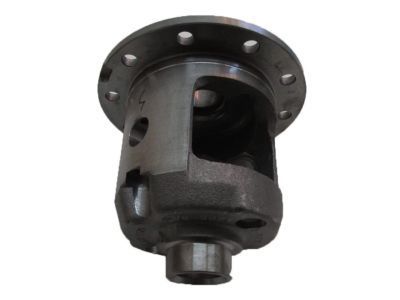
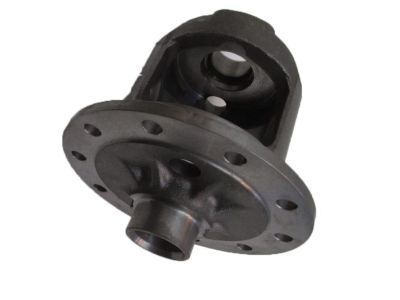 9L3Z-4204-B
Case - DifferentialDifferential Case- Part Notes: Aviator, Explorer; Mountaineer; With Limited Slip
MSRP: $173.85 Your Price: $129.391
- 5
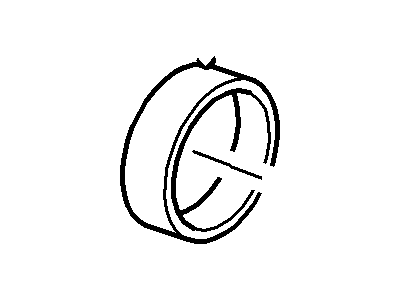 MSRP: $38.54 Your Price: $26.471
 - 5
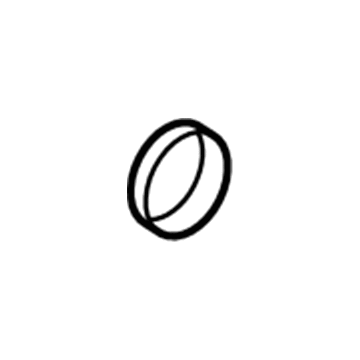 NL3Z-4220-A
Bearing Assembly - DifferentialSide Bearings- Part Notes: Aviator, Explorer; Mountaineer; Bearing
MSRP: $18.00 Your Price: $12.69
- 6
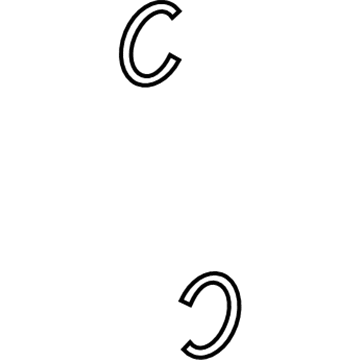
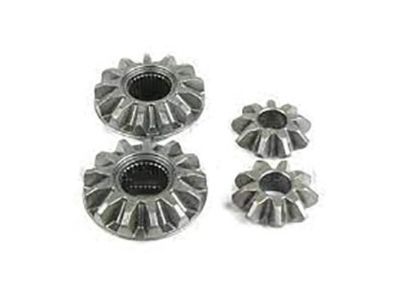
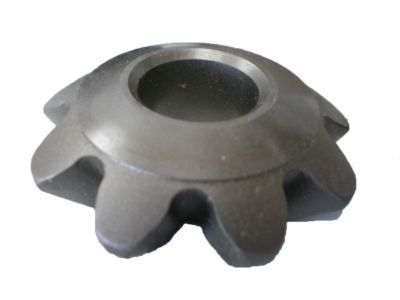
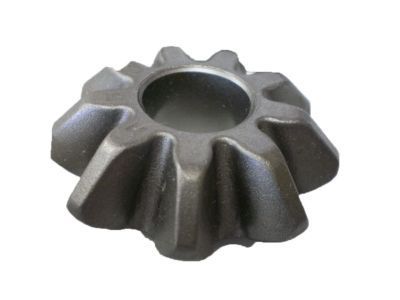
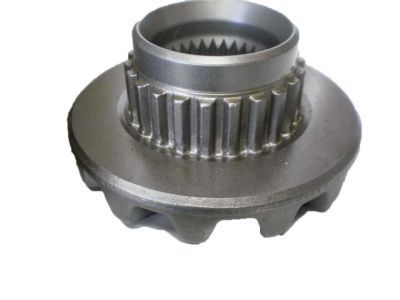 AR3Z-4215-A
Pinion - DifferentialSide Gear- Part Notes: Aviator, Explorer; Mountaineer; With Limited Slip
MSRP: $258.50 Your Price: $177.591 - 6AL3Z-4215-B
Pinion - DifferentialSide Gear- Part Notes: Aviator, Explorer; Mountaineer; Without Limited Slip
MSRP: $193.50 Your Price: $125.741
- 7
 2L2Z-4228-AA
Washer - ThrustSide Gear Washer- Part Notes: Explorer, Mountaineer; Without Limited Slip; To 3/3/02
MSRP: $41.98 Your Price: $28.841 - 7
 MSRP: $4.31 Your Price: $3.046
- 9
 MSRP: $7.70 Your Price: $5.431
- 10
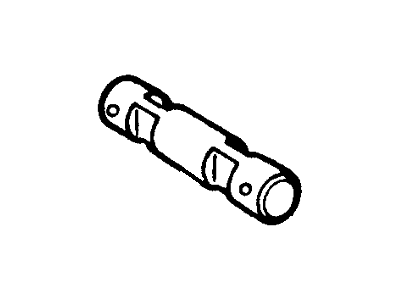 MSRP: $60.88 Your Price: $41.831
- 11
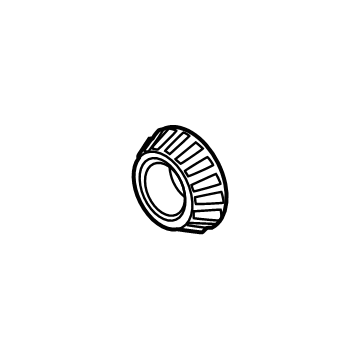
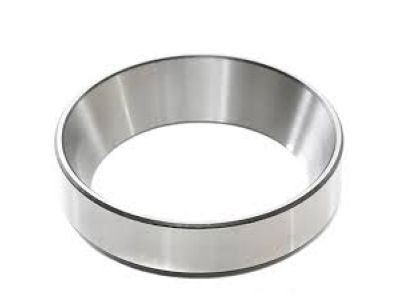 MSRP: $17.64 Your Price: $12.431
 - 11
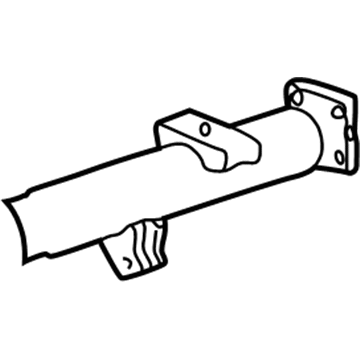
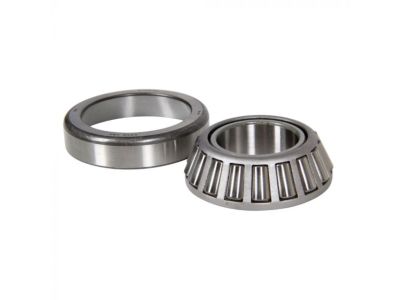 9L3Z-4630-A
Bearing Assembly - Driving PinionPinion Bearings- Part Notes: Aviator, Explorer; Mountaineer; Inner; Bearing
MSRP: $29.50 Your Price: $20.801 - 11
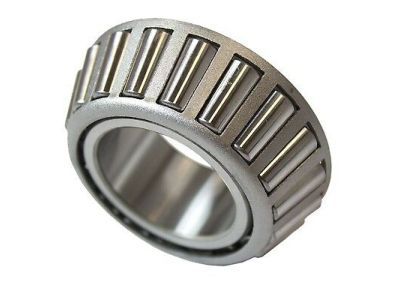
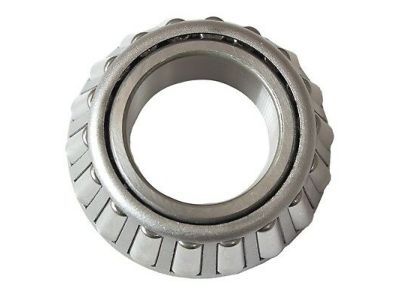 B7A-4621-A
Bearing Assembly - Driving PinionPinion Bearings- Part Notes: Aviator, Explorer; Mountaineer; Outer; Bearing
MSRP: $20.80 Your Price: $14.291 - 11
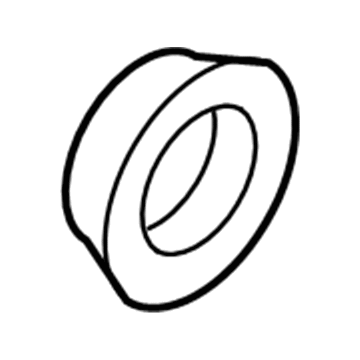
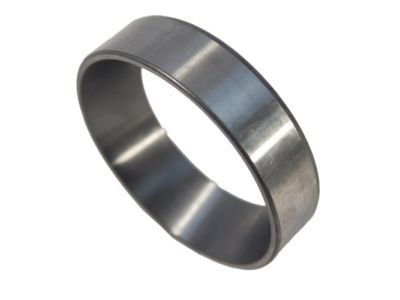 MSRP: $14.46 Your Price: $10.201
- 12
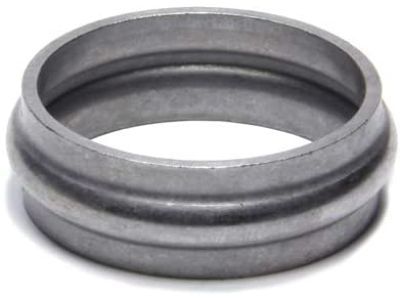 MSRP: $1.79 Your Price: $1.264
- 13
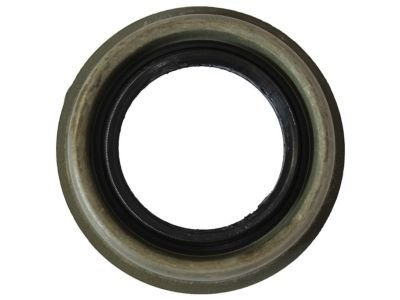
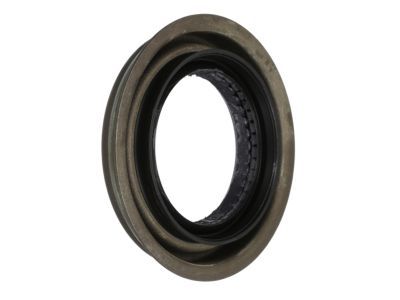
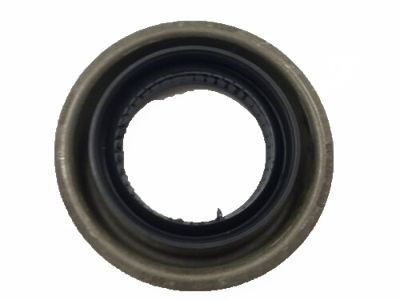
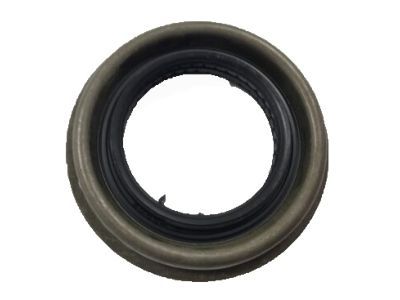
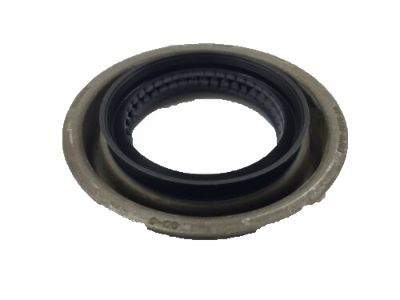
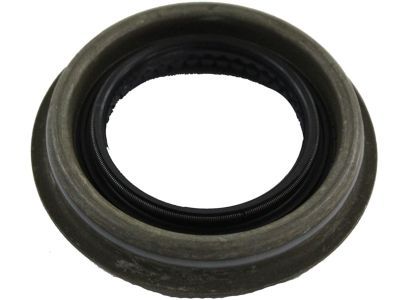
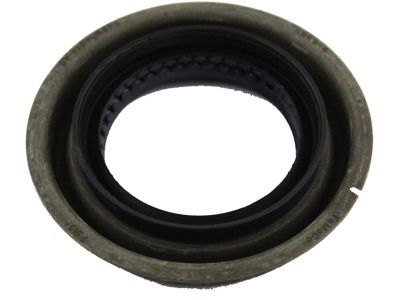
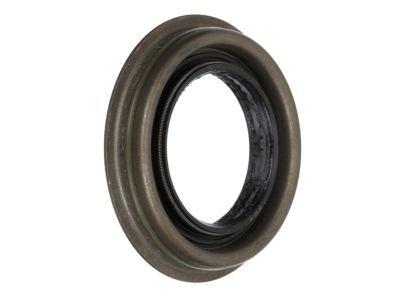 MSRP: $26.67 Your Price: $18.801
- 14
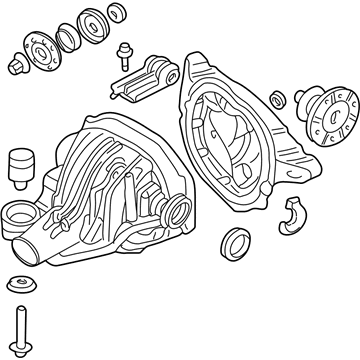 MSRP: $676.85 Your Price: $489.271
- 16

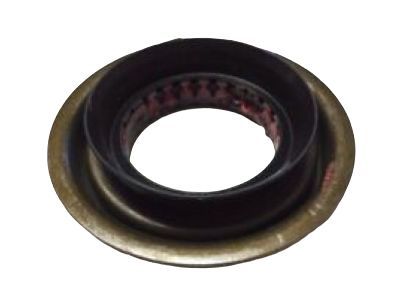 MSRP: $62.17 Your Price: $43.451
- 17
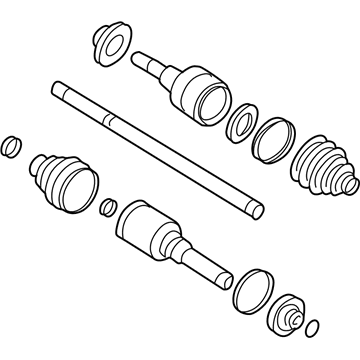
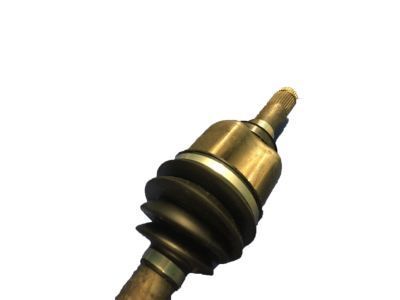 1L2Z-4K139-CB
Shaft Assembly - Rear AxleAxle Assembly- Part Notes: Explorer, Mountaineer; 2WD; Without Traction Control; Left
- 17
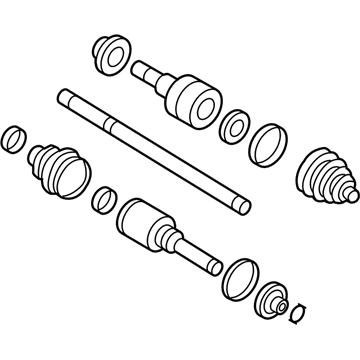
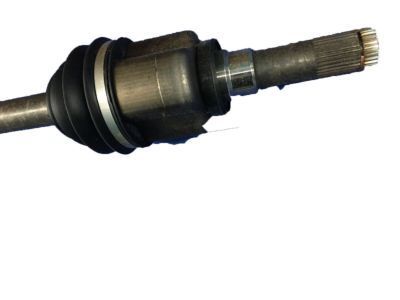
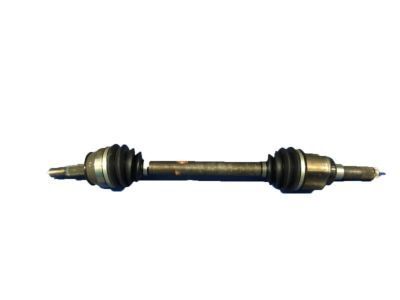
 1L2Z-4K138-CB
Shaft AssemblyAxle Assembly- Part Notes: Explorer, Mountaineer; 2WD; Without Traction Control; Right
- 17
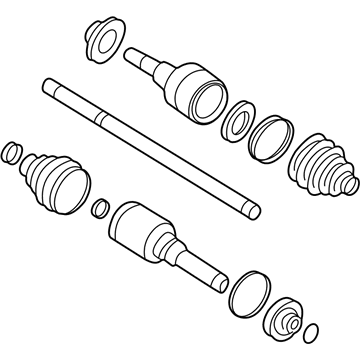 2L2Z-4K138-BA
Shaft AssemblyAxle Assembly- Part Notes: Explorer, Mountaineer; 2WD; With Traction Control; Right
- 17
- 18
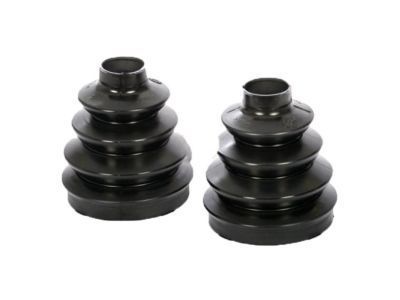
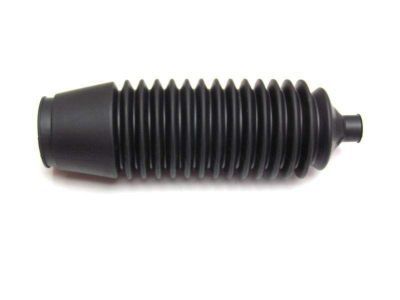
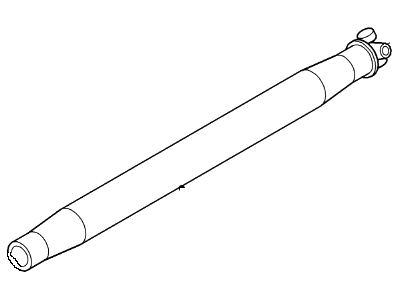
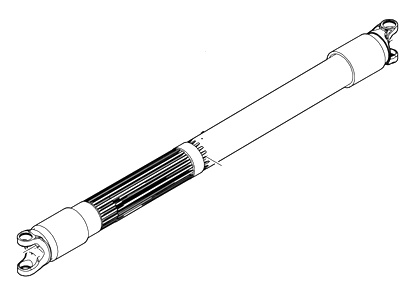
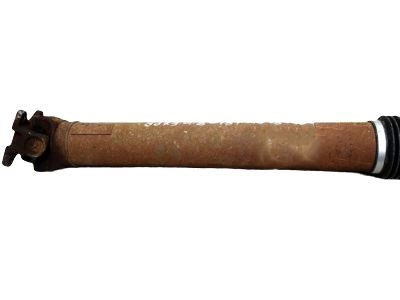
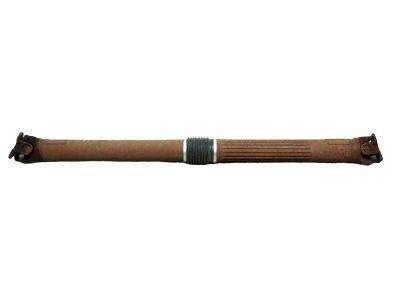
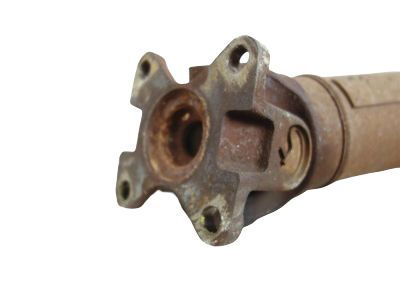
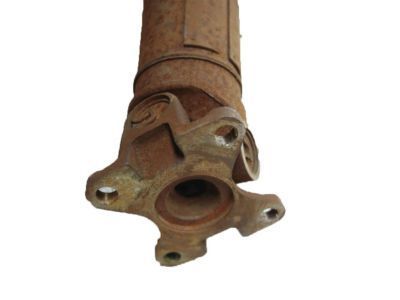
 MSRP: $43.67 Your Price: $30.001
 1L2Z-3B478-DA
Clamp - Boot- Part Notes: Small
- Production Date: 11/2000-12/2010
- Fitting Vehicle Options: Four-Wheel Drive (Full Time) (Left Hand Drive), Four-Wheel Drive (Part Time) (Left Hand Drive)
- Callout Name: 3B478A
MSRP: $18.75 Your Price: $13.78
OEM 2005 Mercury Mountaineer Parts for Rear Propeller Shaft
Genuine OEM 2005 Mercury Mountaineer parts are made using the original design, the high standards, in the Mercury official factories, and all of these ensure that they always fit perfectly and easily. FordPartsDeal.com is a trusted source for finding these authentic OEM Rear Propeller Shaft parts at very competitive prices. Our professional team is here to help you choose the right 2005 Mercury Mountaineer Drive Shaft, Slip Yoke, and our fast delivery options ensure that your parts are always delivered quickly.
Drive Shaft Installation and Repair Tips for 2005 Mercury Mountaineer
- Q:How to Service the Rear Drive Shaft of a 4X2 on 2005 Mercury Mountaineer?A:Service rear driveshaft on a 4x2 with vehicle in neutral on a hoist. Align index marks on extension housing and driveshaft before separating; after removal mark transmission shaft. Index-mark driveshaft and pinion flanges, discard flange bolts, install new bolts to spec, gently pry, tighten crosswise, use Threadlock if reused, reverse.