FordParts
My Garage
My Account
Cart
Steering Wheel & Trim
2006 Ford Expedition Steering Wheel, Cruise Control Switch
Currently shopping for
2006 Ford Expedition
Change VehicleVehicle Options
8 Cyl 5.4 L GASVehicle Options
8 Cyl 5.4 L GASCategories Close X
Currently selected
Steering
Other Categories
A/C & Heating
Air & Fuel Delivery
Belts & Cooling
Body & Hardware
Brakes
Charging & Starting
Driveline & Axles
Electrical
Emission Control & Exhaust
Engine
Headlights & Lighting
Interior & Exterior Trim
Maintenance & Lubrication
Suspension
Transmission
Categories Close X
How to use OE catalog
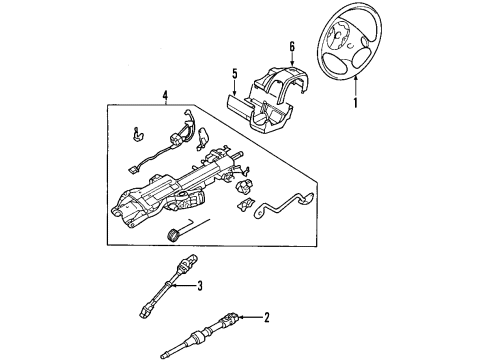
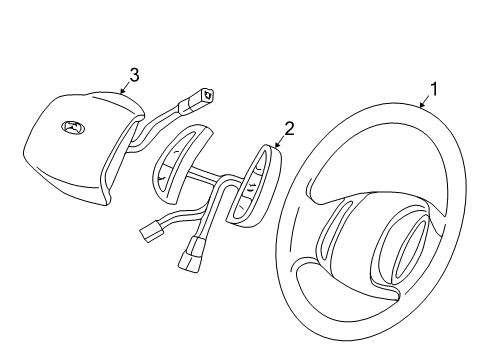
Diagram (1 of 1): Steering Wheel - Steering Wheel & Trim
Sort by:
Ref No.
Ref No.
Part No. & Part Description
Price & Qty.
Part No. &
Part Description
Part Description
- 1
- 1
- 1
- 1
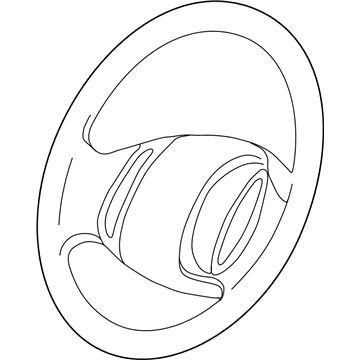
- 16L1Z-3600-BA
Wheel Assembly - SteeringSteering Wheel- Part Notes: All, Parchment;Leather Without Radio Controls, Parchment
- 16L1Z-3600-BB
Wheel Assembly - SteeringSteering Wheel- Part Notes: All, Flint;Leather Without Radio Controls, Dark Flint
- 1
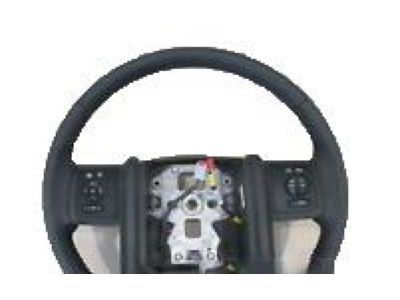
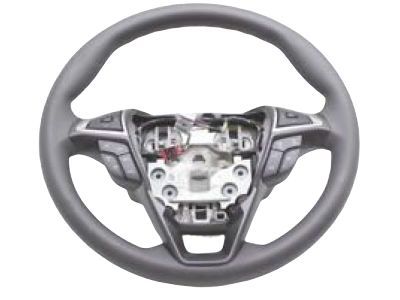
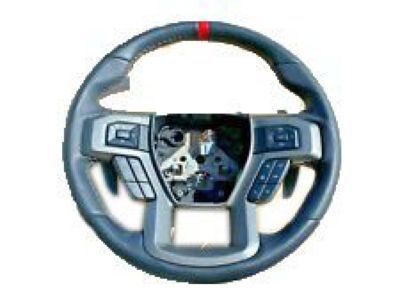 6L1Z-3600-CA
Wheel Assembly - SteeringSteering Wheel- Part Notes: All, Leather;Leather With Radio Controls
- 2
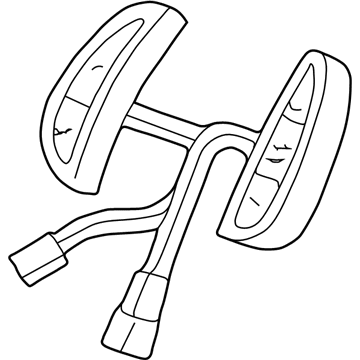
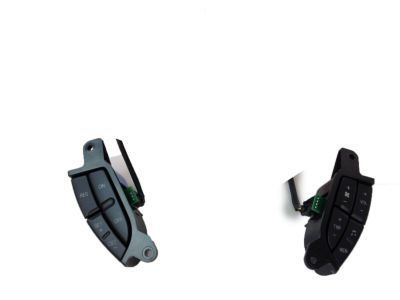
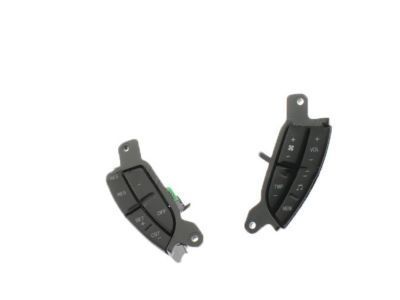
- 2
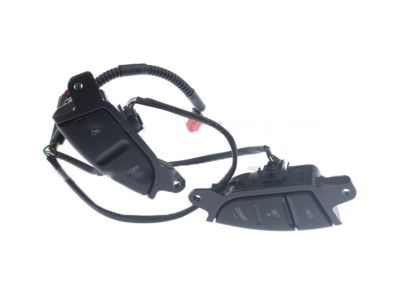

OEM 2006 Ford Expedition Parts for Steering Wheel & Trim
Genuine OEM 2006 Ford Expedition parts are made using the original design, the high standards, in the Ford official factories, and all of these ensure that they always fit perfectly and easily. FordPartsDeal.com is a trusted source for finding these authentic OEM Steering Wheel & Trim parts at very competitive prices. Our professional team is here to help you choose the right 2006 Ford Expedition Steering Wheel, Cruise Control Switch, and our fast delivery options ensure that your parts are always delivered quickly.
Cruise Control Switch, Steering Wheel Installation and Repair Tips for 2006 Ford Expedition
- Q:How to service and repair the steering wheel controls on 2006 Ford Expedition?A:To maintain the steering wheel controls, take off the driver airbag module. In the case of the Expedition, de-screw the controls, and unplug the electrical connector. In the Navigator, loosen to 8 Nm and remove the switch plate bolts. Record the routing of harness, disconnect and take off the horn switch plate. Installation is a reverse process.
- Q:How to service and repair the cruise control switch on 2006 Ford Expedition?A:You can begin by taking out the driver air bag module to service the cruise control switch. In the case of the Expedition, take out the screws that hold the speed control switch and loosen the electrical connector. In the case of the Navigator, the horn switch, bolts, and finally speed control switch can be removed. Uninstallation Reverse the uninstall process.