FordParts
My Garage
My Account
Cart
Adjustable Brake Pedal
2009 Ford F-150 Brake Pedal
Currently shopping for
2009 Ford F-150
Change VehicleCategories Close X
Currently selected
Brakes
Other Categories
A/C & Heating
Air & Fuel Delivery
Belts & Cooling
Body & Hardware
Charging & Starting
Driveline & Axles
Electrical
Emission Control & Exhaust
Engine
Headlights & Lighting
Interior & Exterior Trim
Maintenance & Lubrication
Steering
Suspension
Transmission
How to use OE catalog
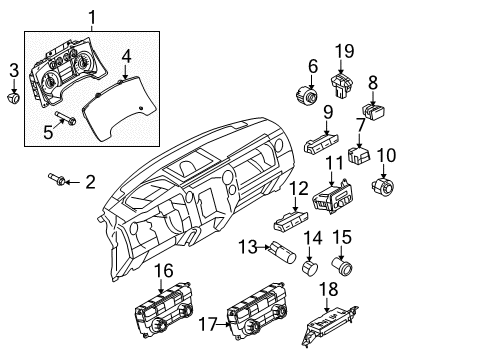
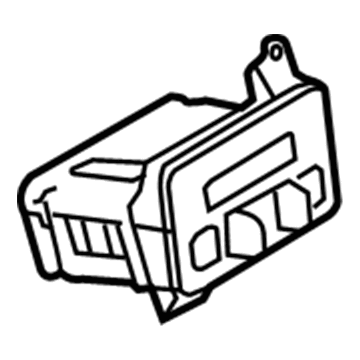
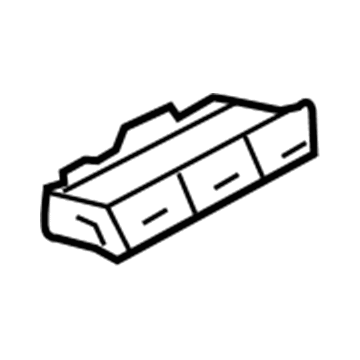
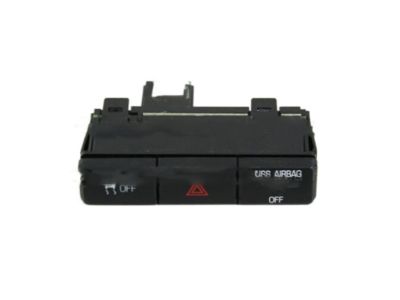
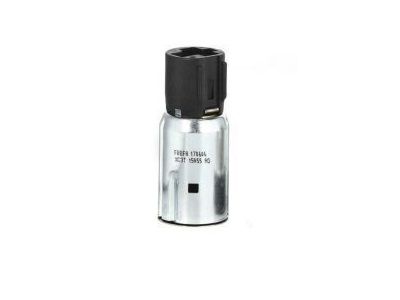
Diagram (1 of 1): Instrument Panel - Cluster & Switches
Sort by:
Ref No.
Ref No.
Part No. & Part Description
Price & Qty.
Part No. &
Part Description
Part Description
- 1
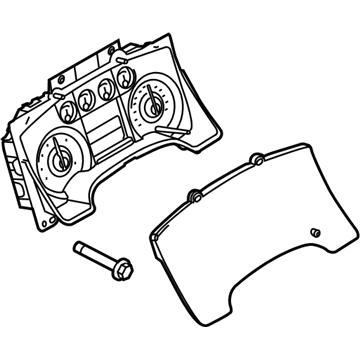 MSRP: $574.94 Your Price: $430.46
 - 1MSRP: $606.05 Your Price: $453.411
- 1MSRP: $612.08 Your Price: $457.861
- 1MSRP: $598.85 Your Price: $448.10
- 1MSRP: $614.77 Your Price: $459.851
- 1MSRP: $621.06 Your Price: $464.491
- 1MSRP: $696.20 Your Price: $519.921
- 1MSRP: $572.11 Your Price: $428.37
- 1MSRP: $581.89 Your Price: $435.591
- 1MSRP: $550.12 Your Price: $412.151
- 2
 MSRP: $2.50 Your Price: $1.474
- 3

 MSRP: $5.00 Your Price: $2.944
- 4
- 4
- 4
- 4
- 4
- 5

- 6

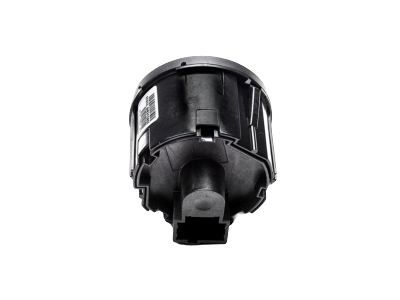
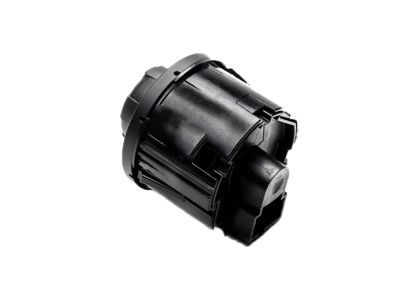
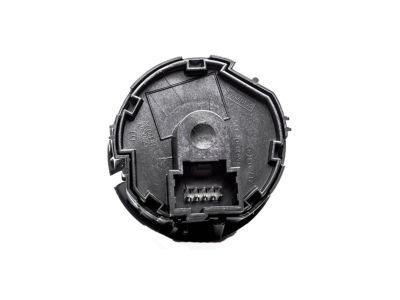
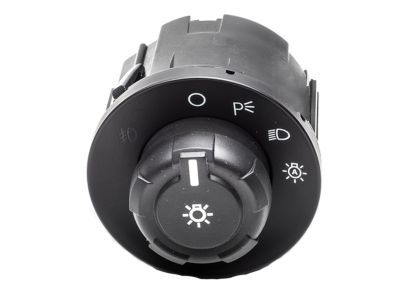 MSRP: $164.00 Your Price: $103.28
 - 6
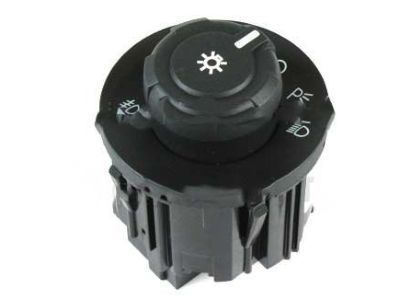 9L3Z-11654-BA
Switch Assembly - HeadlampsHeadlamp Switch- Part Notes: Without Auto Lamp, With Fog Lamps
MSRP: $45.45 Your Price: $29.38 - 6
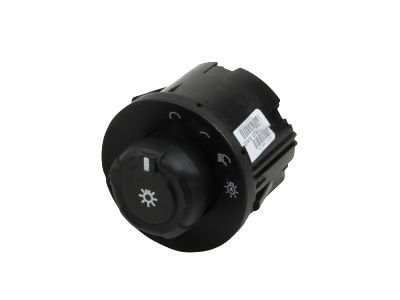 9L3Z-11654-DA
Switch Assembly - HeadlampsHeadlamp Switch- Part Notes: With Auto Lamp, Without Fog Lamps
MSRP: $45.45 Your Price: $28.631 - 6KC3Z11654AA
Switch Assembly - HeadlampsHeadlamp Switch- Part Notes: Without Auto Lamp, Without Fog Lamps
MSRP: $97.45 Your Price: $60.401
- 7

- 8
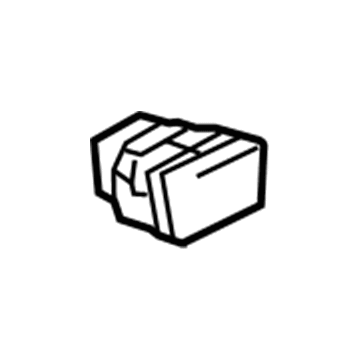
- 9
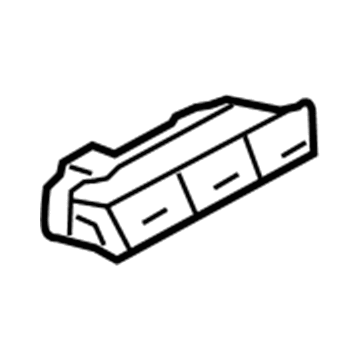 MSRP: $42.95 Your Price: $30.281
- 10

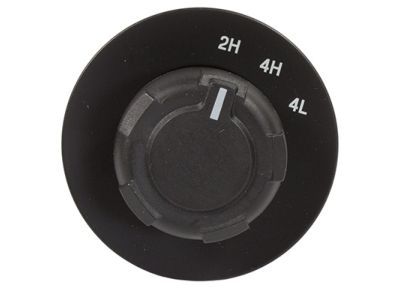
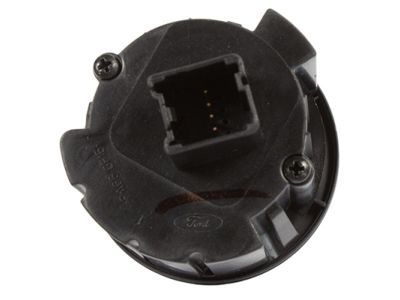 MSRP: $97.09 Your Price: $59.011
- 11
- 12
 MSRP: $45.45 Your Price: $28.181
- 13

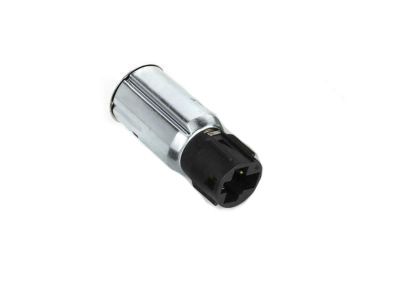 MSRP: $14.23 Your Price: $10.031
- 14

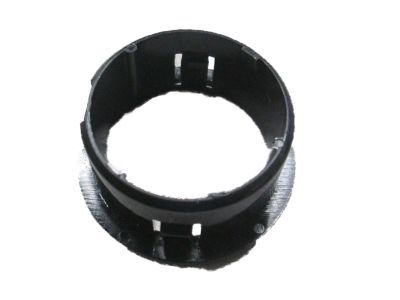
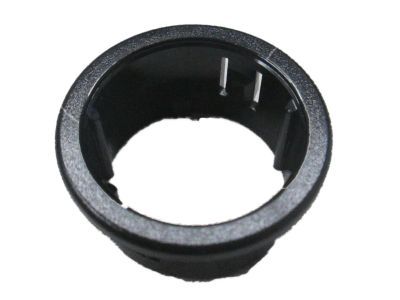 MSRP: $7.30 Your Price: $5.151
- 15

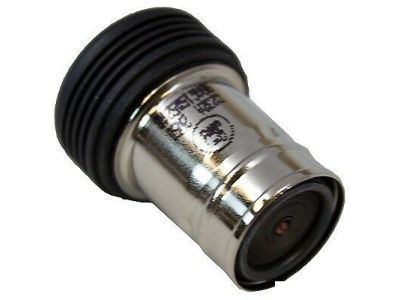
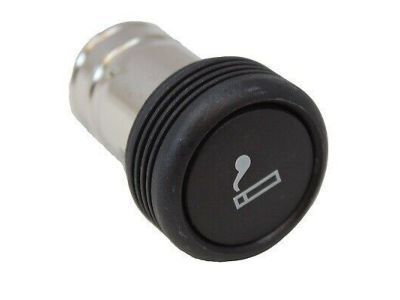
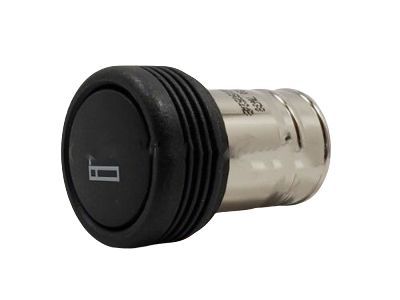 MSRP: $15.00 Your Price: $10.581
- 16
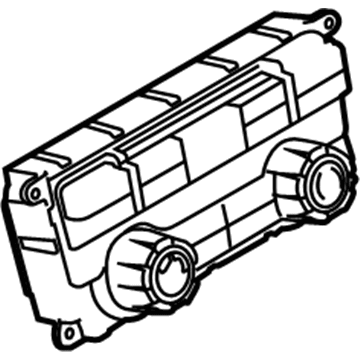 9L3Z-19980-HA
ControlHeater Control- Part Notes: Manual AC, Without Heated Back Window, With Power Mirrors
- 16
- 169L3Z-19980-T
ControlHeater Control- Part Notes: With Manual AC, Without Heated Back Window, Without Power Mirrors
- 17
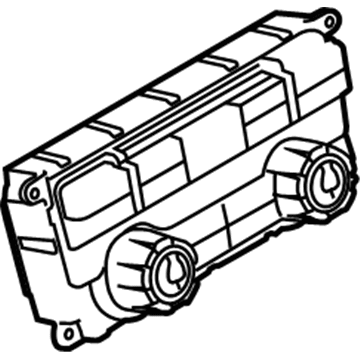 9L3Z-19980-YA
ControlHeater Control- Part Notes: Without Navigation,With Auto AC,With Heated Seat, With Heated Rear. Window
- 179L3Z-19980-VA
ControlHeater Control- Part Notes: Without Navigation,With Auto AC, With Cooled Seat, Without Heated Rear Window
- 179L3Z-19980-XA
ControlHeater Control- Part Notes: Without Navigation,With Auto AC, With Cooled Seat, With Heated Rear Window
- 179L3Z-19980-ZA
ControlHeater Control- Part Notes: Without Navigation,With Auto AC,With Heated Seat, Without Heated Rear. Wind
- 18
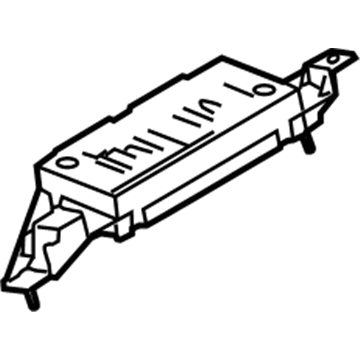
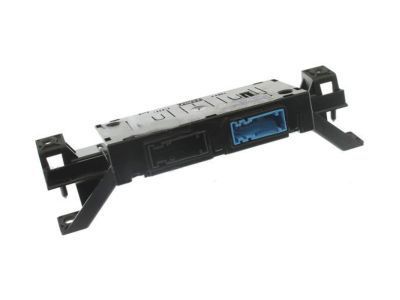
- 18
- 19
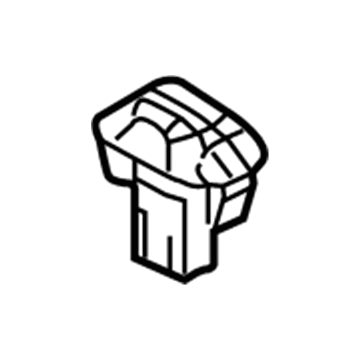
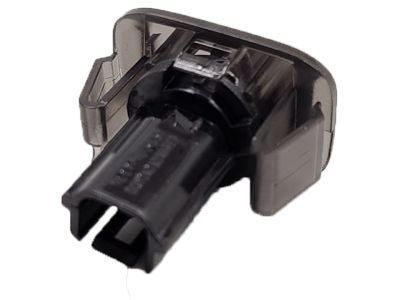
 MSRP: $82.18 Your Price: $49.951
 - 19
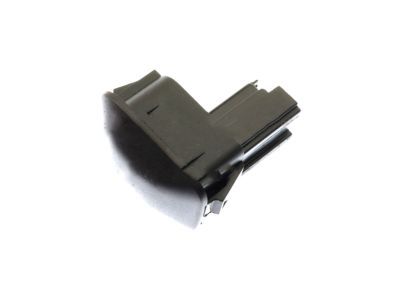 MSRP: $44.36 Your Price: $27.941
OEM 2009 Ford F-150 Parts for Adjustable Brake Pedal
Genuine OEM 2009 Ford F-150 parts are made using the original design, the high standards, in the Ford official factories, and all of these ensure that they always fit perfectly and easily. FordPartsDeal.com is a trusted source for finding these authentic OEM Adjustable Brake Pedal parts at very competitive prices. Our professional team is here to help you choose the right 2009 Ford F-150 Brake Pedal, and our fast delivery options ensure that your parts are always delivered quickly.
Dimmer Switch Installation and Repair Tips for 2009 Ford F-150
- Q:How to service and repair the headlamp dimmer switch on the steering column multifunction switch on 2009 Ford F-150?A:To change the headlamp dimmer switch to the steering column multifunction switch: Take off the steering column shroud, disconnect the two electrical connectors and loosen the two screws. Install the new switch, screwed tight to 1 Nm (9 lb-in), and then repeat the steps of removal in reversed order to install.