FordParts
My Garage
My Account
Cart
Senders
2002 Mercury Sable Fuel Sending Unit, Fuel Level Sensor
Currently shopping for
2002 Mercury Sable
Change VehicleVehicle Options
6 Cyl 3.0 L GASVehicle Options
6 Cyl 3.0 L GASCategories Close X
Currently selected
Electrical
Other Categories
A/C & Heating
Air & Fuel Delivery
Belts & Cooling
Body & Hardware
Brakes
Charging & Starting
Driveline & Axles
Emission Control & Exhaust
Engine
Headlights & Lighting
Interior & Exterior Trim
Maintenance & Lubrication
Steering
Suspension
Transmission
Categories Close X
How to use OE catalog
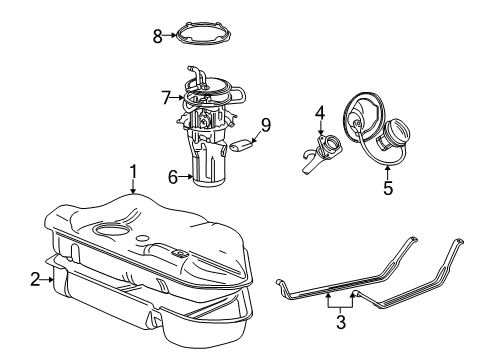
Diagram (1 of 1): Fuel System - Fuel System Components
Sort by:
Ref No.
Ref No.
Part No. & Part Description
Price & Qty.
Part No. &
Part Description
Part Description
- 1
- 2
- 3
- 3
- 4

- 4
- 5

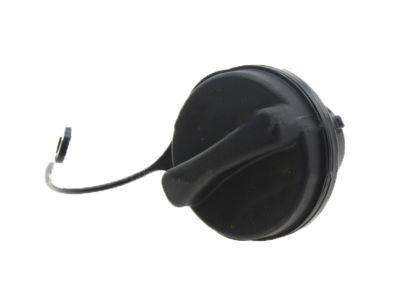
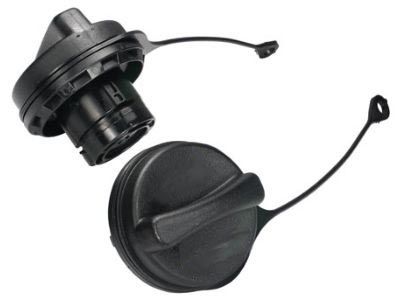
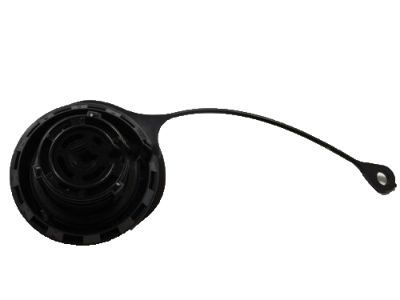
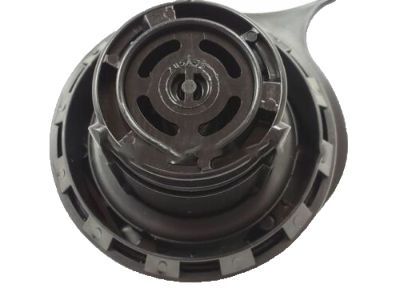
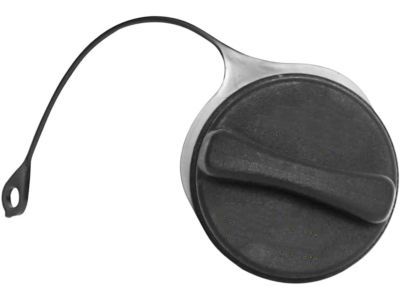 MSRP: $32.73 Your Price: $20.611
 - 5
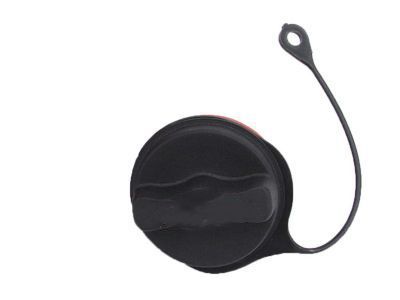
- 6

- 7
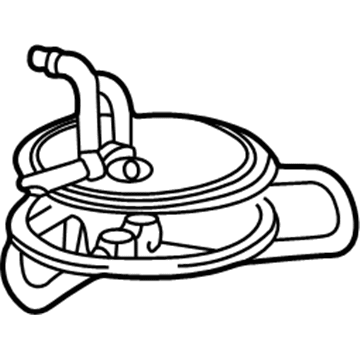
 MSRP: $18.82 Your Price: $12.162
- 8

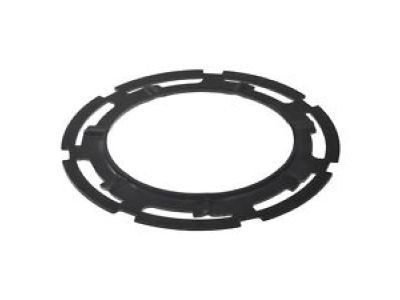
 MSRP: $6.24 Your Price: $3.931
- 9

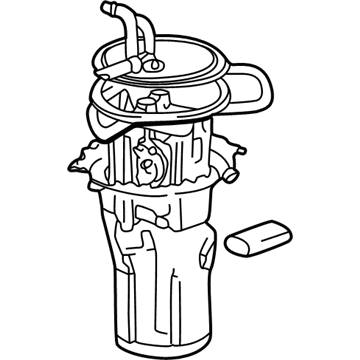 6F1Z-9275-A
Sender Assembly - Fuel TankFuel Sending Unit- Part Notes: Sable, Taurus; Without Flex Fuel; Extended Range Tank; From 2/5/01
MSRP: $421.73 Your Price: $304.851
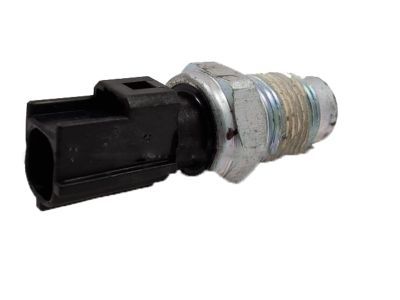
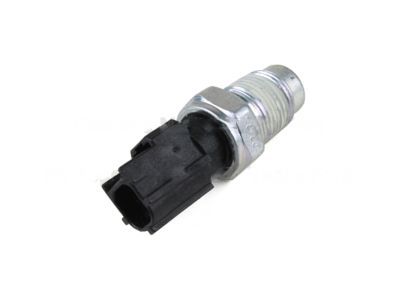
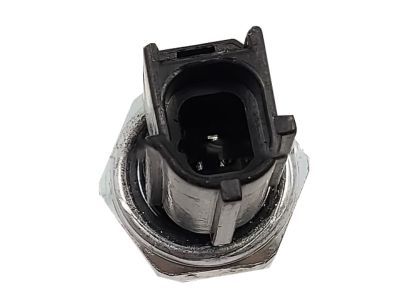
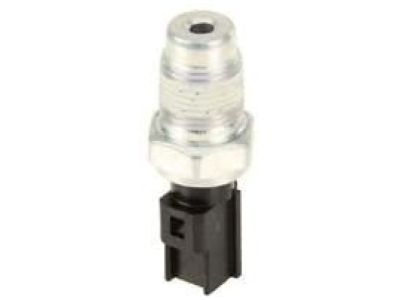
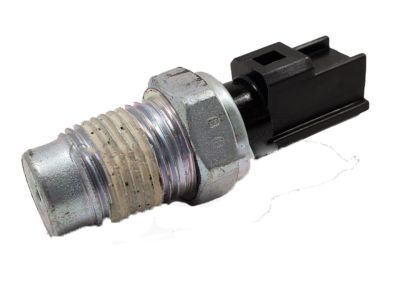 6U5Z-9278-M
Switch Assembly - Oil PressureOil Gauge Sending Unit- Part Notes: Sable, Taurus; 3.0L; DOHC
MSRP: $172.73 Your Price: $102.891 MSRP: $212.73 Your Price: $126.361
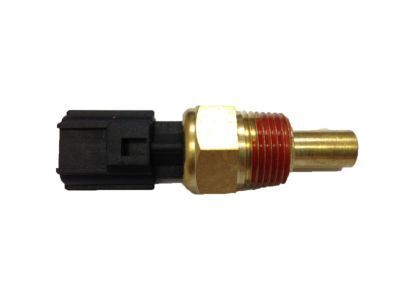 MSRP: $25.82 Your Price: $16.69

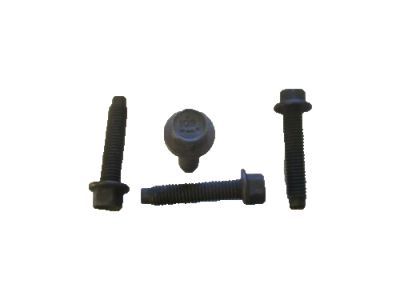
 MSRP: $9.25 Your Price: $5.44

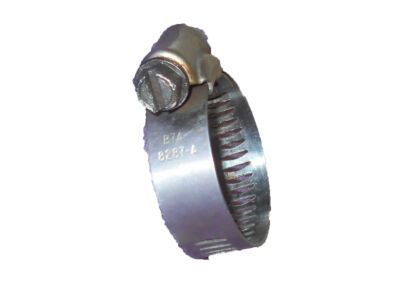 B7A-8287-A
Clamp - Hose- Part Notes: Universal type - adjustable range - 5/8" to 1 1/4" - worm type
- Fit Note: Sable
- Callout Name: 8287
- Replaced By: B7A-8287-AA
MSRP: $2.17 Your Price: $1.53


 MSRP: $13.50 Your Price: $7.93
 MSRP: $12.00 Your Price: $7.05

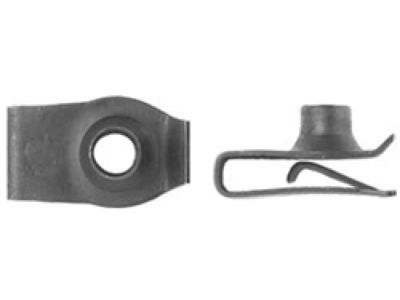 MSRP: $4.00 Your Price: $2.35

 MSRP: $12.00 Your Price: $7.05

 MSRP: $6.67 Your Price: $4.70

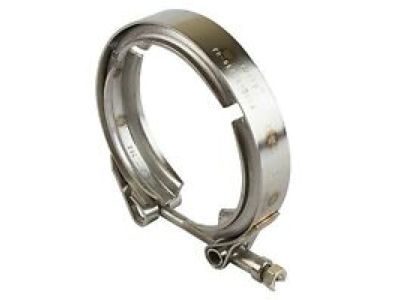 F3XY-8287-H
Clamp - Hose- Part Notes: Used to attach power steering hoses to reservoir
- Fit Note: Sable
- Callout Name: 8287
MSRP: $4.33 Your Price: $3.06
 MSRP: $2.00 Your Price: $1.18

 MSRP: $6.97 Your Price: $4.50
OEM 2002 Mercury Sable Parts for Senders
Genuine OEM 2002 Mercury Sable parts are made using the original design, the high standards, in the Mercury official factories, and all of these ensure that they always fit perfectly and easily. FordPartsDeal.com is a trusted source for finding these authentic OEM Senders parts at very competitive prices. Our professional team is here to help you choose the right 2002 Mercury Sable Fuel Sending Unit, Fuel Level Sensor, and our fast delivery options ensure that your parts are always delivered quickly.
Coolant Temperature Sensor Installation and Repair Tips for 2002 Mercury Sable
- Q:How to service the Coolant Temperature Sensor/Switch for the computer on 2002 Mercury Sable?A:To prevent any accident to the Coolant Temperature Sensor/Switch, begin by removing the battery ground cable, and emptying the cooling system to some degree. Next, unplug the electrical connector to the Engine Coolant Temperature (ECT) sensor and strip out the sensor. Lastly, reverse the steps done to get the files removed in order to install it.