FordParts
My Garage
My Account
Cart
Ignition System
2004 Ford F-150 Heritage Ignition Coil, Camshaft Position Sensor, Spark Plug, Engine Control Module
Currently shopping for
2004 Ford F-150 Heritage
Change VehicleCategories Close X
Currently selected
Electrical
Other Categories
A/C & Heating
Air & Fuel Delivery
Belts & Cooling
Body & Hardware
Brakes
Charging & Starting
Driveline & Axles
Emission Control & Exhaust
Engine
Headlights & Lighting
Interior & Exterior Trim
Maintenance & Lubrication
Steering
Suspension
Transmission
Categories Close X
How to use OE catalog
Sort by:
Ref No.
Part No. & Part Description
Price & Qty.
Part No. &
Part Description
Part Description
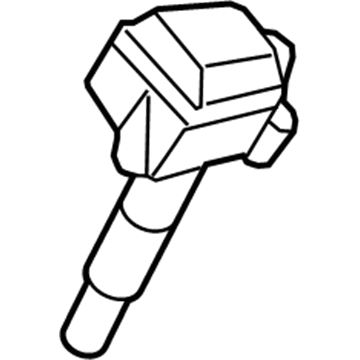
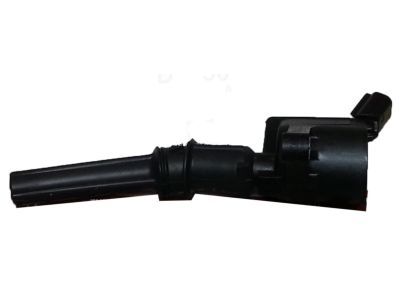
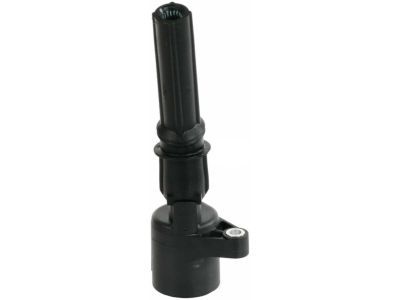
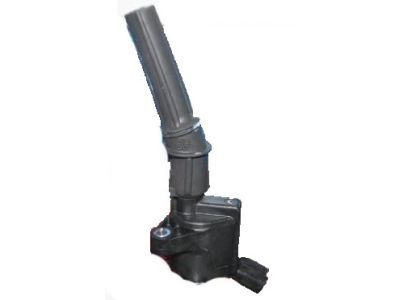
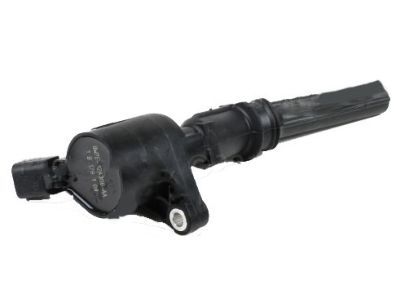 3W7Z-12029-AA
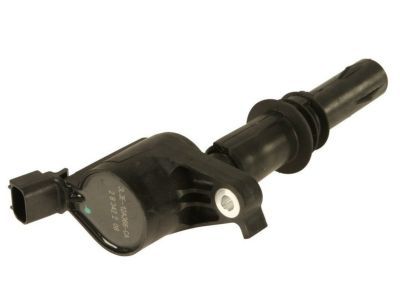
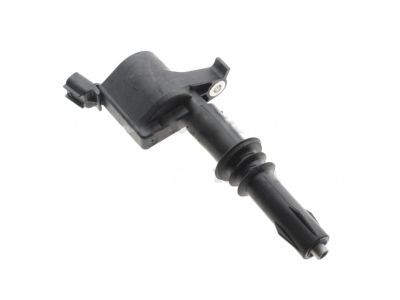
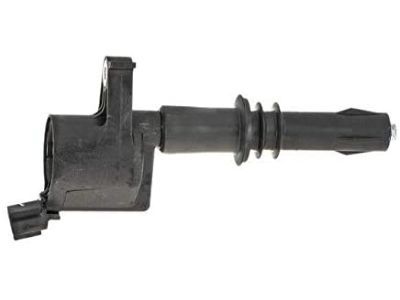
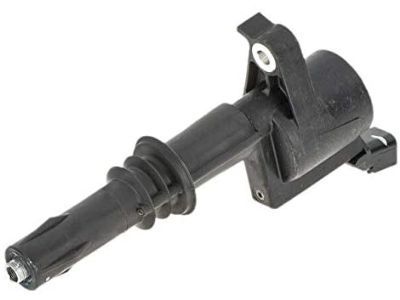
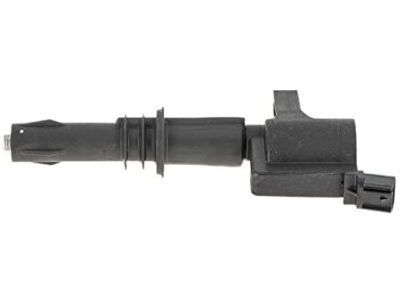
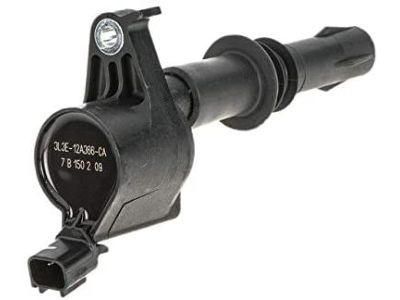
Coil Assembly - IgnitionIgnition Coil- Part Notes: 4.6L;5.4L;F150, Mark LT; 4.6L;F150; 4.6L;F150; 5.4L
MSRP: $91.85 Your Price: $55.821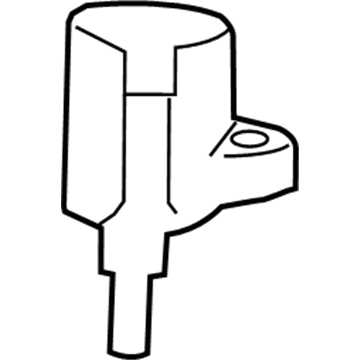
 MSRP: $81.62 Your Price: $49.601
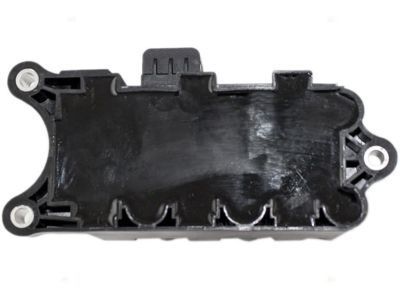
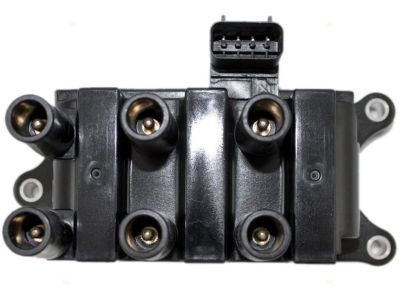 MSRP: $142.93 Your Price: $86.861
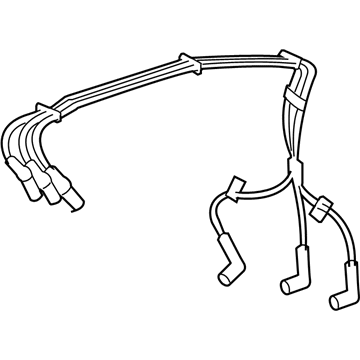
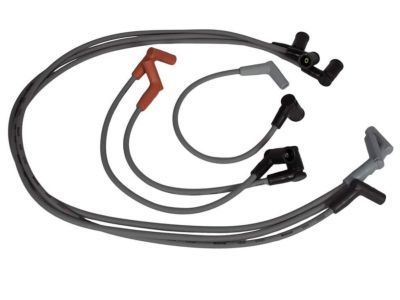 MSRP: $70.36 Your Price: $44.311
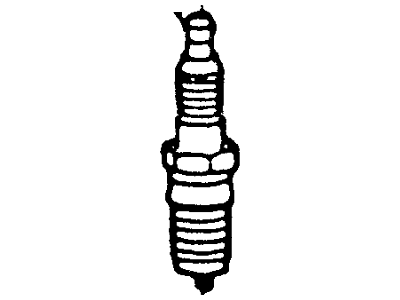 MSRP: $10.02 Your Price: $6.47
 MSRP: $8.67 Your Price: $5.60
 MSRP: $8.58 Your Price: $5.401
OEM 2004 Ford F-150 Heritage Parts for Ignition System
Genuine OEM 2004 Ford F-150 Heritage parts are made using the original design, the high standards, in the Ford official factories, and all of these ensure that they always fit perfectly and easily. FordPartsDeal.com is a trusted source for finding these authentic OEM Ignition System parts at very competitive prices. Our professional team is here to help you choose the right 2004 Ford F-150 Heritage Ignition Coil, Camshaft Position Sensor, Spark Plug, Engine Control Module, and our fast delivery options ensure that your parts are always delivered quickly.
Ignition Coil, Spark Plug Installation and Repair Tips for 2004 Ford F-150 Heritage
- Q:How to service the ignition coil-on-plug for 5.4L natural gas on 2004 Ford F-150 Heritage?A:Removal of the battery fuse cover, disconnection of the bulkhead-to-intake manifold and sensors are required to service the ignition coil-on-plug in 5.4L natural gas vehicles. Disassemble the COP and the fuel injector connectors, take off the ignition coils, apply grease to the boot of the coils and repeat the process in reverse.
- Q:How to service the spark plugs on 2004 Ford F-150 Heritage?A:Cleaning spark plugs, you must start by taking off the coil on plugs. Spray any debris out of the spark plug wells using compressed air and then carefully remove the spark plugs. Check them on any problems and re-adjust the gap. Uninstalling To uninstall, undo the uninstall procedure.