FordParts
My Garage
My Account
Cart
Heated Seats
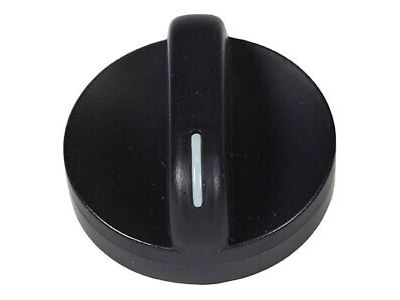
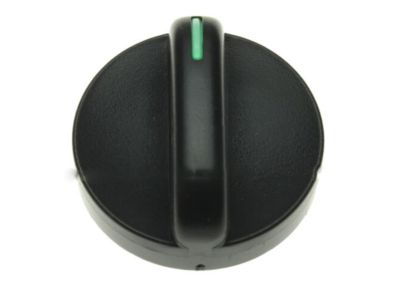
2009 Mercury Mountaineer Seat Cushion, Seat Switch
Currently shopping for
2009 Mercury Mountaineer
Change VehicleCategories Close X
Currently selected
Electrical
- ABS Components
- Air Bag Components
- Alarm System
- Antenna & Radio
- Anti-Theft Components
- Cruise Control System
- Electrical Components
- Entertainment System Components
- Front Seat Belts
- Fuse & Relay
- Heated Seats
- Ignition System
- Instruments & Gauges
- Keyless Entry Components
- Moonroof
- Navigation System
- Parking Aid
- Power Seats
- Rear Seat Belts
- Senders
- Supplemental Restraint System
- Switches
- Tire Pressure Monitoring
- Wipers
Other Categories
A/C & Heating
Air & Fuel Delivery
Belts & Cooling
Body & Hardware
Brakes
Charging & Starting
Driveline & Axles
Emission Control & Exhaust
Engine
Headlights & Lighting
Interior & Exterior Trim
Maintenance & Lubrication
Steering
Suspension
Transmission
How to use OE catalog
3 diagrams found for the vehicle you selected.Select your vehicle options to narrow down results.
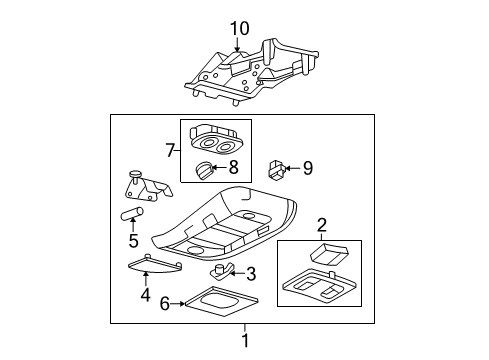
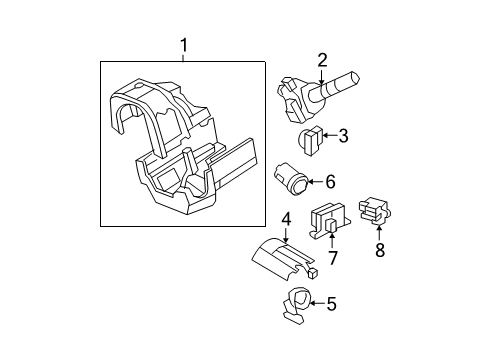
- 1.Instrument Panel - Cluster & Switches
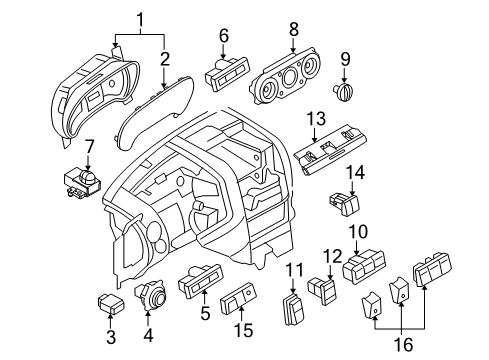
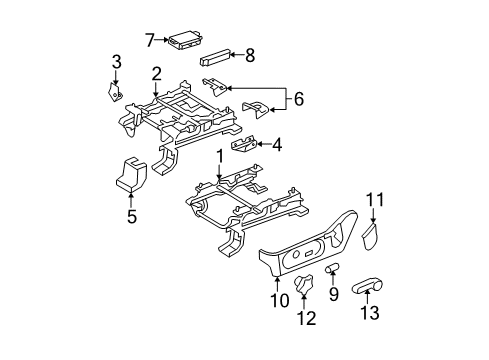
- 2.Seats & Tracks - Front Seat Components
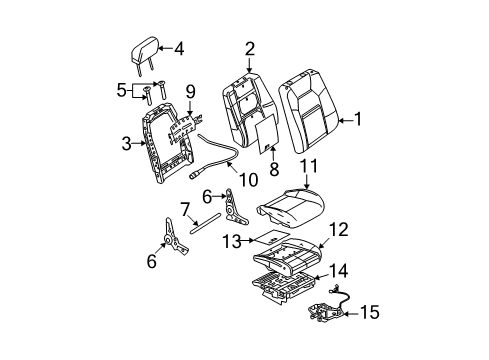
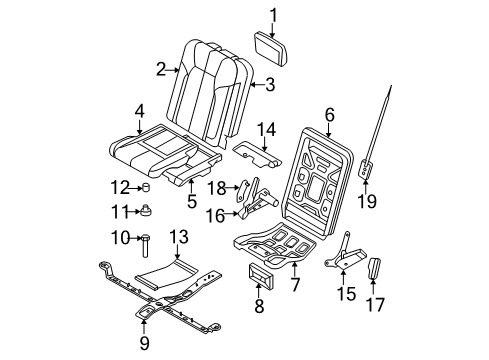
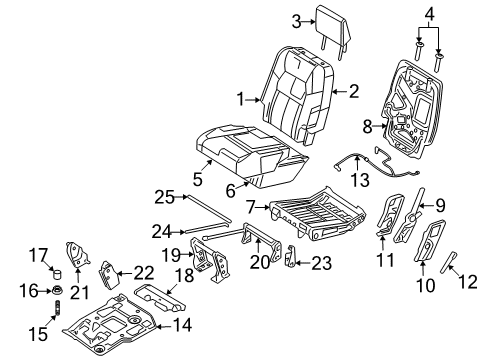
- 3.Seats & Tracks - Front Seat Components
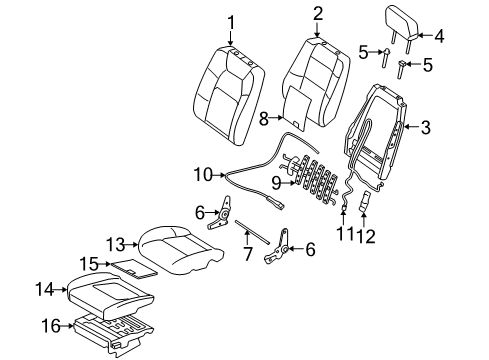
Sort by:
Ref No.
Ref No.
Part No. & Part Description
Price & Qty.
Part No. &
Part Description
Part Description
- 1
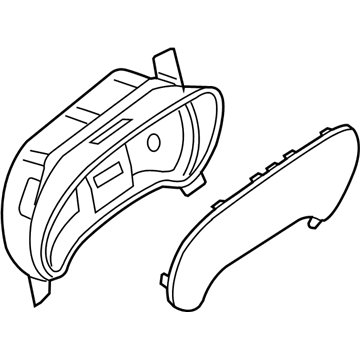 MSRP: $452.74 Your Price: $340.311
- 1
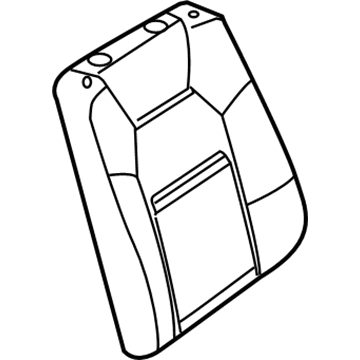 8L9Z-7864416-BA
Cover Assembly - Seat BackSeat Back Cover- Part Notes: 2006-10, Passenser Side, Premier Package, Camel
- Location: Passenger Side
- 19L2Z-7864416-BA
Cover Assembly - Seat BackSeat Back Cover- Part Notes: 2006-10, Passenser Side, Luxury Package, Camel
- Location: Passenger Side
- 19L2Z-7864416-BB
Cover Assembly - Seat BackSeat Back Cover- Part Notes: 2006-10, Passenser Side, Luxury Package, Black
- Location: Passenger Side
- 1
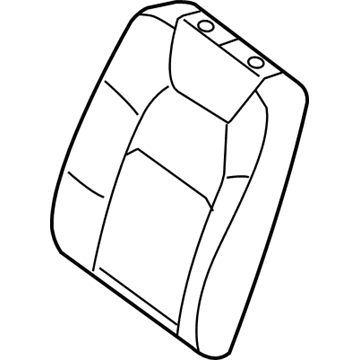 9L2Z-7864417-BA
Cover Assembly - Seat BackSeat Back Cover- Part Notes: 2006-10, Driver Side, With Luxury Package, Camel
- Location: Driver Side
- 19L2Z-7864417-BB
Cover Assembly - Seat BackSeat Back Cover- Part Notes: 2006-10, Driver Side, With Luxury Package, Black
- Location: Driver Side
- 19L9Z-7864417-AA
Cover Assembly - Seat BackSeat Back Cover- Part Notes: 2006-10, Driver Side, With Premier Package, Camel
- Location: Driver Side
- 19L9Z-7864417-AB
Cover Assembly - Seat BackSeat Back Cover- Part Notes: 2006-10, Driver Side, With Premier Package, Black
- Location: Driver Side
- 2
- 2
- 2
 MSRP: $84.17 Your Price: $60.841
 - 2
 9L2Z-7864811-A
Pad - Seat BackSeat Back Pad- Part Notes: 2006-10, Driver Side, With Manual Seat
- Location: Driver Side
- 29L2Z-7864811-B
Pad - Seat BackSeat Back Pad- Part Notes: 2006-10, Driver Side, With 10 Way Seat
- Location: Driver Side
- 3
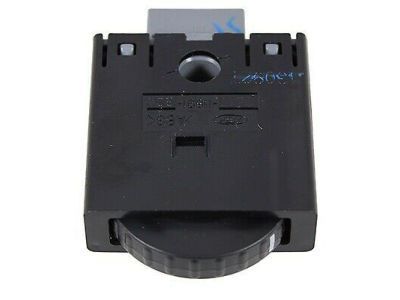 MSRP: $41.67 Your Price: $29.381
- 3
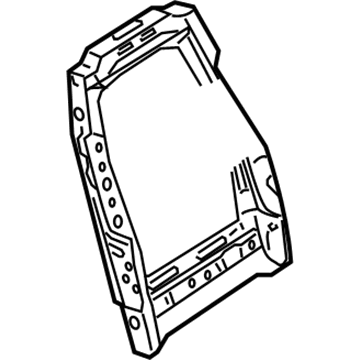 9L2Z-7861018-A
Frame Assembly - SeatSeat Back Frame- Part Notes: 2006-10, Passenser Side, With Manual Seat
- Location: Passenger Side
MSRP: $96.80 Your Price: $69.971 - 39L2Z-7861018-B
Frame AssemblySeat Back Frame- Part Notes: 2006-10, Driver Side, With Power Seat;2006-10, Passenser Side, With 6 Way Seat
- Location: Driver Side;Passenger Side
- 3
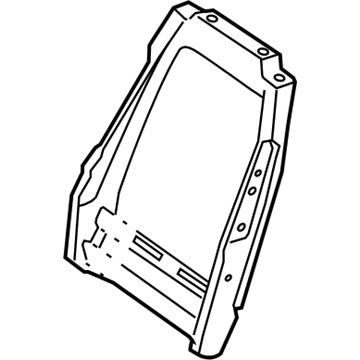 9L2Z-7861019-A
Frame Assembly - SeatSeat Back Frame- Part Notes: 2006-10, Driver Side, With Manual Seat
- Location: Driver Side
- 4
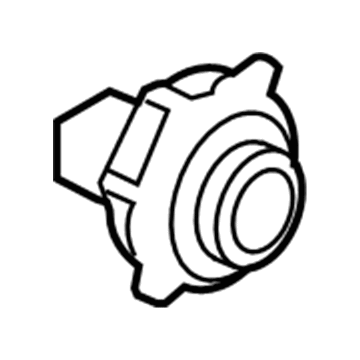
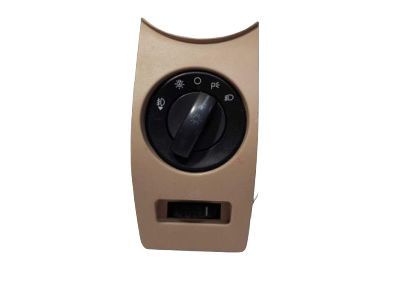
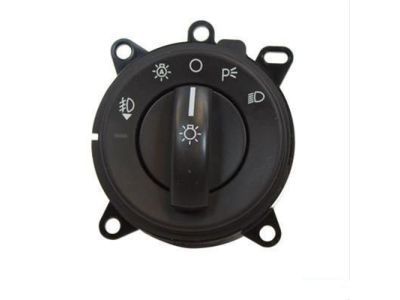
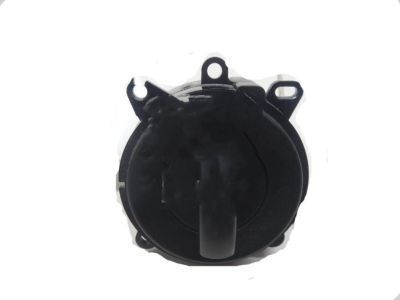
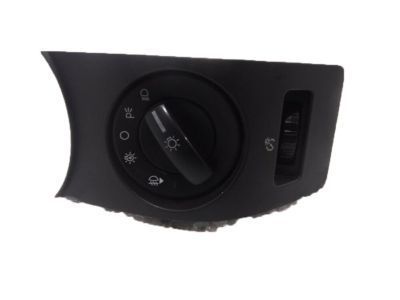 6L2Z-11654-FAA
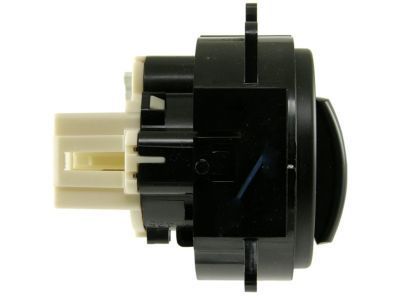
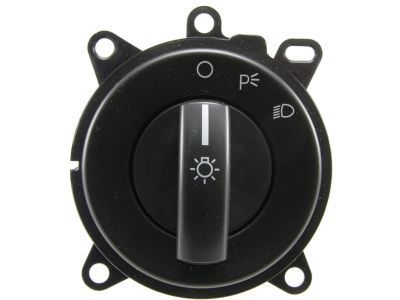
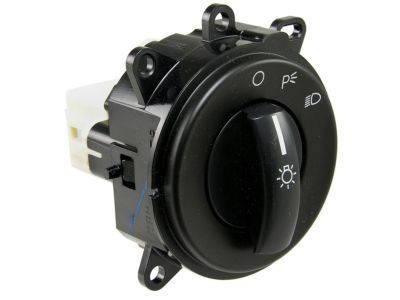
Switch Assembly - HeadlampsHeadlamp Switch- Part Notes: 2006-10, With Auto Lamp, With Fog Lamp
MSRP: $181.82 Your Price: $114.50 - 4
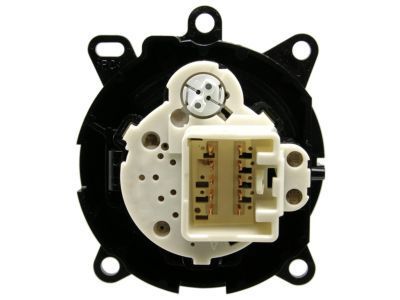
 6L2Z-11654-AAA
Switch Assembly - HeadlampsHeadlamp Switch- Part Notes: 2006-10, Without Auto Lamp, Without Fog Lamp
- 46L2Z-11654-BAA
Switch Assembly - HeadlampsHeadlamp Switch- Part Notes: 2006-10, With Auto Lamp, Without Fog Lamp
MSRP: $47.39 Your Price: $34.261 - 4
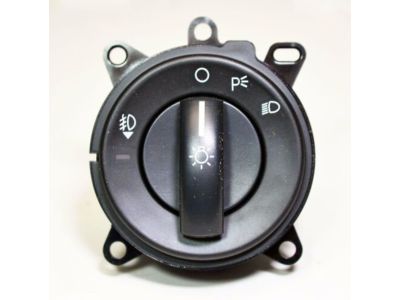
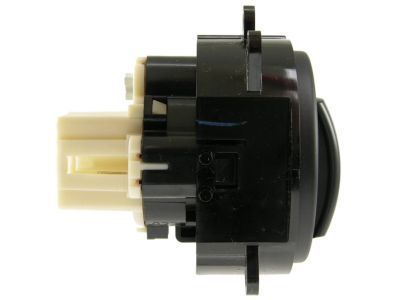
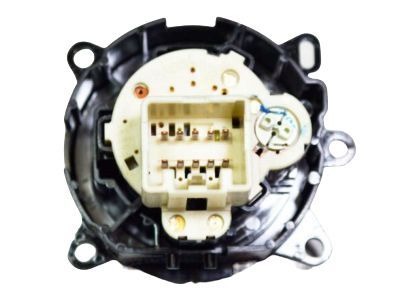
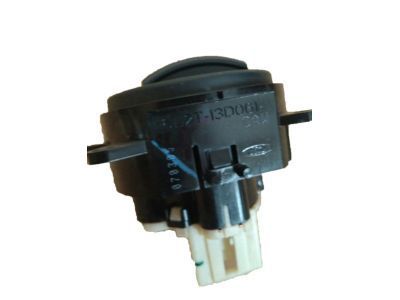 6L2Z-11654-CAA
Switch Assembly - HeadlampsHeadlamp Switch- Part Notes: 2006-10, Without Auto Lamp, With Fog Lamp
- 4
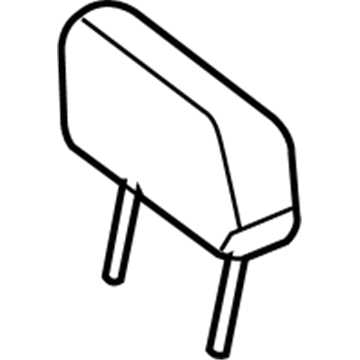 9L2Z-78611A08-AB
Head Rest AssemblyHeadrest- Part Notes: 2006-10, Driver Side, Luxury, Premier Package, Camel;2006-10, Passenser Side, Luxury, Premier Package, Camel
- Location: Driver Side;Passenger Side
- 49L2Z-78611A08-AC
Head Rest AssemblyHeadrest- Part Notes: 2006-10, Driver Side, Luxury, Premier Package, Black
- Location: Driver Side
MSRP: $249.30 Your Price: $180.211 - 4
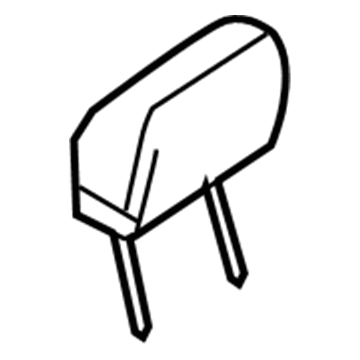 9L2Z-78611A08-BC
Head Rest AssemblyHeadrest- Part Notes: 2006-10, Passenser Side, Luxury, Premier Package, Black
- Location: Passenger Side
- 5
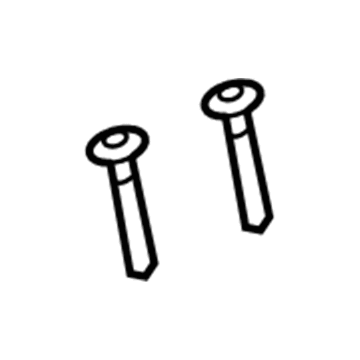
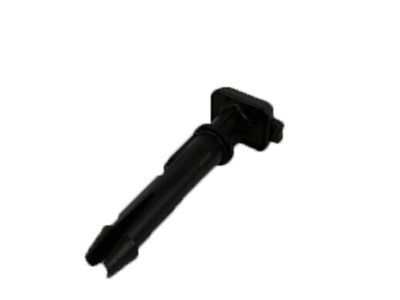 5R3Z-63610A16-AAC
Sleeve - GuideHeadrest Guide- Part Notes: 2006-10, Driver Side, Master, Black;2006-10, Passenser Side, Master, Black
- Location: Driver Side;Passenger Side
- 5
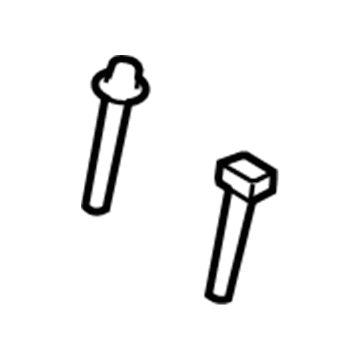 5R3Z-63610A18-AAB
Retainer - Headrest PadHeadrest Guide- Part Notes: 2006-10, Driver Side, Slave, Camel;2006-10, Passenser Side, Slave, Camel
- Location: Driver Side;Passenger Side
- 55R3Z-63610A16-AAB
Sleeve - GuideHeadrest Guide- Part Notes: 2006-10, Driver Side, Master, Camel;2006-10, Passenser Side, Master, Camel
- Location: Driver Side;Passenger Side
MSRP: $17.55 Your Price: $12.37 - 5
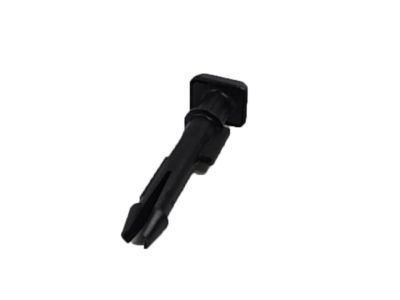
 5R3Z-63610A18-AAC
Retainer - Headrest PadHeadrest Guide- Part Notes: 2006-10, Driver Side, Slave, Black;2006-10, Passenser Side, Slave, Black
- Location: Driver Side;Passenger Side
- 5
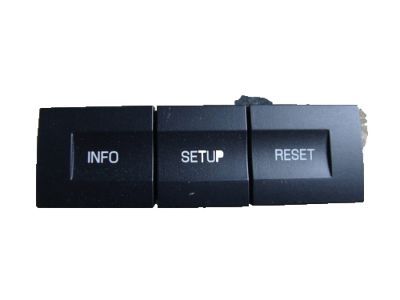
- 6
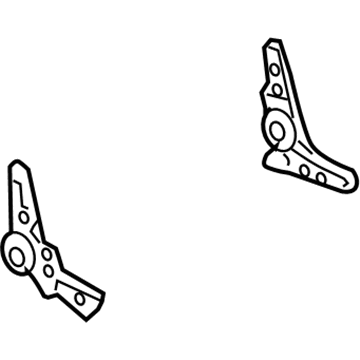 7L2Z-7861018-A
Frame Assembly - SeatSeat Back Adjust- Part Notes: 2006-10, Passenser Side, Inner
- Location: Passenger Side
- 6
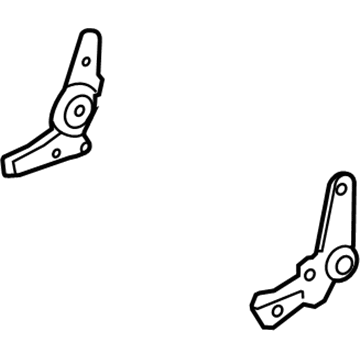 7L2Z-7861019-A
Frame Assembly - SeatSeat Back Adjust- Part Notes: 2006-10, Driver Side, Inner
- Location: Driver Side
- 6
- 7
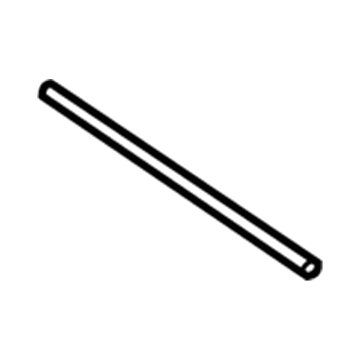 6L2Z-7862714-AA
Rod - Latch OperatingSeat Back Adjust Rod- Part Notes: 2006-10, Driver Side, With 6 Way Seat;2006-10, Passenser Side
- Location: Driver Side;Passenger Side
- 76L2Z-7862714-BA
Rod - Latch OperatingSeat Back Adjust Rod- Part Notes: 2006-10, Driver Side, With 10 Way Seat
- Location: Driver Side
MSRP: $9.99 Your Price: $7.221
- 7
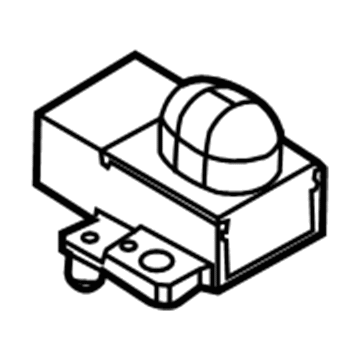
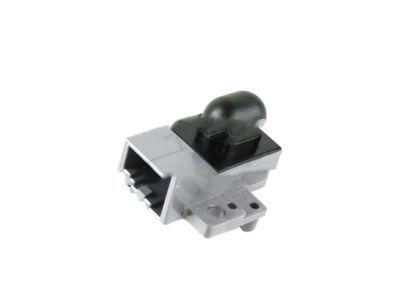
- 8
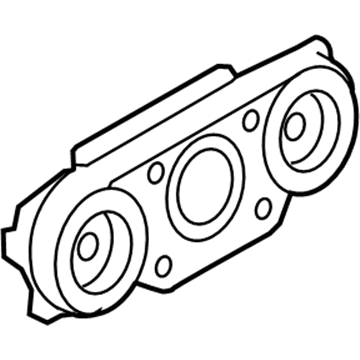
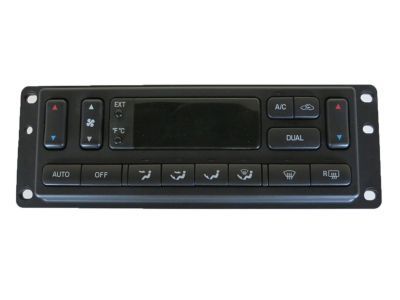
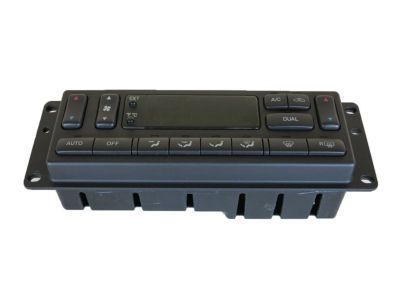
- 8
- 8
 7L2Z-14D696-A
ElementSeat Back Heater- Part Notes: 2006-10, Driver Side;2006-10, Passenser Side
- Location: Driver Side;Passenger Side
- 9

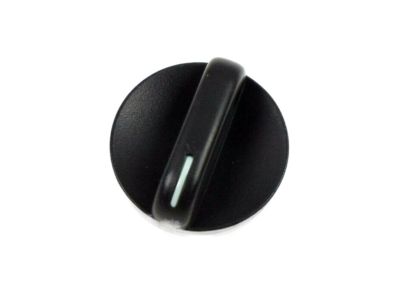
 MSRP: $28.86 Your Price: $21.201
- 9
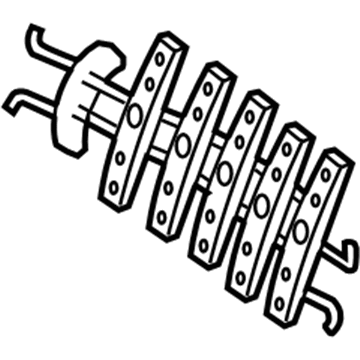 7L2Z-7865500-A
AdjusterLumbar Support- Part Notes: 2006-10, Driver Side, Without Power;2006-10, Passenser Side, Without Power
- Location: Driver Side;Passenger Side
MSRP: $40.82 Your Price: $30.001 - 99L2Z-7865500-C
AdjusterLumbar Support- Part Notes: 2006-10, Driver Side, With Power
- Location: Driver Side
- 10
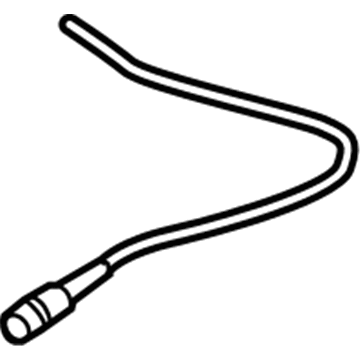 6L2Z-78610C00-AA
Actuator AssemblyActuator Cable- Part Notes: 2006-10, Passenser Side
- Location: Passenger Side
- 10
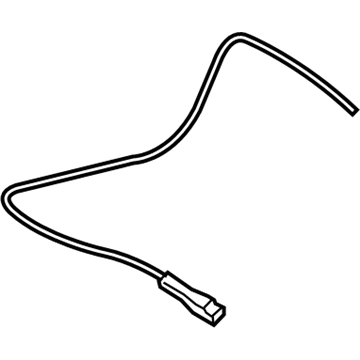 6L2Z-78610C01-AA
Actuator AssemblyActuator Cable- Part Notes: 2006-10, Driver Side
- Location: Driver Side
- 10
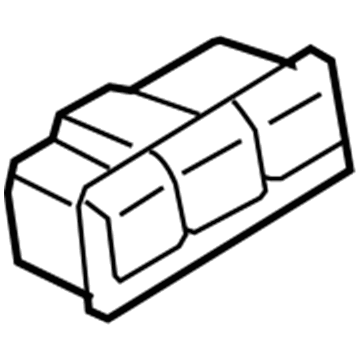
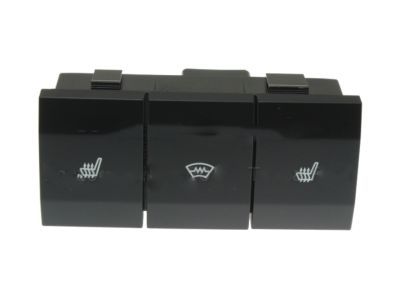
- 11
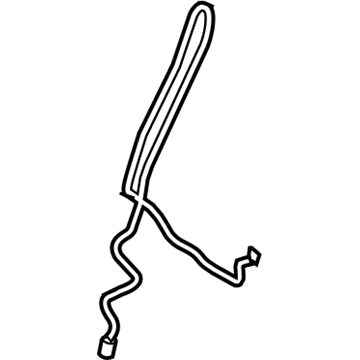 7L2Z-14C719-BA
Wire Assembly - Motor Seat AdjusterHarness- Part Notes: 2006-10, Driver Side, With Manual Seat
- Location: Driver Side
MSRP: $41.06 Your Price: $29.681 - 117L2Z-14C719-CA
Wire Assembly - Motor Seat AdjusterHarness- Part Notes: 2006-10, Driver Side, With 6 Way Seat
- Location: Driver Side
MSRP: $54.53 Your Price: $39.421 - 117L2Z-14C719-JA
Wire Assembly - Seat Back ControlHarness- Part Notes: 2006-10, Driver Side, With 10 Way Seat
- Location: Driver Side
MSRP: $9.19 Your Price: $6.641
- 11

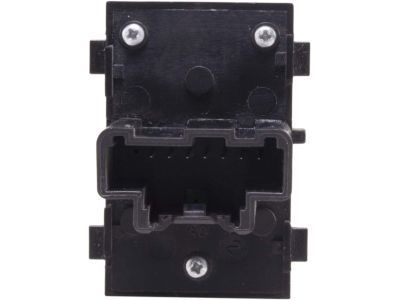
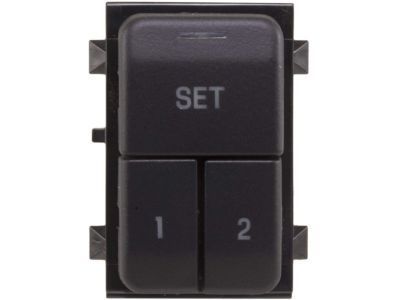
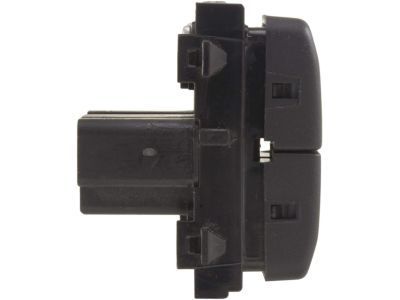
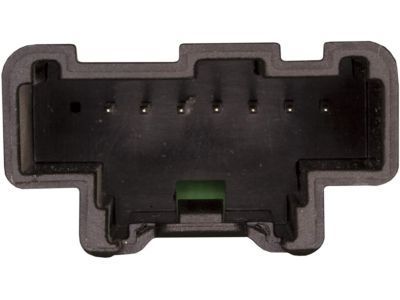 MSRP: $67.16 Your Price: $48.551
- 11
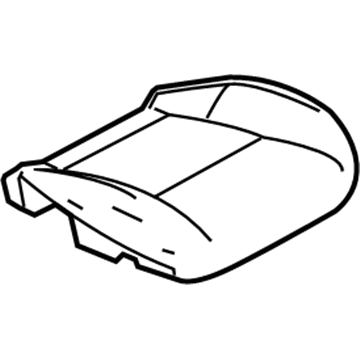 7L9Z-7862900-AA
Cover Assembly - Seat CushionSeat Cover- Part Notes: 2006-10, Passenser Side, Luxury Package, Black
- Location: Passenger Side
- 118L9Z-7862900-AA
Cover Assembly - Seat CushionSeat Cover- Part Notes: 2006-10, Passenser Side, Premier Package, Camel
- Location: Passenger Side
- 118L9Z-7862900-BB
Cover Assembly - Seat CushionSeat Cover- Part Notes: 2006-10, Passenser Side, Premier Package, Black
- Location: Passenger Side
- 118L9Z-7862900-CA
Cover Assembly - Seat CushionSeat Cover- Part Notes: 2006-10, Passenser Side, Luxury Package, Camel
- Location: Passenger Side
- 12
- 12
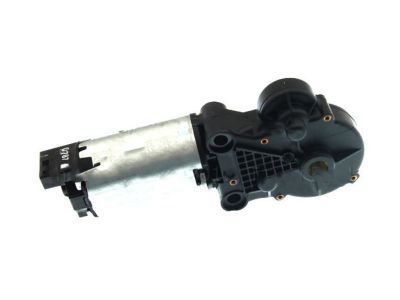 6L2Z-14547-AA
Motor Assembly - Seat AdjusterRecline Motor- Part Notes: 2006-10, Driver Side, Without Memory
- Location: Driver Side
- 126L2Z-14547-BA
Motor Assembly - Seat AdjusterRecline Motor- Part Notes: 2006-10, Driver Side, With Memory
- Location: Driver Side
- 12
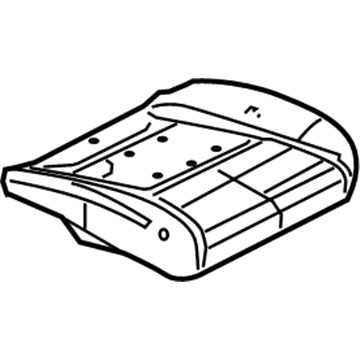
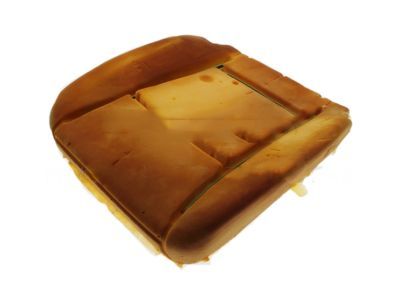
- 13
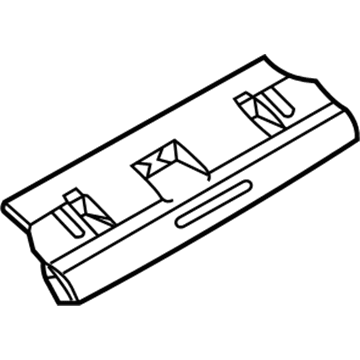
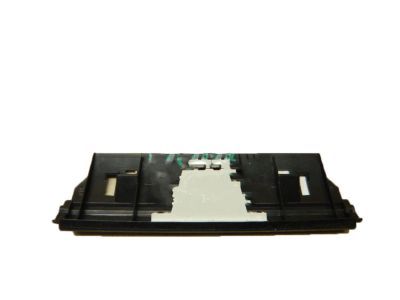
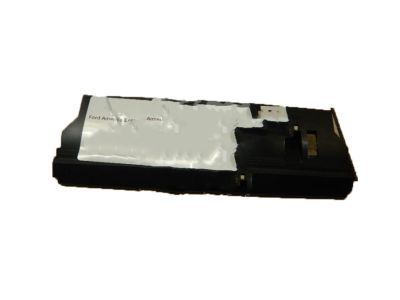
- 13
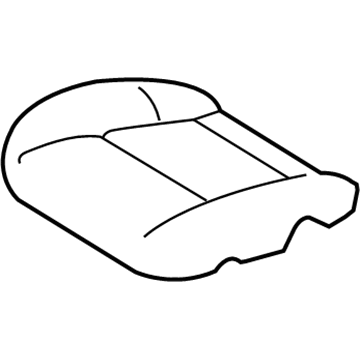 8L2Z-7862901-BA
Cover Assembly - Seat CushionSeat Cover- Part Notes: 2006-10, Driver Side, With Convenience Package, Camel
- Location: Driver Side
- 138L2Z-7862901-BB
Cover Assembly - Seat CushionSeat Cover- Part Notes: 2006-10, Driver Side, With Luxury Package, Black
- Location: Driver Side
- 138L9Z-7862901-BA
Cover Assembly - Seat CushionSeat Cover- Part Notes: 2006-10, Driver Side, With Premier Package, Camel
- Location: Driver Side
- 139L9Z-7862901-AA
Cover Assembly - Seat CushionSeat Cover- Part Notes: 2006-10, Driver Side, With Premier Package, Black
- Location: Driver Side
- 13
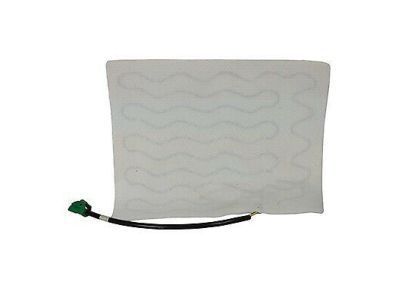 6L2Z-14D696-BA
Element Assembly - HeatingSeat Heater- Part Notes: 2006-10, Passenser Side
- Location: Passenger Side
- 14
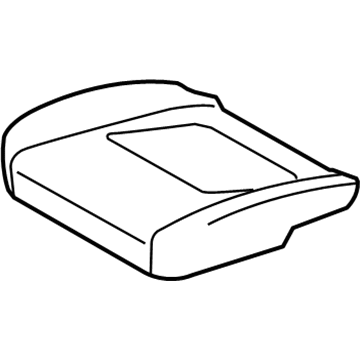
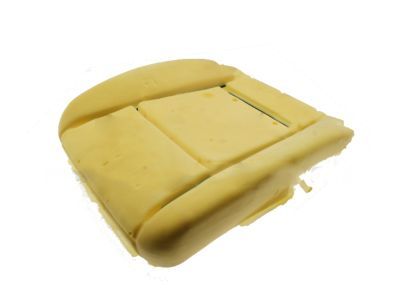 6L2Z-78632A23-AA
Pad - Seat CushionSeat Cushion Pad- Part Notes: 2006-10, Driver Side
- Location: Driver Side
- 14
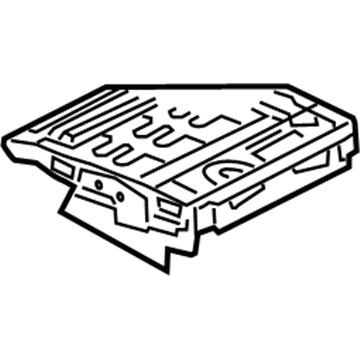 6L2Z-7863100-AC
Frame And Spring - Front Seat CushionSeat Frame- Part Notes: 2006-10, Passenser Side
- Location: Passenger Side
- 14
- 15
- 15
 6L2Z-78044D82-AAE
Cover - Switch OpeningBlank Cover- Part Notes: 2006-10, Upper
- Location: Passenger Side
- 15
 7L2Z-14A699-AA
Wire AssemblyHarness- Part Notes: 2006-10, Passenser Side, Power Seat
- Location: Passenger Side
- 157L2Z-14A699-BA
Wire AssemblyHarness- Part Notes: 2006-10, Passenser Side, Manual Seat
- Location: Passenger Side
- 15
 6L2Z-14D696-BA
Element Assembly - HeatingSeat Heater- Part Notes: 2006-10, Driver Side
- Location: Driver Side
- 16
- 16
- 16
- 16
 6L2Z-7863100-AD
Frame And Spring - Front Seat CushionSeat Frame- Part Notes: 2006-10, Driver Side
- Location: Driver Side
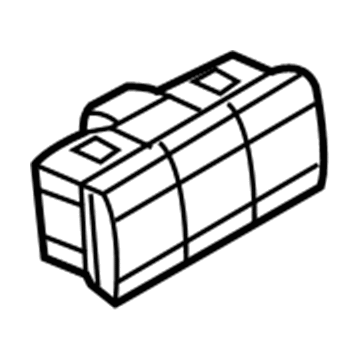 MSRP: $58.66 Your Price: $42.401
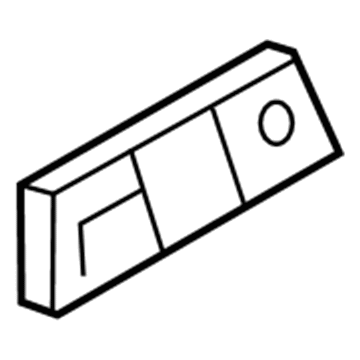 6L2Z-13D730-CAA
Switch AssemblySwitch- Part Notes: Mountaineer; With Heated Windshield; With Temperature Control Seat
MSRP: $12.97 Your Price: $9.371
OEM 2009 Mercury Mountaineer Parts for Heated Seats
Genuine OEM 2009 Mercury Mountaineer parts are made using the original design, the high standards, in the Mercury official factories, and all of these ensure that they always fit perfectly and easily. FordPartsDeal.com is a trusted source for finding these authentic OEM Heated Seats parts at very competitive prices. Our professional team is here to help you choose the right 2009 Mercury Mountaineer Seat Cushion, Seat Switch, and our fast delivery options ensure that your parts are always delivered quickly.
Seat Switch Installation and Repair Tips for 2009 Mercury Mountaineer
- Q:How to service and repair the power seat switch on 2009 Mercury Mountaineer?A:To service the power seat switch, set the gear selector to neutral. Remove the console trim ring and screws, then detach the console finish panel. Separate the instrument panel finish panels, disconnect the electrical connector, and remove the memory set switch. Reverse the steps for installation.