FordParts
My Garage
My Account
Cart
Seat Components
2005 Ford Thunderbird Seat Covers, Seat Cushion
Currently shopping for
2005 Ford Thunderbird
Change VehicleVehicle Options
8 Cyl 3.9 L GASVehicle Options
8 Cyl 3.9 L GASCategories Close X
Currently selected
Body & Hardware
- Bumper & Components - Front
- Bumper & Components - Rear
- Cluster & Switches
- Console
- Convertible Top
- Cowl
- Dash Panel Components
- Door
- Ducts
- Exterior Moldings
- Fender & Components
- Floor
- Frame & Components - Convertible Top
- Glass - Windshield
- Glove Box
- Hinge Pillar
- Hood & Components
- Instrument Panel
- Lock & Hardware
- Mirrors
- Motor & Components
- Quarter Panel & Components
- Radiator Support
- Rear Body & Floor
- Rear Upper Body
- Rocker Panel
- Seat Belt
- Seat Components
- Sound System
- Structural Components & Rails
- Top & Components
- Top Cover & Components
- Trunk
- Trunk Lid & Components
- Wiper & Washer Components
Other Categories
A/C & Heating
Air & Fuel Delivery
Belts & Cooling
Brakes
Charging & Starting
Driveline & Axles
Electrical
Emission Control & Exhaust
Engine
Headlights & Lighting
Interior & Exterior Trim
Maintenance & Lubrication
Steering
Suspension
Transmission
Categories Close X
How to use OE catalog
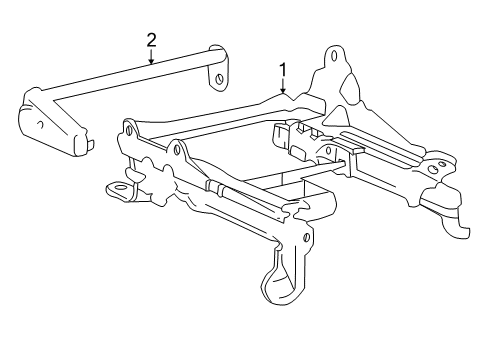
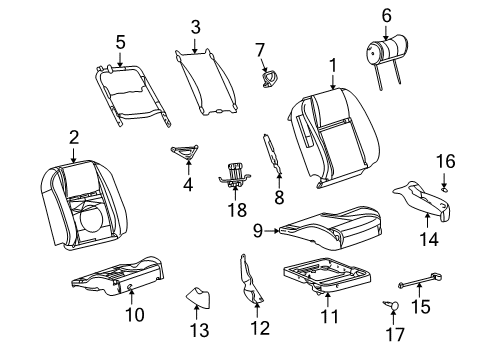
Diagram (1 of 1): Seats & Tracks - Seat Components
Sort by:
Ref No.
Ref No.
Part No. & Part Description
Price & Qty.
Part No. &
Part Description
Part Description
- 1
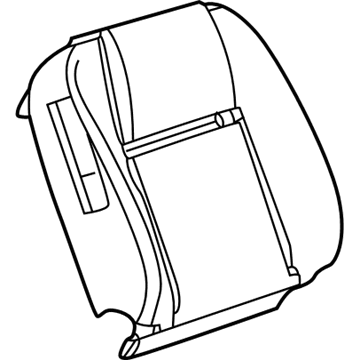
- 15W6Z-7664416-AAB
Cover Assembly - Seat BackSeat Back Cover- Part Notes: Light Oak
- Location: Passenger Side
- 15W6Z-7664416-BAA
Cover Assembly - Seat BackSeat Back Cover- Part Notes: Colorado Red
- Location: Passenger Side
- 15W6Z-7664416-BAB
Cover Assembly - Seat BackSeat Back Cover- Part Notes: Steel Blue
- Location: Passenger Side
- 15W6Z-7664416-CAA
Cover Assembly - Seat BackSeat Back Cover- Part Notes: 50TH Anniversary
- Location: Passenger Side
- 1
- 1
- 15W6Z-7664417-BAA
Cover Assembly - Seat BackSeat Back Cover- Part Notes: Colorado Red
- Location: Driver Side
- 15W6Z-7664417-BAB
Cover Assembly - Seat BackSeat Back Cover- Part Notes: Steel Blue
- Location: Driver Side
- 15W6Z-7664417-CAA
Cover Assembly - Seat BackSeat Back Cover- Part Notes: 50TH Anniversary
- Location: Driver Side
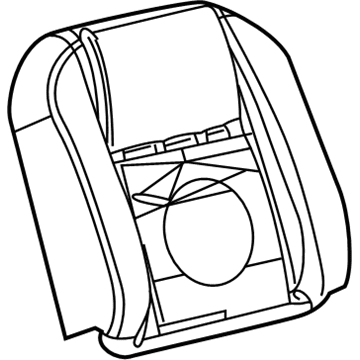
- 2
- 2
- 3
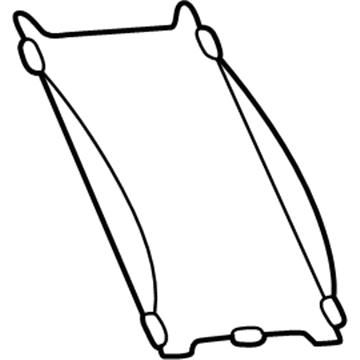
- 4

- 5
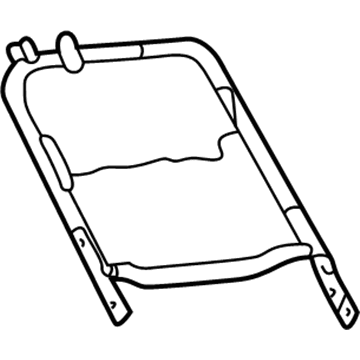
- 5
- 6
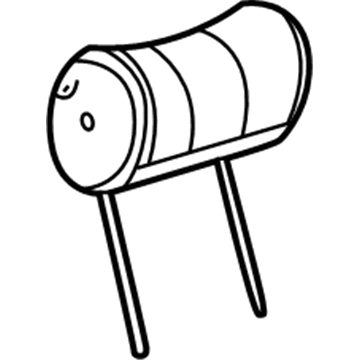
- 6
- 6
- 7
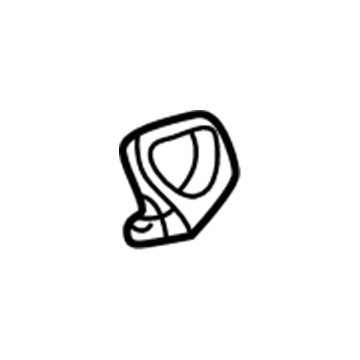
- 9
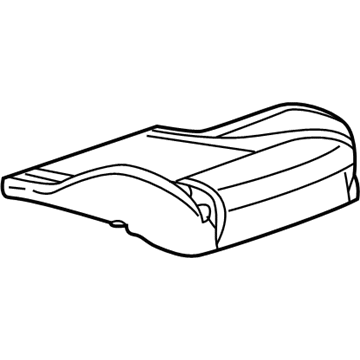
- 94W6Z-7662900-ACB
Cover Assembly - Seat CushionSeat Cover- Part Notes: Light Oak
- Location: Passenger Side
- 94W6Z-7662900-BCA
Cover Assembly - Seat CushionSeat Cover- Part Notes: Colorado Red
- Location: Passenger Side
- 9
- 9
- 94W6Z-7662901-BCA
Cover Assembly - Seat CushionSeat Cover- Part Notes: Colorado Red
- Location: Driver Side
- 95W6Z-7662900-CAA
Cover Assembly - Seat CushionSeat Cover- Part Notes: 50TH Anniversary
- Location: Passenger Side
- 95W6Z-7662901-CAA
Cover Assembly - Seat CushionSeat Cover- Part Notes: 50TH Anniversary
- Location: Driver Side
- 10
- 10
- 11
- 12
- 13
- 13
- 14
- 14
- 14
- 14
- 15
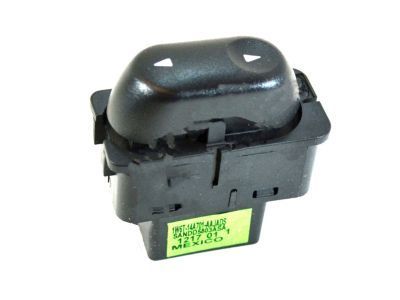 MSRP: $45.45 Your Price: $28.631
 - 15
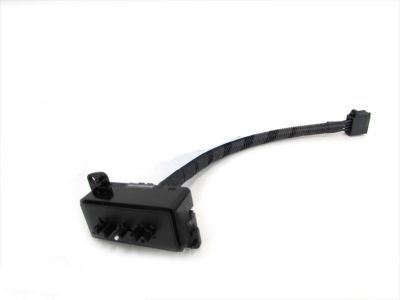
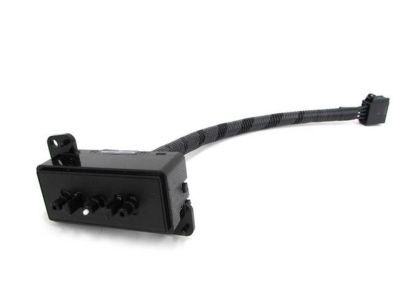
 MSRP: $90.91 Your Price: $55.251
- 16

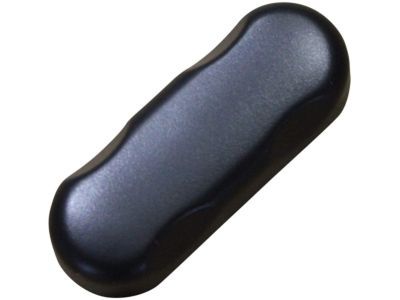
- 18
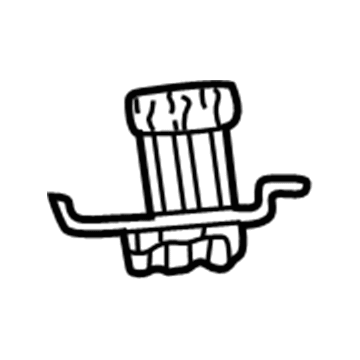 1W6Z-14B720-AA
Wire Assembly - Seat BackWire Harness- Part Notes: Seat Back Control
- Location: Driver Side
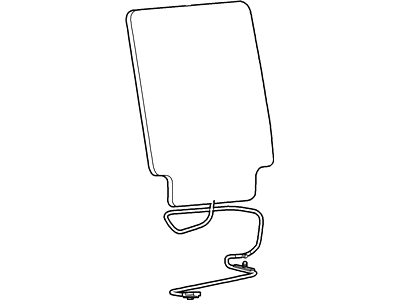
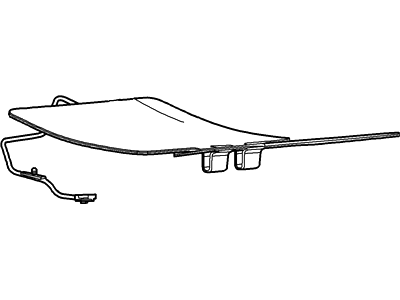 MSRP: $119.33 Your Price: $81.98
- MSRP: $1665.93 Your Price: $1204.231
- 1W6Z-76610C06-AAA
Loop Assy- Part Notes: Midnight Black
- Location: Passenger Side
- Production Date: 06/2001-07/2005
- Callout Name: <610D76
MSRP: $36.24 Your Price: $26.20
OEM 2005 Ford Thunderbird Parts for Seat Components
Genuine OEM 2005 Ford Thunderbird parts are made using the original design, the high standards, in the Ford official factories, and all of these ensure that they always fit perfectly and easily. FordPartsDeal.com is a trusted source for finding these authentic OEM Seat Components parts at very competitive prices. Our professional team is here to help you choose the right 2005 Ford Thunderbird Seat Covers, Seat Cushion, and our fast delivery options ensure that your parts are always delivered quickly.
Seat Covers, Seat Cushion Installation and Repair Tips for 2005 Ford Thunderbird
- Q:How to Safely Service the Front Cushion Seat Covers with an Air Bag Supplemental Restraint System (SRS) on 2005 Ford Thunderbird?A:During the maintenance of the cushion cover of the front seat, wear safety glasses and make sure that SRS is off. Do not poke around air bag connectors and memory savers. Look under the seat, unscrew parts and meticulously remove the cushion trim cover. Reinstallation Re-cycle by turning down the process and re-powering the SRS.
- Q:What precautions should be taken when servicing the front seat cushion to ensure safety and proper functionality on 2005 Ford Thunderbird?A:Wear safety glasses and de-power SRS when servicing the front seat cushion. Make sure that the system is error-free prior to the reimbursement of the vehicle. Disassemble by taking out the front seat, undoing different parts and using particular torque settings to assemble them back. In case of the heated seats, disconnect the heater element. Undo steps to assemble.