FordParts
My Garage
My Account
Cart
Anti-Lock Brakes
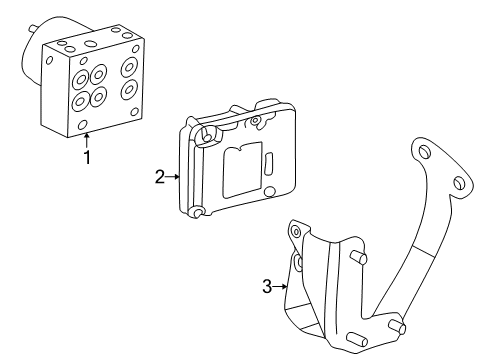
2008 Mercury Mountaineer Brake Controller, ABS Control Module, ABS Sensor, ABS Pump And Motor Assembly
Currently shopping for
2008 Mercury Mountaineer
Change VehicleCategories Close X
Currently selected
Brakes
Other Categories
A/C & Heating
Air & Fuel Delivery
Belts & Cooling
Body & Hardware
Charging & Starting
Driveline & Axles
Electrical
Emission Control & Exhaust
Engine
Headlights & Lighting
Interior & Exterior Trim
Maintenance & Lubrication
Steering
Suspension
Transmission
Categories Close X
How to use OE catalog
3 diagrams found for the vehicle you selected.Select your vehicle options to narrow down results.
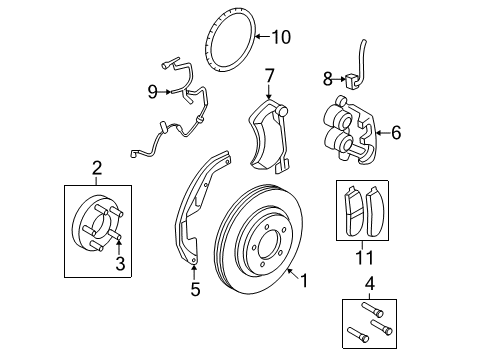
- 1.Front Suspension - Brake Components
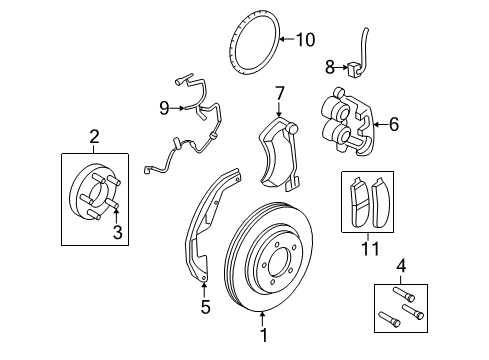
- 2.Front Suspension - Brake Components
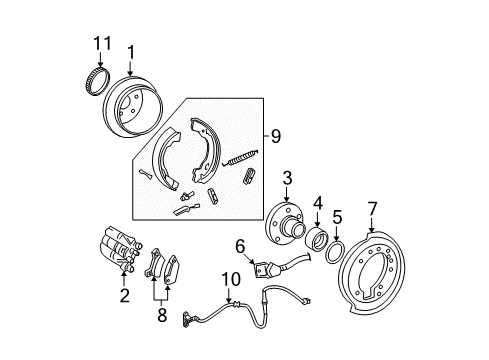
- 3.Rear Suspension - Brake Components
Sort by:
Ref No.
Ref No.
Part No. & Part Description
Price & Qty.
Part No. &
Part Description
Part Description
- 1MSRP: $116.65 Your Price: $80.14
- 1MSRP: $116.65 Your Price: $75.801
- 2

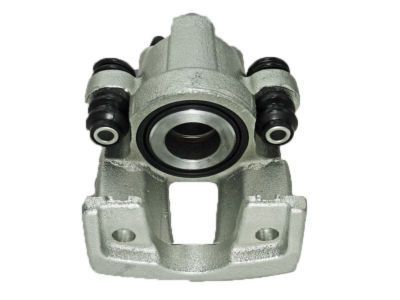
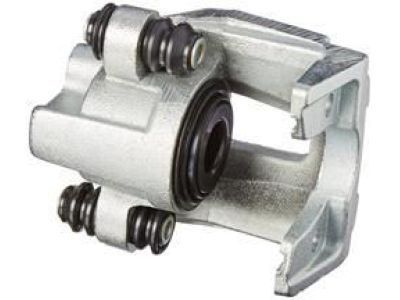
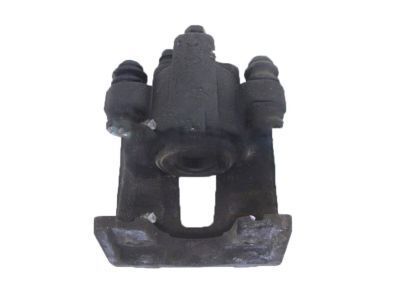
- 2
- 2
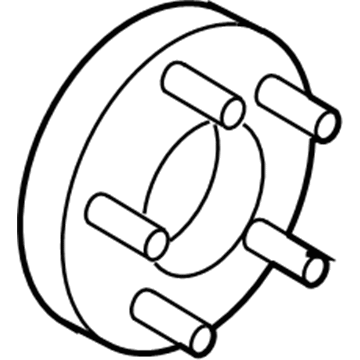
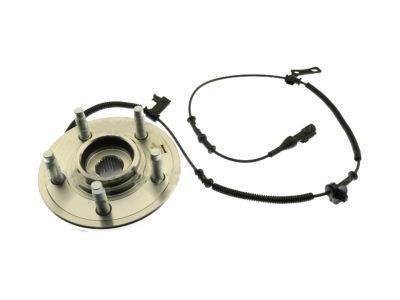 G2MZ-1104-E
Hub Assembly - WheelHub- Part Notes: 2WD, 2006-10;4WD, 2006-10
- Location: Driver Side;Passenger Side
MSRP: $530.00 Your Price: $300.78
- 3
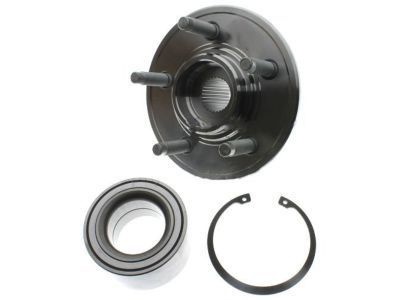 MSRP: $249.80 Your Price: $134.891
- 3
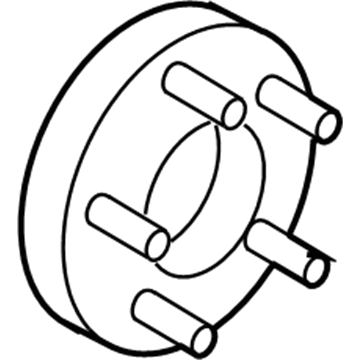
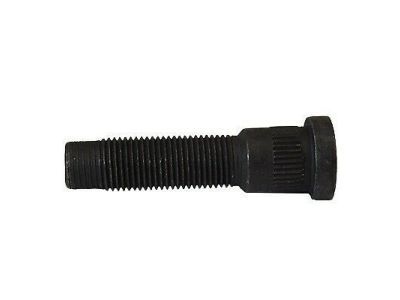
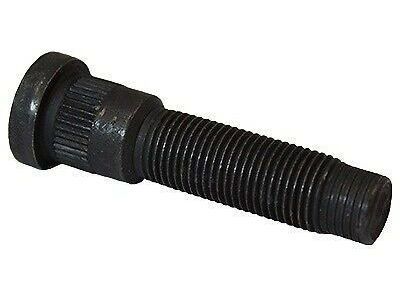
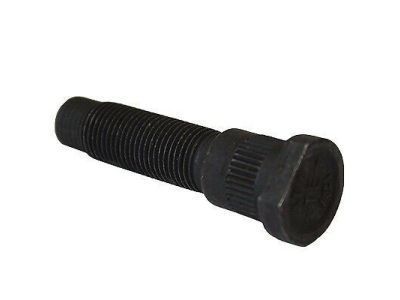 2L2Z-1107-AA
Bolt - WheelWheel Stud- Part Notes: 2WD, 2006-10;4WD, 2006-10
- Location: Driver Side;Passenger Side
MSRP: $7.13 Your Price: $5.031
- 4

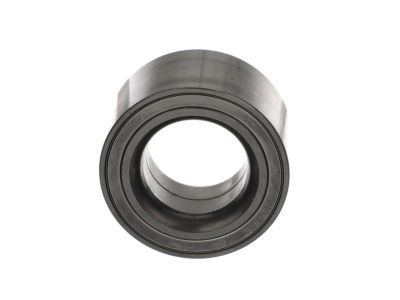
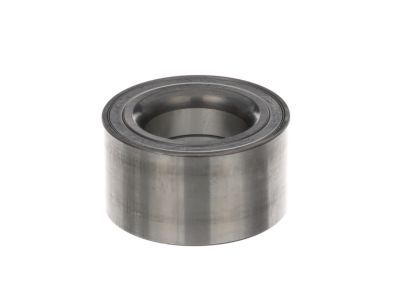
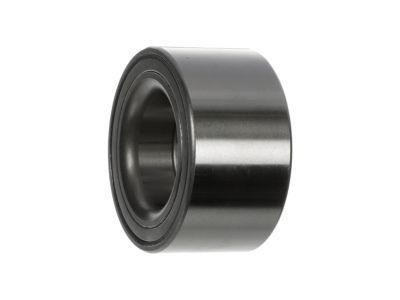
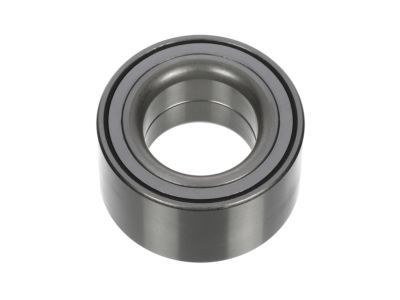 MSRP: $90.73 Your Price: $54.141
- 4
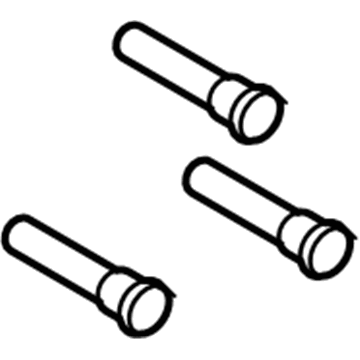
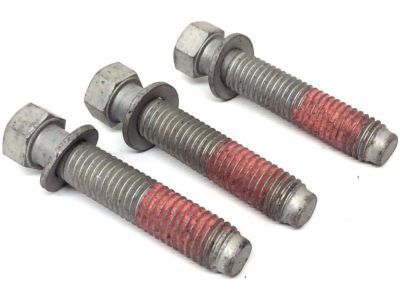
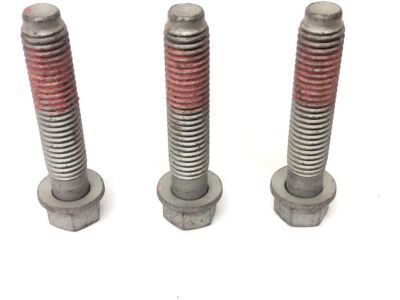
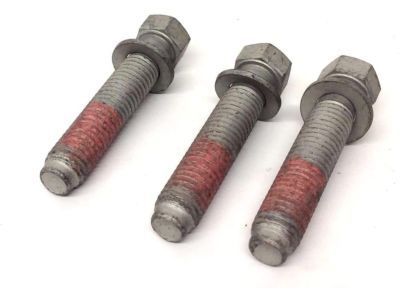
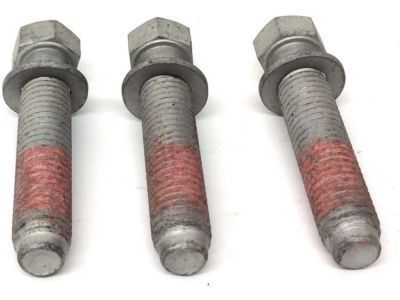 6L2Z-1107-A
Bolt - WheelMount Bolt- Part Notes: 2WD, 2006-10;4WD, 2006-10
- Location: Driver Side;Passenger Side
MSRP: $42.37 Your Price: $29.111
- 5

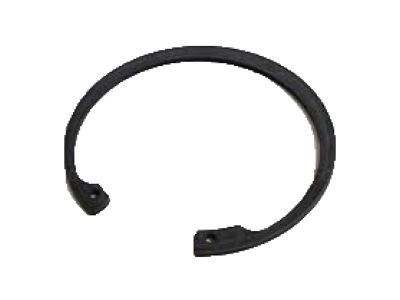 MSRP: $53.68 Your Price: $36.881
- 5
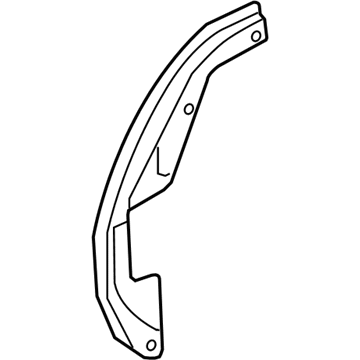
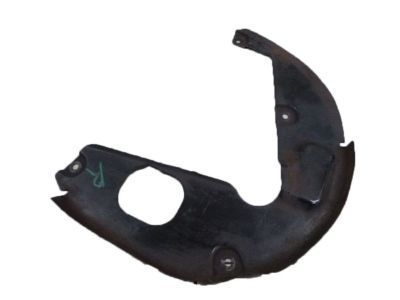
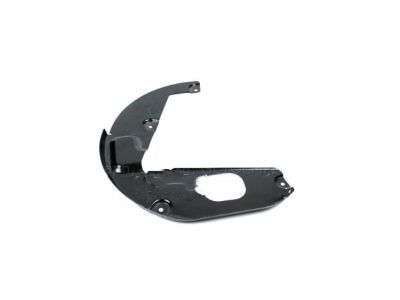
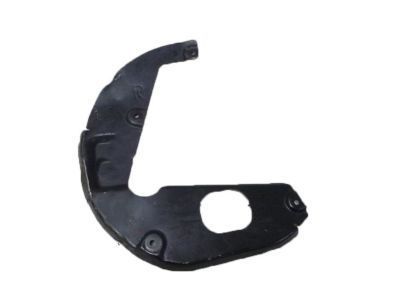
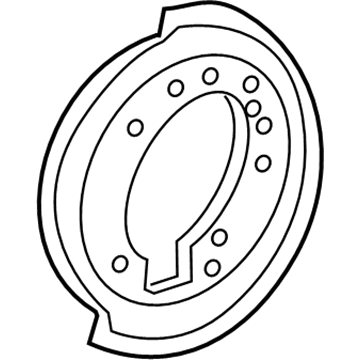
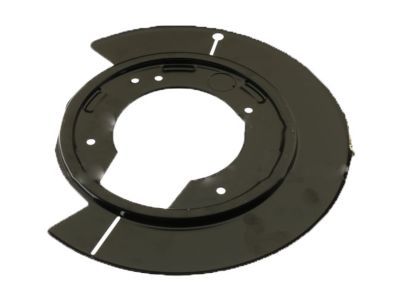
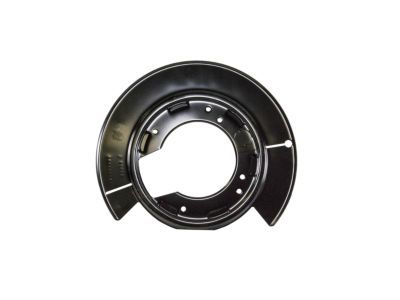
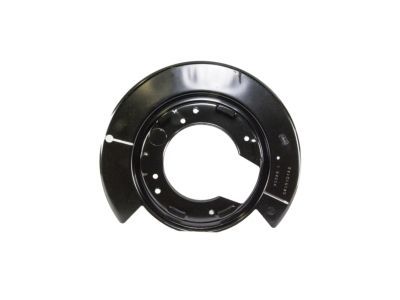
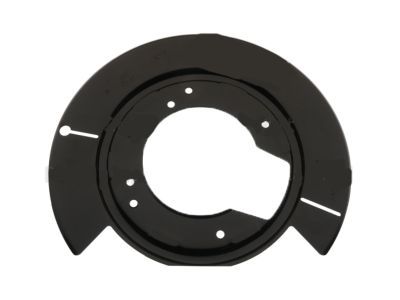
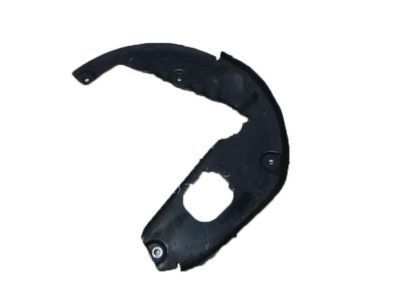 6L2Z-2K004-A
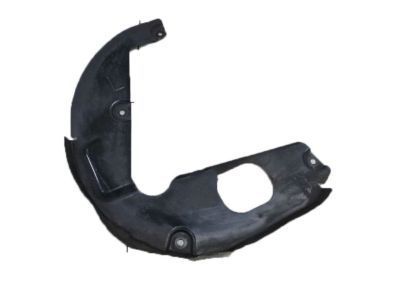
Shield - SplashSplash Shield- Part Notes: 2WD, 2006-10;4WD, 2006-10
- Location: Passenger Side
- 5
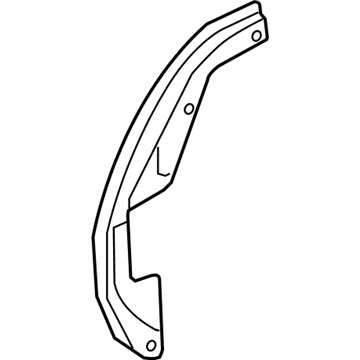
- 6
- 6
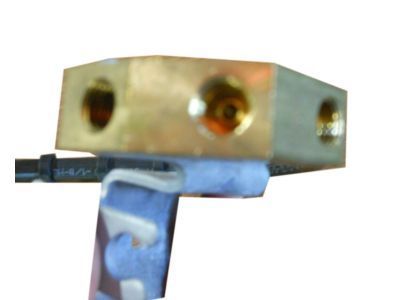
- 6
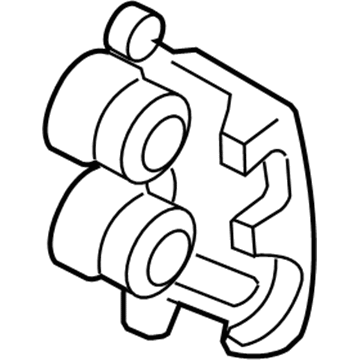
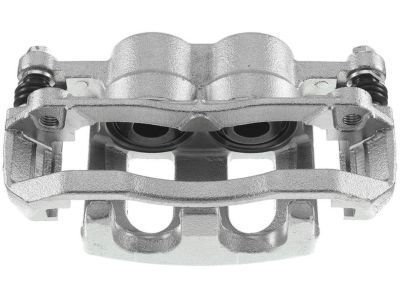
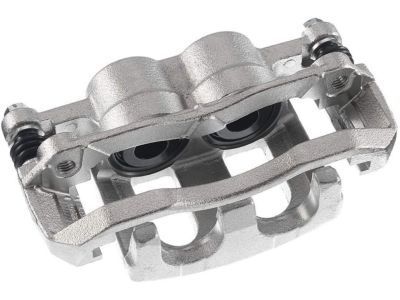
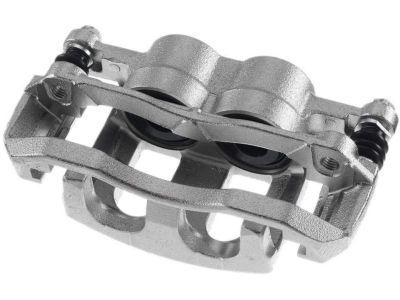
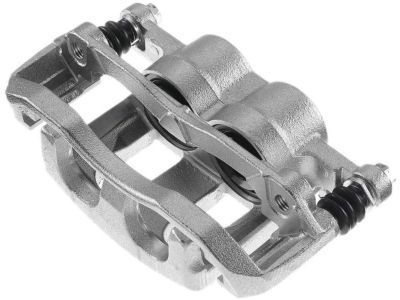 6L2Z-2B120-A
Caliper Assembly - BrakeCaliper- Part Notes: 2WD, 2006-10;4WD, 2006-10
- Location: Passenger Side
- 66L2Z-2B121-A
Caliper Assembly - BrakeCaliper- Part Notes: 2WD, 2006-10;4WD, 2006-10
- Location: Driver Side
- 7
 MSRP: $28.30 Your Price: $18.291
 - 7
 MSRP: $28.30 Your Price: $18.291
- 7
- 7
- 8
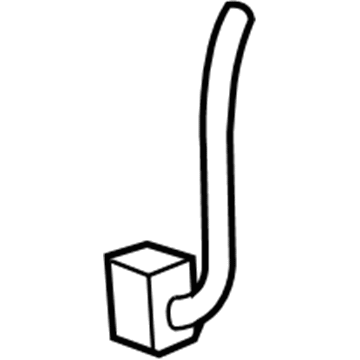
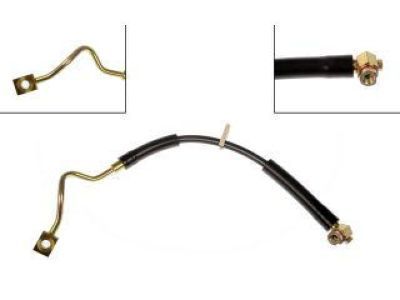
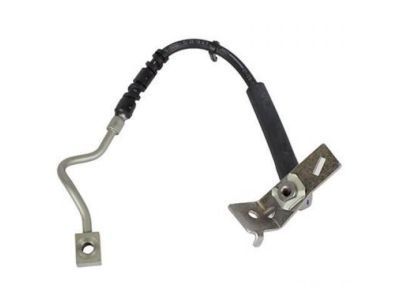
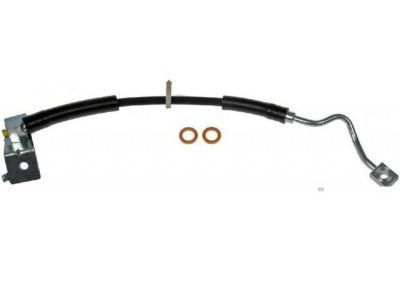 6L2Z-2078-C
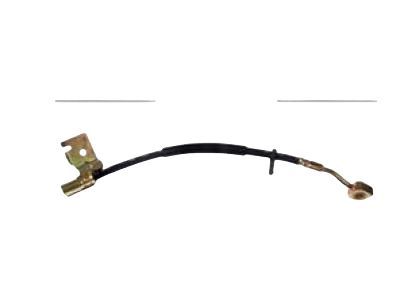
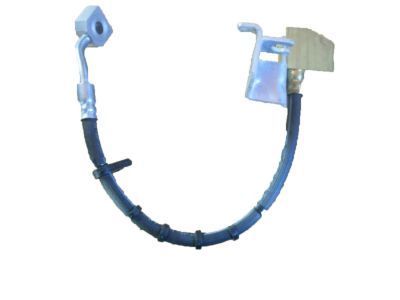
Hose Assembly - BrakeBrake Hose- Part Notes: 2WD, 2006-10;4WD, 2006-10
- Location: Driver Side
- 8
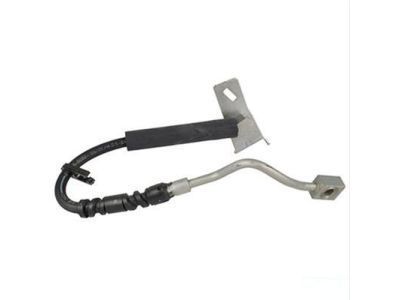 6L2Z-2078-D
Hose Assembly - BrakeBrake Hose- Part Notes: 2WD, 2006-10;4WD, 2006-10
- Location: Passenger Side
- 8
 MSRP: $66.65 Your Price: $45.791
- 9
 7L2Z-2C204-B
Sensor AssemblyABS Sensor- Part Notes: 2WD, 2006-10;4WD, 2006-10
- Location: Driver Side;Passenger Side
MSRP: $82.73 Your Price: $52.10
- 10
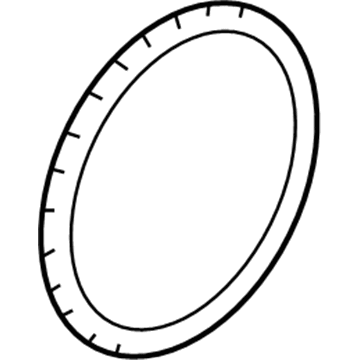
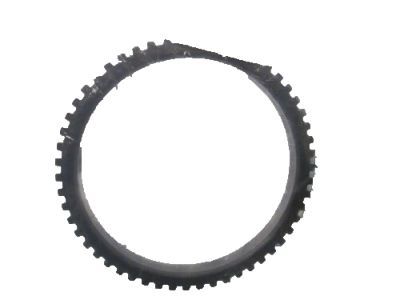 7L2Z-2C182-A
Indicator AssemblySensor Ring- Part Notes: 2WD, 2006-10;4WD, 2006-10
- Location: Driver Side;Passenger Side
MSRP: $25.23 Your Price: $17.341 - 10
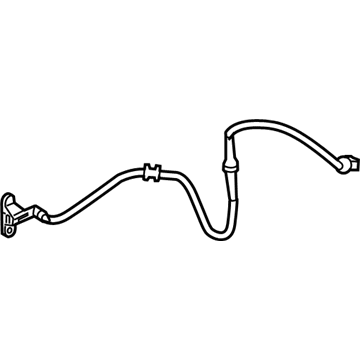
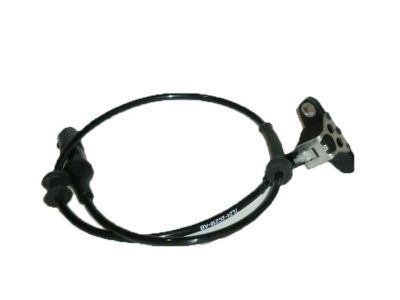 MSRP: $134.91 Your Price: $81.991
 - 10
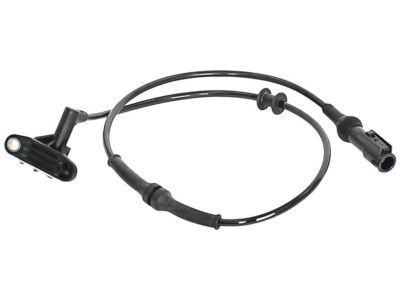 MSRP: $140.91 Your Price: $85.641
- 11
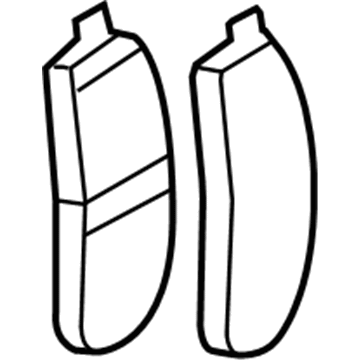 MSRP: $66.65 Your Price: $45.791
- 11
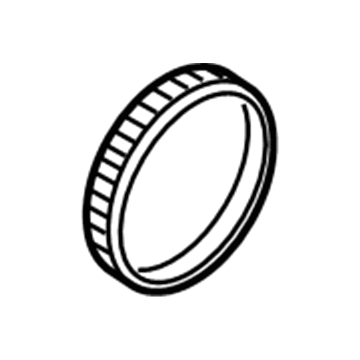 MSRP: $25.23 Your Price: $17.341

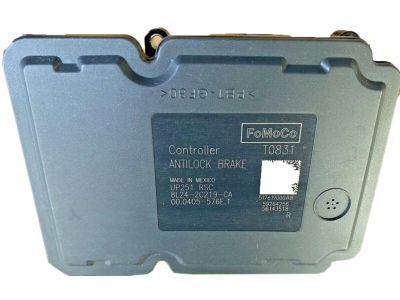
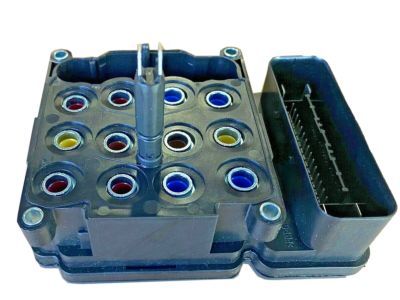
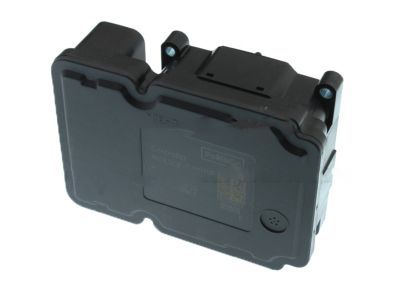
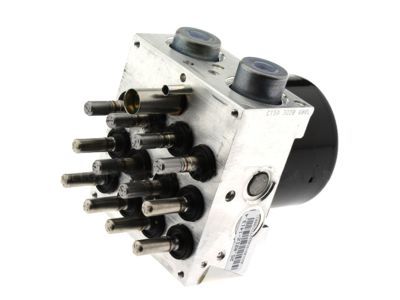 MSRP: $949.38 Your Price: $694.24
OEM 2008 Mercury Mountaineer Parts for Anti-Lock Brakes
Genuine OEM 2008 Mercury Mountaineer parts are made using the original design, the high standards, in the Mercury official factories, and all of these ensure that they always fit perfectly and easily. FordPartsDeal.com is a trusted source for finding these authentic OEM Anti-Lock Brakes parts at very competitive prices. Our professional team is here to help you choose the right 2008 Mercury Mountaineer Brake Controller, ABS Control Module, ABS Sensor, ABS Pump And Motor Assembly, and our fast delivery options ensure that your parts are always delivered quickly.
ABS Control Module, ABS Sensor Installation and Repair Tips for 2008 Mercury Mountaineer
- Q:What are the essential steps and precautions for handling and installing the ABS Control Module on 2008 Mercury Mountaineer?A:The Anti-Lock brake system (ABS) Module is also sensitive to electrical charges and should be handled with care. Installing a new module, set it using the data of the vehicle and undergo the calibration processes. Always seate and tighten the screws on the ABS module to avoid breaking and then reverse the procedure to install it.
- Q:How to service the front ABS sensor on 2008 Mercury Mountaineer?A:Removing the front brake disc, the electrical connector of the ABS sensor and the harness bolt is required to service the front ABS sensor. Removal of the retainers and sensor bolt. Installation of the new sensor should have a tightened bolt. Lastly, place the new components in the reverse order.